Bild bearbeitenMode
Bildbearbeitungs-Prompt für FLUX.2 MaxBookshop two portraits
Ein Bildbearbeitungs-Prompt für FLUX.2 Max: Du lädst ein Bild hoch, und dieser Text sagt, was sich ändern soll.
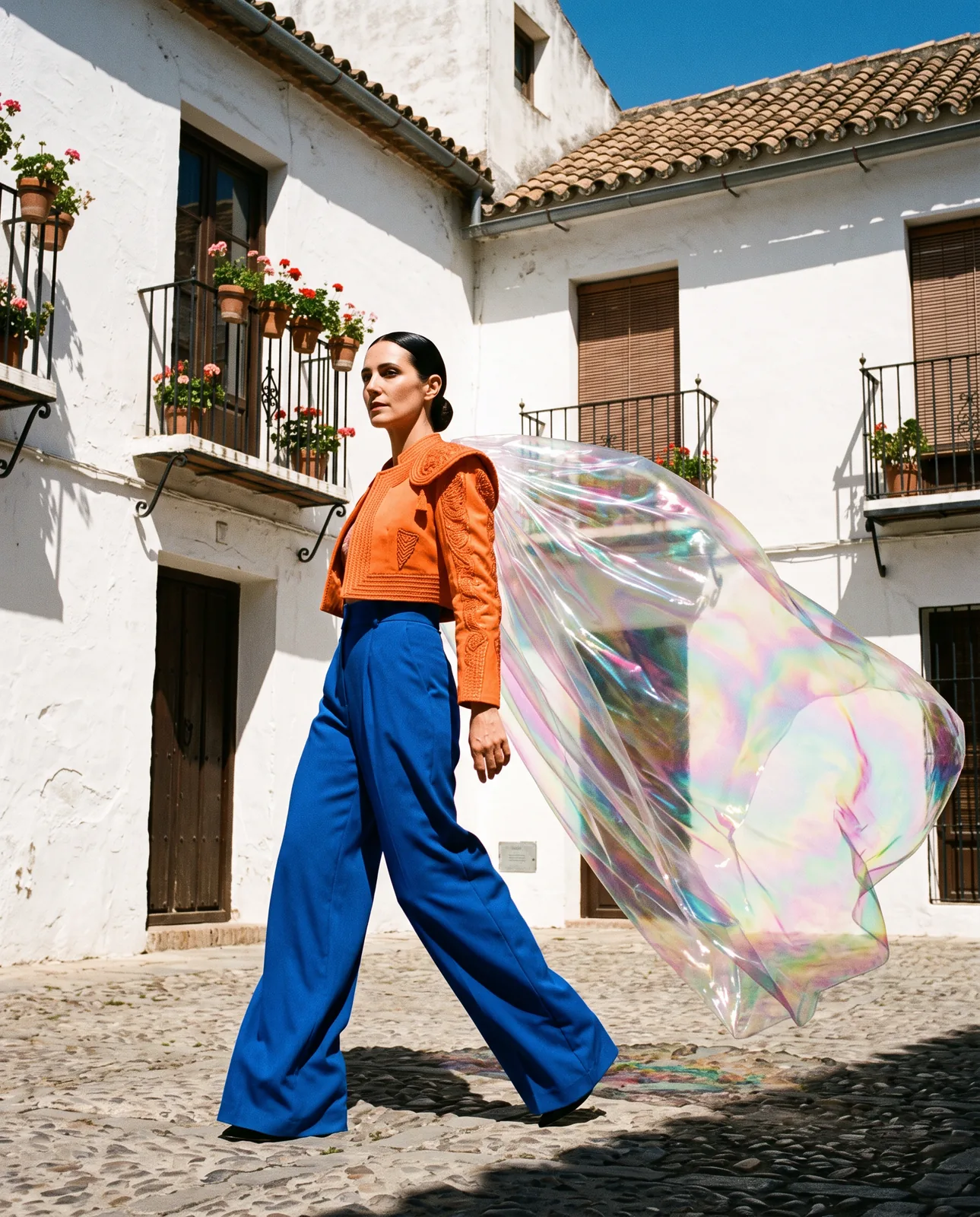
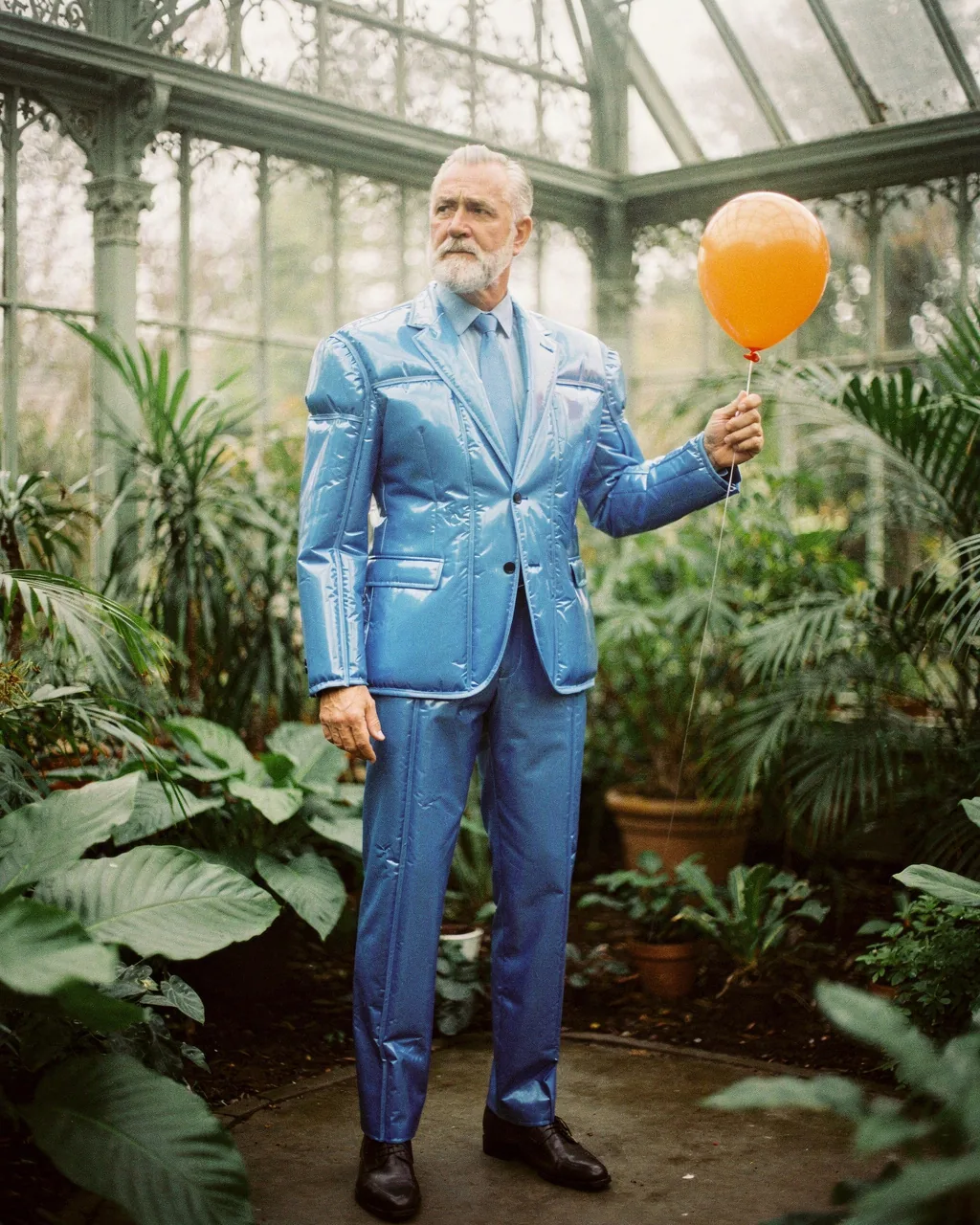
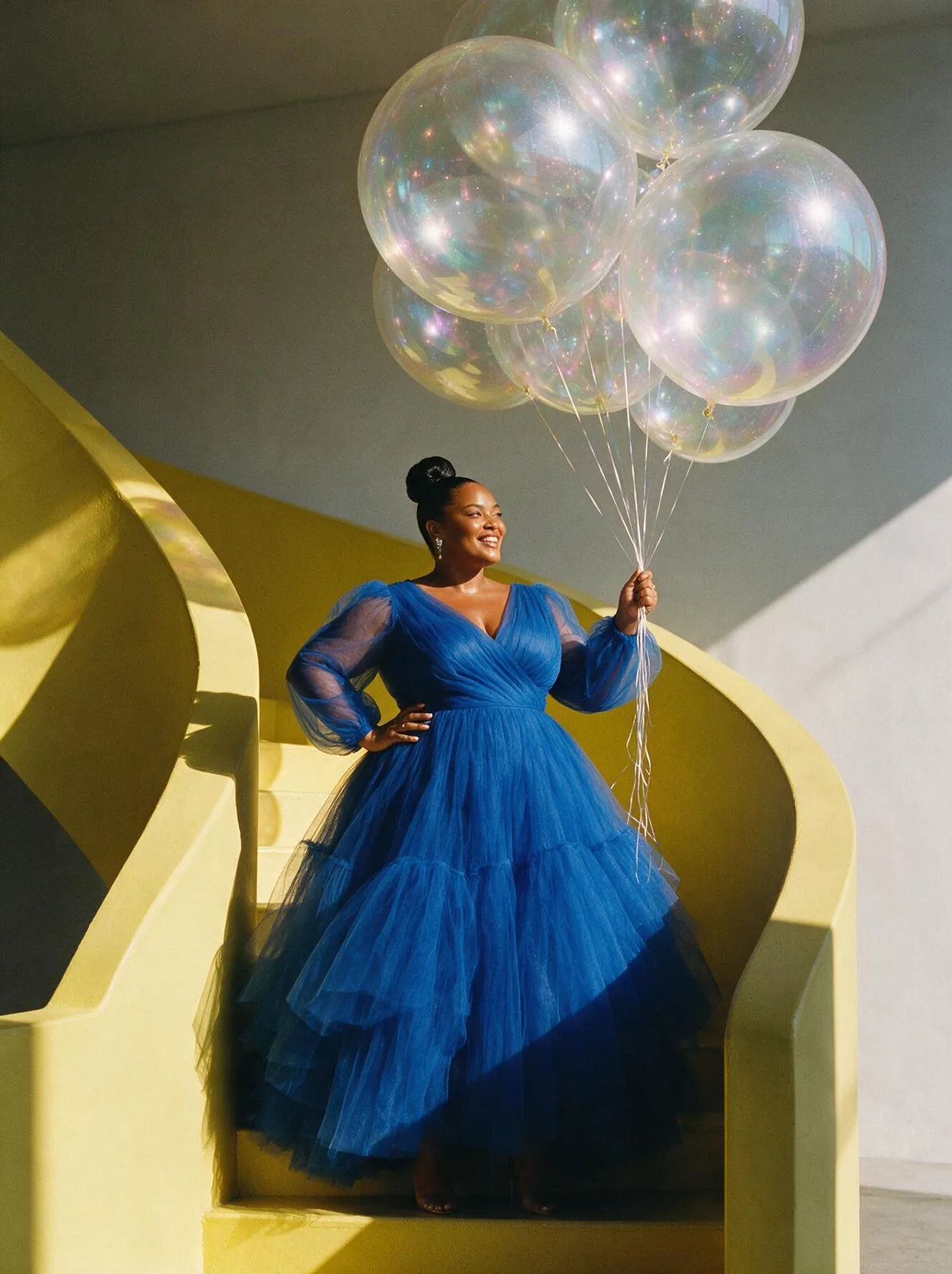
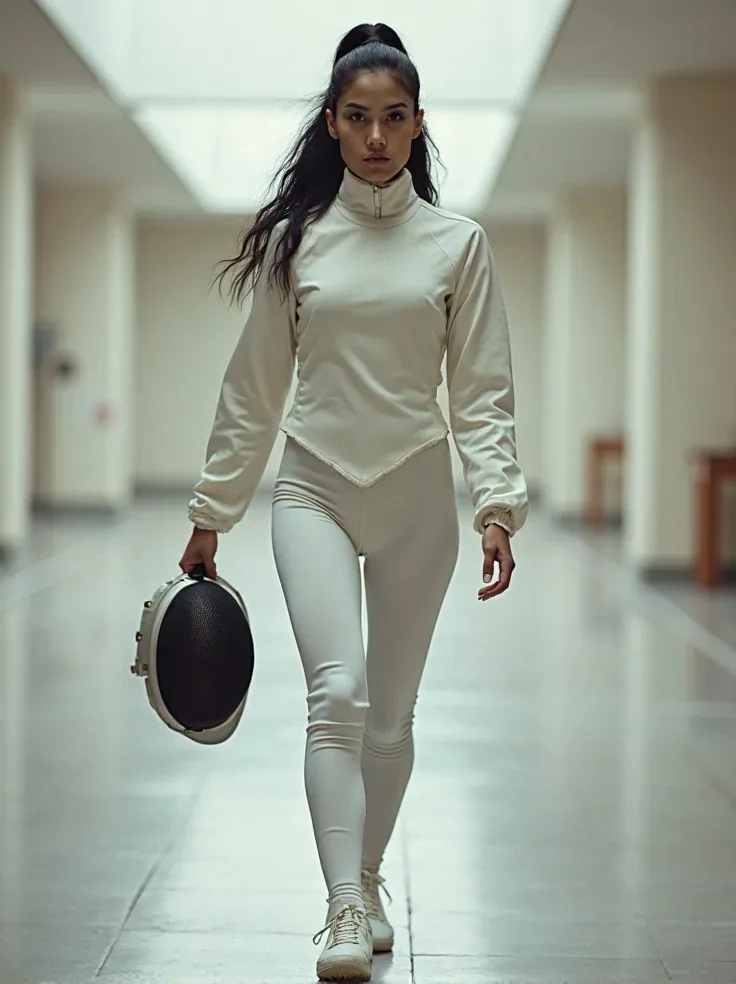
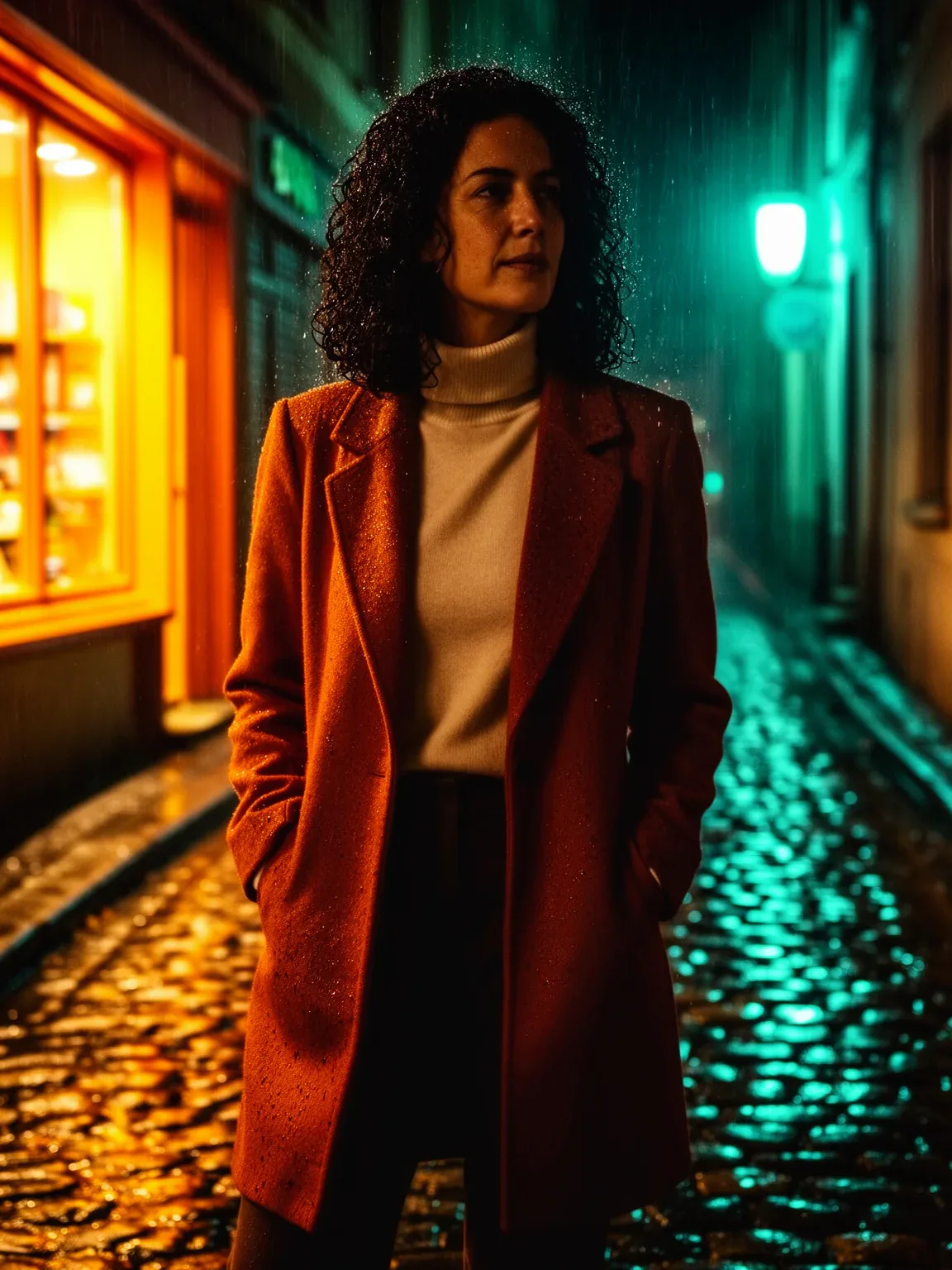
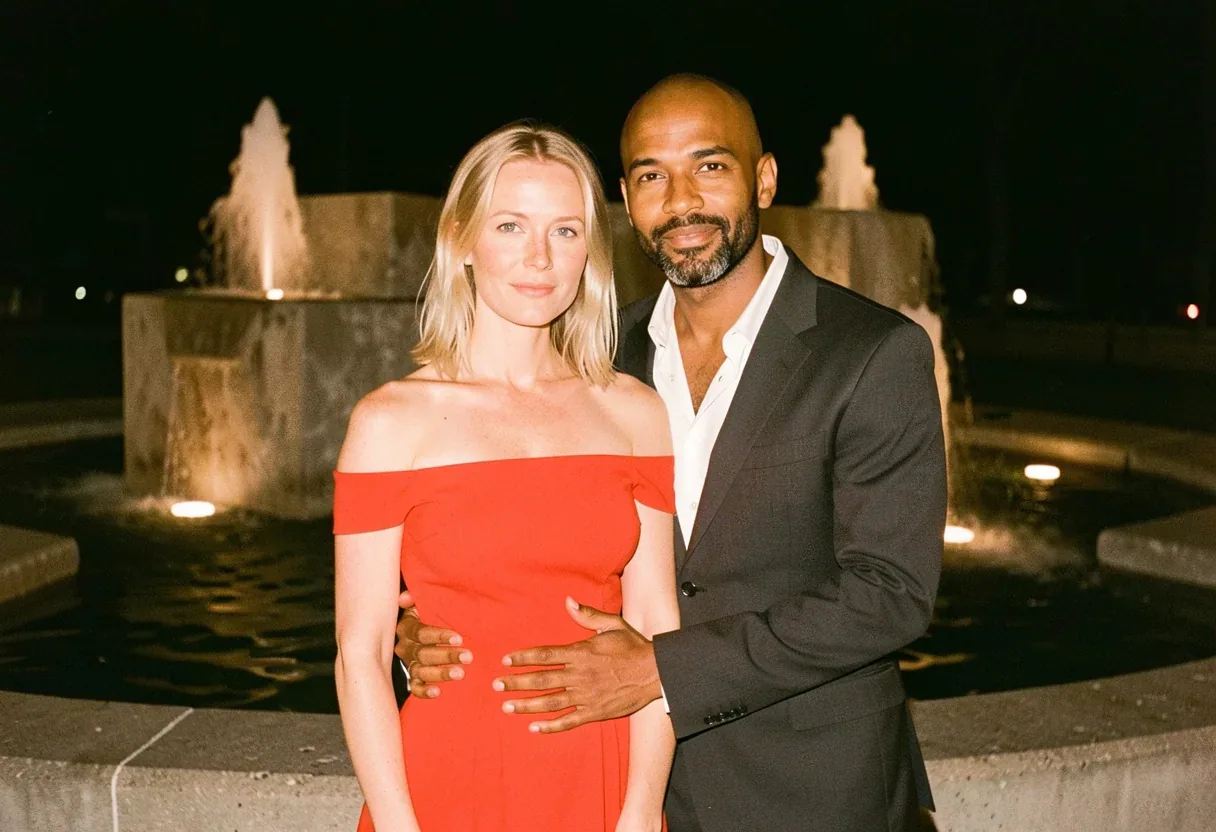
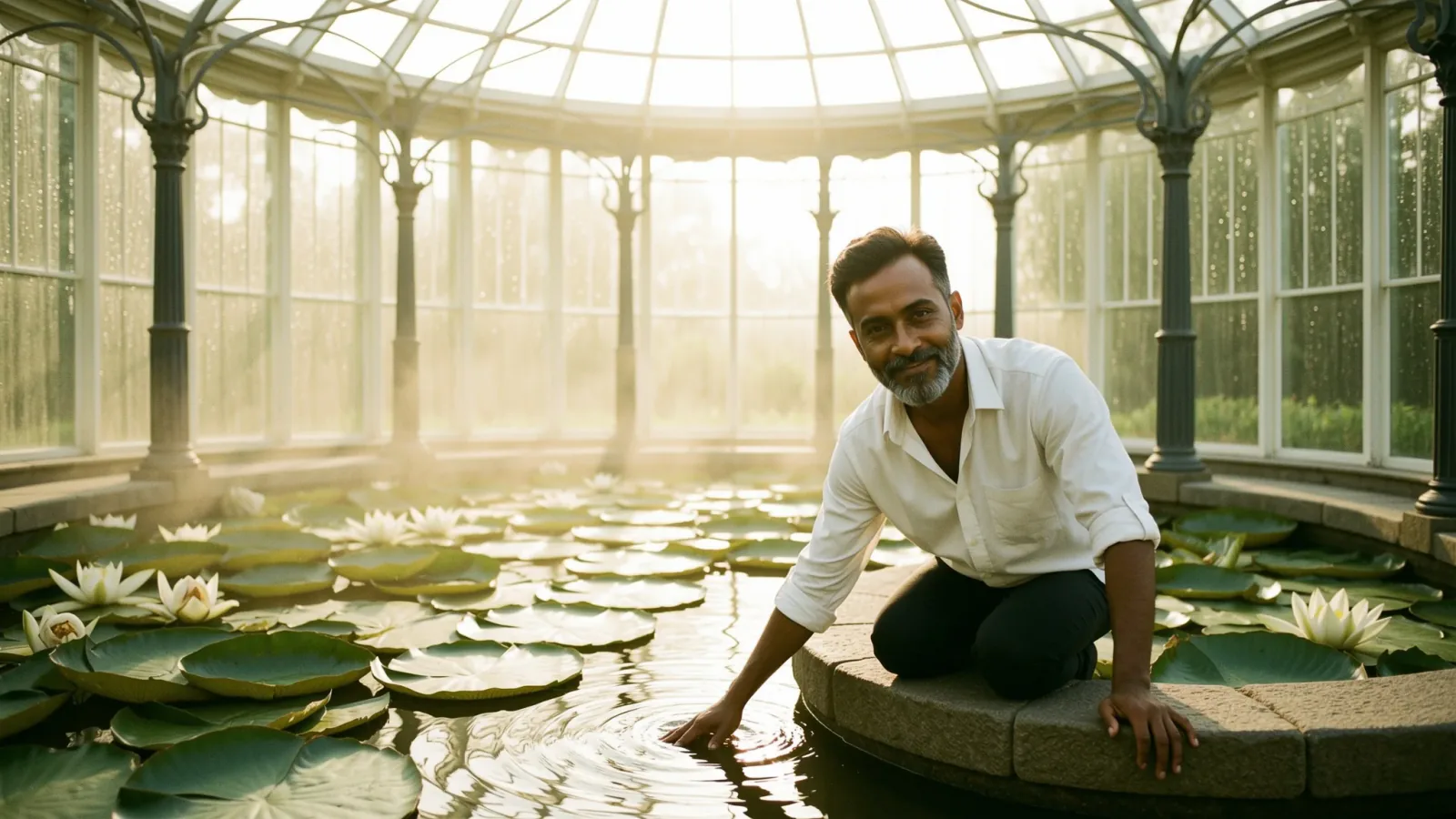
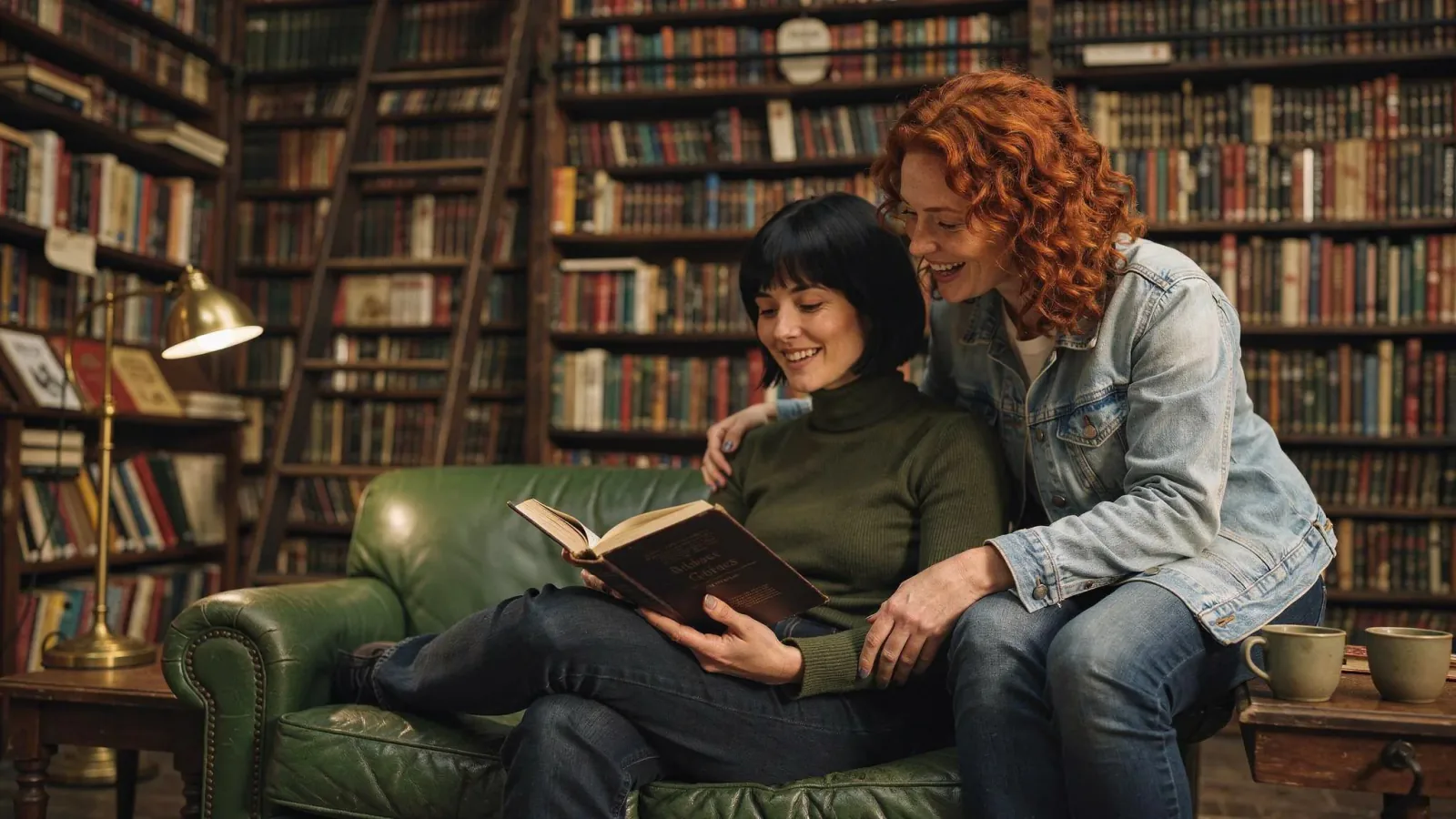
Place the woman from image 1 and the woman from image 2 together in the bookshop from image 3. The woman from image 1 sits on the green leather sofa reading an open hardback book; the woman from image 2 sits on the arm of the sofa beside her, leaning in to read over her shoulder and laughing. Keep both faces, hairstyles and outfits exactly as in their photos. Match the warm lamp light of the bookshop on their faces and clothes, with natural shadows on the sofa. Realistic photograph.
Prompts bleiben auf Englisch, das verstehen diese Modelle am besten. Kopier ihn, wie er ist, oder ändere ein paar Wörter.
Öffnet FLUX.2 Max mit diesem Prompt und den Einstellungen unten. Eigene Bilder dazu, und los geht’s.
Einstellungen
- Modus
- Bild bearbeiten
- Seitenverhältnis
- 16:9
- Auflösung
- 2k
- Eingabebilder
- Deine eigenen Bilder
- Preis
- Ab 11 Credits
Den genauen Preis siehst du vor dem Generieren.
So wird es deine Version
- Dieser Prompt bearbeitet ein Bild, das du hochlädst. Beschreib nur, was sich ändern soll, und sag, was gleich bleiben muss.
image 1
verweist der Reihe nach auf deine hochgeladenen Bilder. Lass diese Marken stehen und tausch nur die Bilder.- Für eine andere Stimmung schreib nur das Licht um:
with natural shadows on the sofa
.



 Seedream 5.0 ProNachmachen