


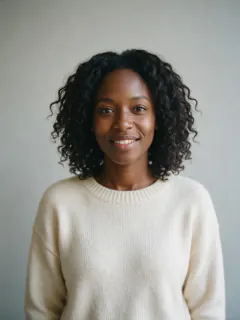
KI-Videoeffekt · Pop
Im Trend im Oktober 2026
Pop-Effekt: Kaugummiballon mit überraschender Verwandlung
Blas dich auf wie Kaugummi, platz in einer Konfettiwolke und tauch als jemand Neues wieder auf.
1Wähl, was nach dem Plopp kommt
2Foto hinzufügen
- Halbtotale oder Ganzkörper funktioniert am besten
- Ein schlichter Hintergrund lässt die Verwandlung knallen
- Schau in die Kamera, dann bleibst du erkennbar
Mehr OptionenMiniMax H3
ca. 1 Min.
Mehr zum Ausprobieren
Alle Effekte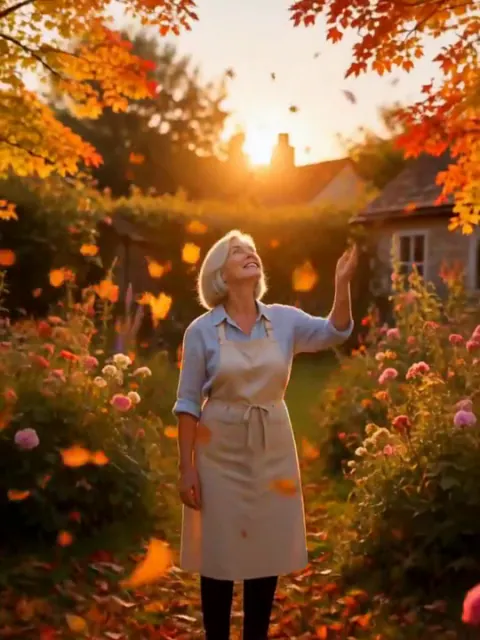 Herbst-WendeEine Windböe färbt alles golden und rot, Blätter wirbeln um dich herum.AusprobierenNachmachen
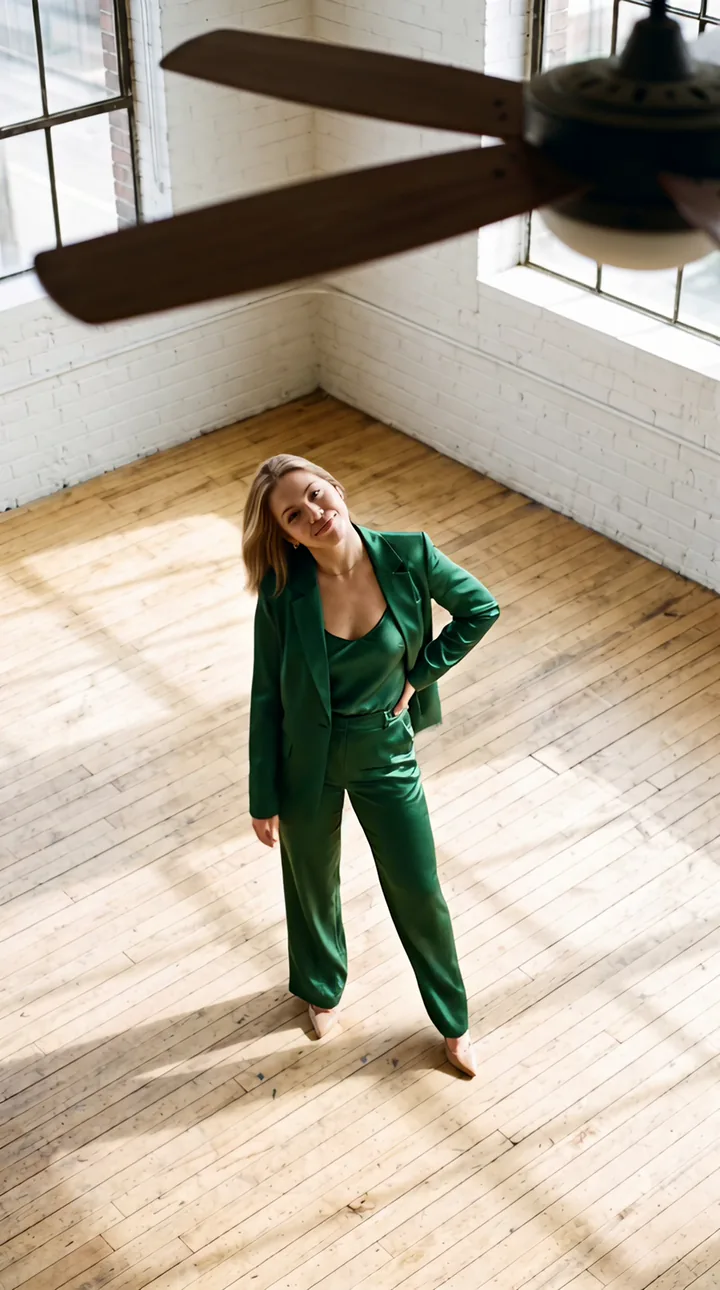 Ventilator-OutfitwechselDreh dich einmal unter dem Deckenventilator – und wenn ein Flügel vorbeiwischt, stehst du in einem ganz neuen Outfit da.AusprobierenNachmachen
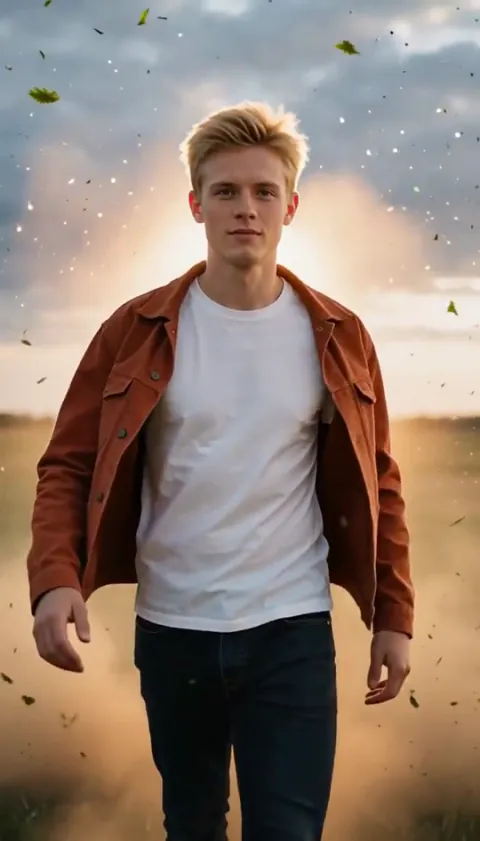 Slow-Mo-HeldenauftrittEin Heldenauftritt in Zeitlupe, Staub und Funken schweben in der Luft.AusprobierenNachmachen
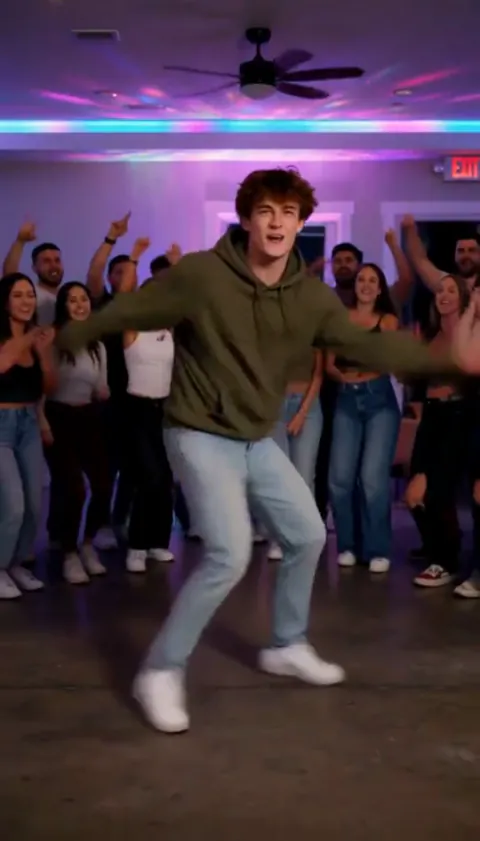 Party-FreestyleDu legst einen wilden Freestyle hin, während die Hausparty jubelt.AusprobierenNachmachen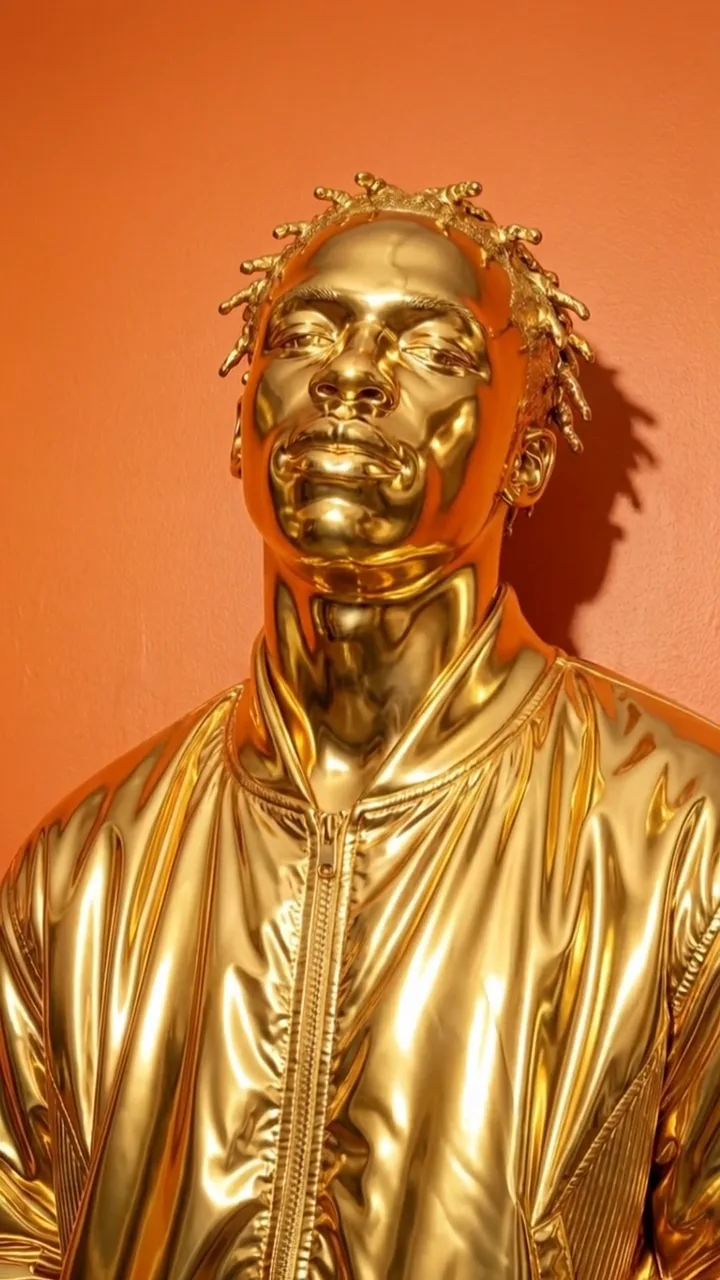
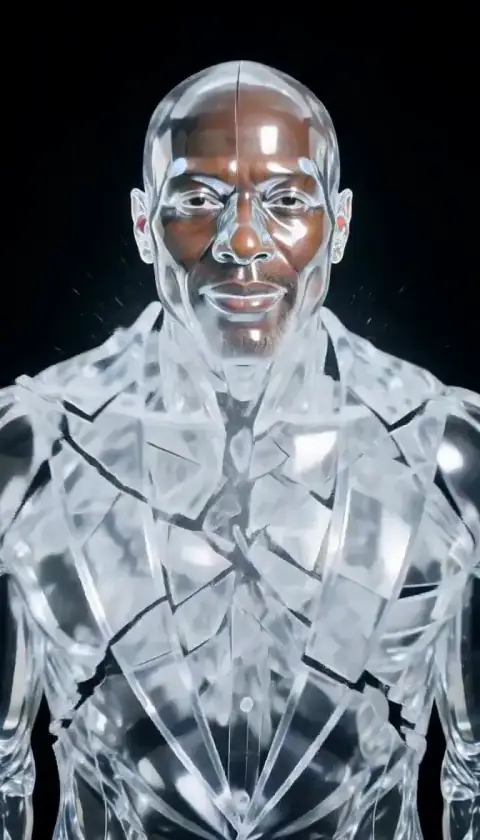
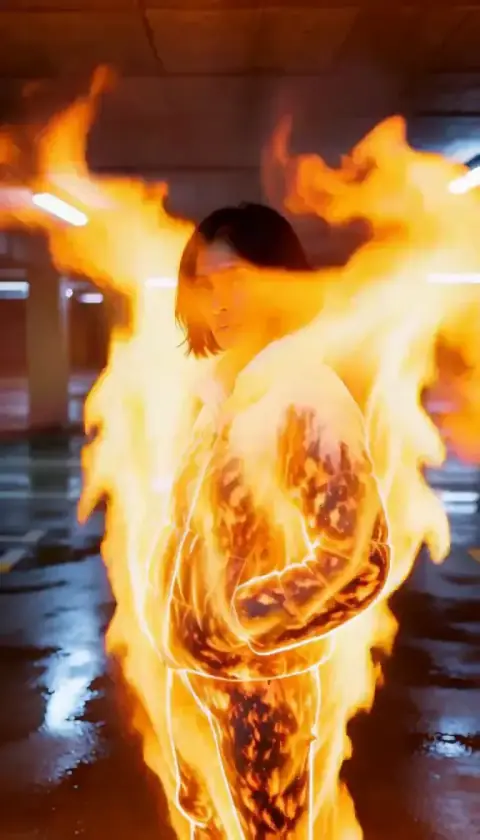 GlutgestaltFlammen schießen hoch zu einer leuchtenden Feuerfigur. Ruhig, unversehrt.AusprobierenNachmachen
Was der Effekt Pop macht
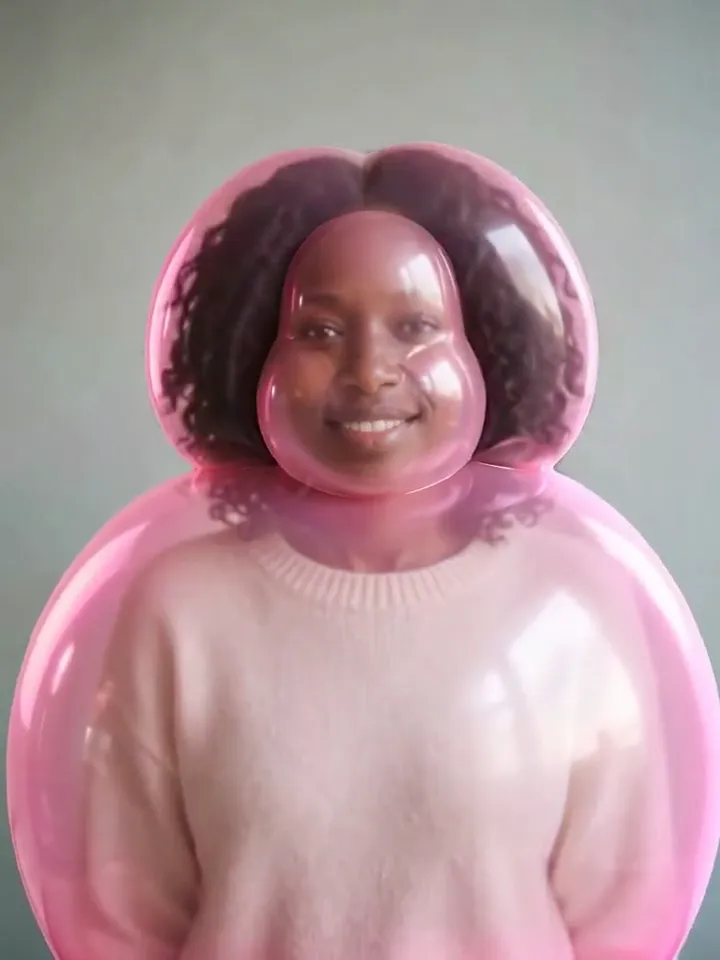
Pop ist der typische PopNow-Fotoeffekt. Die Person, das Haustier oder der Gegenstand auf deinem Foto bläht sich langsam zum glänzenden rosa Kaugummiballon auf, wackelt und platzt mit einem Plopp in bildfüllendes bonbonfarbenes Konfetti. Dahinter erscheint die Verwandlung: Astronaut, massive Goldstatue, Anime-Figur, Neon-Nachtlook, königliches Ölgemälde, Superheld, Filmplakatheld oder Knetfigur. Du erhältst ein etwa neun Sekunden langes Hochkantvideo mit fertigem Plopp-Sound.
Hinter dem Button stecken vier KI-Aufträge und ein Schnitt. Nano Banana 2.1 zeichnet gleichzeitig zwei Bilder aus deinem Foto: deine Ballonversion und den gewählten fertigen Look. MiniMax H3 erzeugt dann parallel zwei kurze Clips – das Aufblähen vom Foto zum Ballon und das Platzen vom Ballon zum neuen Look. Unser Server verbindet beide Clips und legt den Plopp-Sound genau auf den Moment, in dem der Ballon platzt. Das passende Einzelbild erkennt er daran, wie stark sich zwei aufeinanderfolgende Bilder unterscheiden.
Warum Pop gerade angesagt ist
Weiche Aufblasclips, in denen Freunde, Haustiere oder Tassen wie Ballons anschwellen, gehörten 2026 zu den meistgeteilten KI-Fototricks. Pop startete im Oktober 2026 bei PopNow und ergänzt die zwei fehlenden Momente: das Platzen und die Enthüllung. So endet das Video mit einer Überraschung statt einem Ballon. Nach diesem Plopp ist auch unser Maskottchen Poppie benannt.
So nutzt du Pop
- Ein Foto hinzufügen Lade ein klares Foto der Person, des Haustiers oder des Objekts hoch, das im Pop-Clip vorkommen soll.
- Standardmodell behalten oder wechseln MiniMax H3 ist voreingestellt; in der Liste siehst du jedes andere Modell mit Preis, bevor etwas startet.
- Auf „In Bewegung bringen“ tippen Der Clip ist meist in etwa 3 Min. fertig. Lade ihn herunter oder schick ihn an ein anderes Tool.
Welche Fotos sich für Pop eignen
Gut geeignet
- Ein klares Motiv: eine Person, ein Haustier oder ein einzelner Gegenstand
- Kopf-Schulter- oder Taillenausschnitt mit Platz für den wachsenden Ballon
- Brillen, Bärte und kräftige Haarfarben, die durch die rosa Geleehülle sichtbar bleiben
- Seitenprofile: Die Enthüllung behält dieselbe Pose
- Haustiere, die stillsitzen und in die Kamera schauen
Lieber nicht
- Gruppenfotos; der Effekt ist für ein Motiv gebaut
- Winzige Figuren in weiten Landschaftsaufnahmen
- Hinter Handy, Maske oder tiefem Schatten verborgene Gesichter
- Sehr dunkle oder unscharfe Fotos
Beispiele für Pop
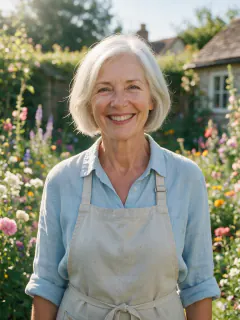
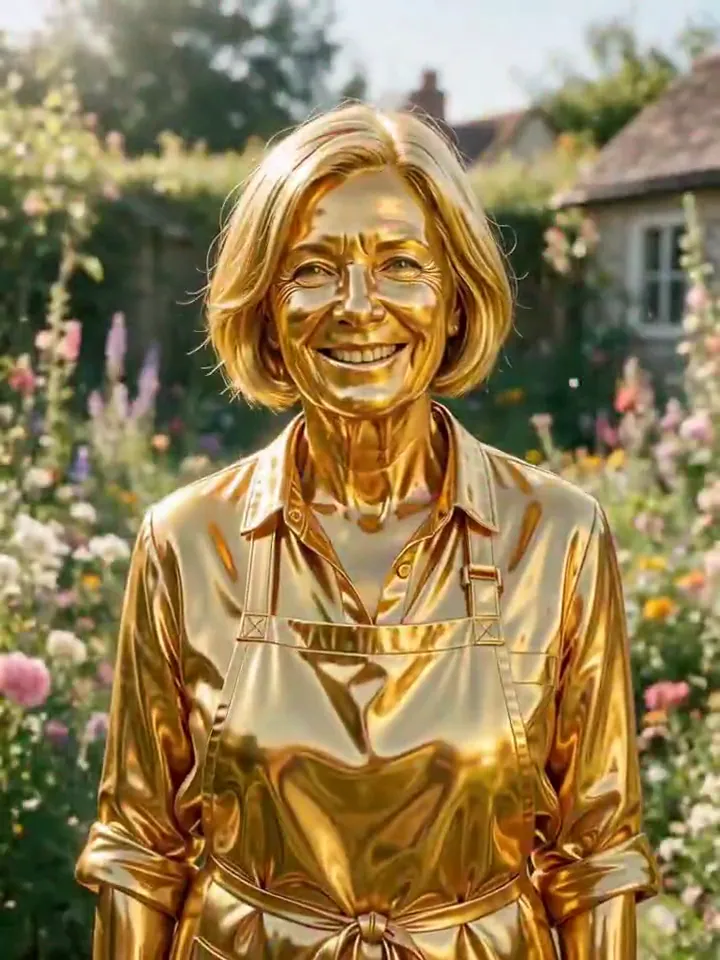
Was wir beim Testen von Pop gesehen haben
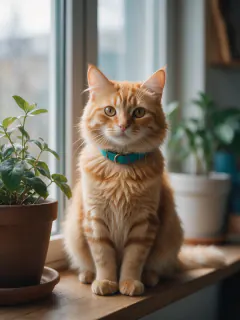
Vor dem Start testeten wir Pop mit fünf sehr unterschiedlichen Fotos: einer Frau in ihren Sechzigern im Garten, einer dunkelhäutigen Frau vor schlichter Wand, einem bärtigen Mann mit runder Brille, einer Frau im Seitenprofil und einer roten Katze auf dem Fensterbrett. Jedes Ende wurde mindestens einmal ausprobiert. Immer schimmerten die eigenen Farben durch den rosa Glanz: silbernes Haar, braune Haut und ein kupferfarbener Bob blieben klar erkennbar. Die Brille überstand sowohl Ballon- als auch Anime-Version. Die Katze bekam zwei runde Ballonohren – eines unserer Lieblingsergebnisse.
Zwei Dinge änderten sich beim Testen. Die ersten Raumanzüge kamen mit Raumfahrtlogos und Flaggen zurück; jetzt verlangt der Prompt einen schlichten Anzug ohne Aufdruck. Die Frau im Seitenprofil drehte sich bei der Enthüllung lächelnd zur Kamera; nun hält der Prompt die Ausgangspose fest, und beim neuen Versuch blieb sie durchgehend im Profil.
Das schwächste Ende ist Knetfigur: Das Gesicht wird zu Knete, der Hintergrund bleibt meist fotografisch. Filmplakat schreibt unten das einzelne Wort POP. In einem Durchlauf hielt der Ballon vor dem Platzen fast drei Sekunden, wodurch die Enthüllung kürzer ausfiel. Beim Standardmodell platzte er zwischen 1,0 und 2,8 Sekunden im zweiten Clip, und der Plopp-Sound folgte jedes Mal.
So wirkt Pop auf den einzelnen Modellen
- MiniMax H3 Standard. Zwei 4-Sekunden-Clips; das Platzen füllt das Bild mit Konfetti. Insgesamt etwa zwei Minuten.
- Kling 3.0 Zwei 3-Sekunden-Clips. Langsameres, weicheres Aufblähen und kompakteres Platzen, kostet aber mehr.
- MiniMax H3 · 4s Quick Pop: ein einzelner 4-Sekunden-Clip nur aus deinem Foto. Deutlich günstiger, aber die Blase bildet sich meist um den Kopf. Das Ende wird aus einer kurzen Beschreibung improvisiert; Gesichter verändern sich deshalb stärker.
Der Prompt hinter Pop
Für Pop schreibst du keinen Prompt. Das ist genau der Text, der mit deinem Foto mitgeschickt wird:
Schritt 1 · Das Ballonbild
Keep the exact same framing, camera angle and background as the photo. Blow this same subject up like bubble gum into a big, round, inflatable balloon version of themselves: the head and body puffed up plump and smooth like a shiny parade balloon, made of glossy semi-translucent bubble-gum jelly with a soft candy-pink sheen and pink light glowing through the edges, while their own skin tone, hair color and clothing colors stay clearly visible under the glossy surface. The face stays clearly recognizable as the same subject, same eyes, smile, hairstyle and any glasses, just rounder and softer, with a happy expression. Cute, playful and toy-like, never scary or grotesque. Photorealistic lighting, no text.Schritt 2 · Aufblasen
The subject slowly puffs up like a bubble-gum bubble being blown: their head and body gradually swell round, plump and glossy into a cute, semi-translucent pink jelly balloon version of themselves, stretching softly and smoothly while light glows through the shiny surface. They keep the same face and a happy expression. At the end the plump balloon figure wobbles gently. Static camera, playful and cute, never scary.Schritt 2 · Plopp und Enthüllung
The glossy pink jelly balloon figure wobbles twice like jelly, then bursts with a pop into an explosion of candy-colored confetti that fills the whole frame. The confetti rains down and clears, revealing the transformed subject holding the same pose. Static camera, joyful and smooth.Schritt 1 · Die Verwandlungen zur Wahl
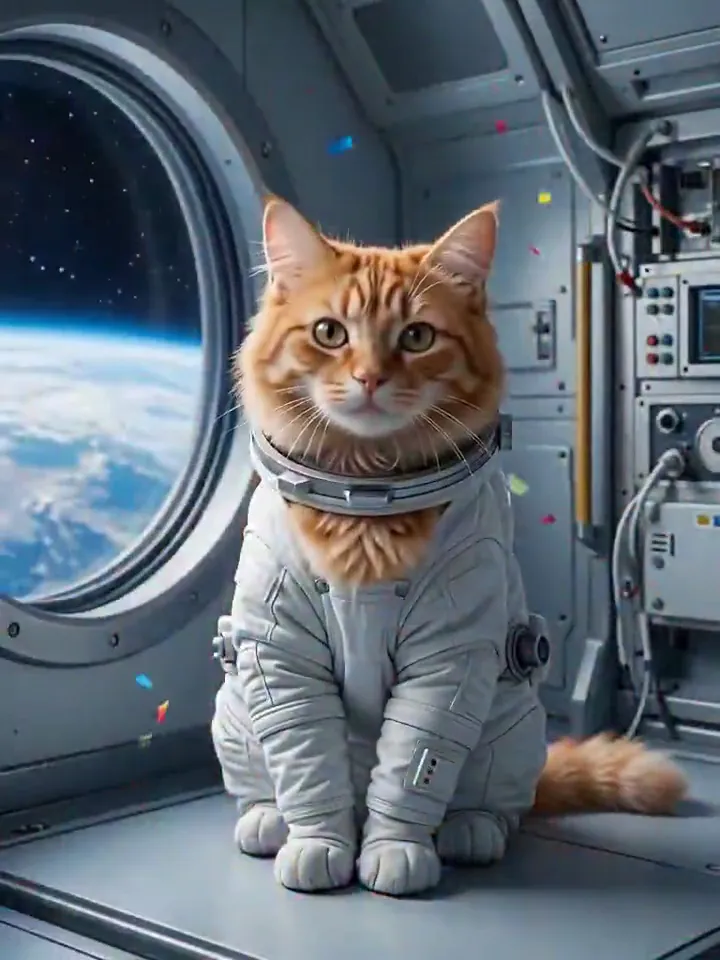
- Astronaut
- Keep the exact same framing, camera angle and pose as the photo. Dress this same subject as an astronaut in a plain white spacesuit with no logos, flags, patches or lettering anywhere, helmet off so the whole face is visible, and turn the background into the inside of a spaceship with a big round window showing Earth and stars. The subject stays clearly the same: same face shape, eyes, expression, skin tone, hairstyle, hair color and any glasses. A few tiny pieces of candy-colored confetti still drift through the air. No text.
- Pures Gold
- Keep the exact same framing, camera angle and pose as the photo. Turn this same subject into a gleaming polished solid gold statue that keeps their exact pose, expression, hairstyle and clothing folds, every detail cast in mirror-bright gold with warm highlights. The background stays the same. The subject stays clearly the same: same face shape, eyes, expression, skin tone, hairstyle, hair color and any glasses. A few tiny pieces of candy-colored confetti still drift through the air. No text.
- Anime
- Keep the exact same framing, camera angle and pose as the photo. Redraw the whole image as a high-quality 2D anime illustration: this same subject as a cel-shaded anime character with the same hairstyle, hair color, skin tone, outfit and any glasses, clean line art, and a bright anime version of the same background. The subject stays clearly the same: same face shape, eyes, expression, skin tone, hairstyle, hair color and any glasses. A few tiny pieces of candy-colored confetti still drift through the air. No text.
- Neonnacht
- Keep the exact same framing, camera angle and pose as the photo. Turn the scene into a glowing neon night: this same subject in a reflective holographic jacket, lit by vivid pink and cyan neon light, standing in a rainy neon-lit city street at night with glowing neon outlines tracing their silhouette. The subject stays clearly the same: same face shape, eyes, expression, skin tone, hairstyle, hair color and any glasses. A few tiny pieces of candy-colored confetti still drift through the air. No text.
- Königsporträt
- Keep the exact same framing, camera angle and pose as the photo. Turn this into a classical oil painting: this same subject as royalty in a deep red velvet robe with a gold crown, painted with visible brush strokes, warm museum lighting and a dark painted background. The subject stays clearly the same: same face shape, eyes, expression, skin tone, hairstyle, hair color and any glasses. A few tiny pieces of candy-colored confetti still drift through the air. No text.
- Superheld
- Keep the exact same framing, camera angle and pose as the photo. Dress this same subject as an original superhero in a sleek red and navy suit with a flowing cape, no logos or emblems, on a city rooftop at golden sunset with wind in their hair. The subject stays clearly the same: same face shape, eyes, expression, skin tone, hairstyle, hair color and any glasses. A few tiny pieces of candy-colored confetti still drift through the air. No text.
- Filmplakat
- Keep the exact same framing, camera angle and pose as the photo. Turn this into a dramatic cinematic movie poster with this same subject as the hero: moody rim lighting, teal-and-orange color grade, an epic stormy sky and city skyline behind them, and one bold title POP in large clean letters at the bottom. The subject stays clearly the same: same face shape, eyes, expression, skin tone, hairstyle, hair color and any glasses. A few tiny pieces of candy-colored confetti still drift through the air. No other text.
- Knetfigur
- Keep the exact same framing, camera angle and pose as the photo. Remake the entire image as a handmade stop-motion claymation scene: everything, including the subject's face, skin, hair and clothes, is now sculpted from soft matte modeling clay with visible fingerprint texture, rounded simplified shapes and slightly oversized eyes, like a clay figure on a miniature set. Keep only the recognizable traits: hairstyle and hair color, skin tone, outfit colors and any glasses. The subject stays clearly the same: same face shape, eyes, expression, skin tone, hairstyle, hair color and any glasses. A few tiny pieces of candy-colored confetti still drift through the air. No text.
Was der Prompt verlangt
- Was passiert
The glossy pink jelly balloon figure wobbles twice like jelly, then bursts with a pop into an explosion of candy-colored confetti that fills the whole frame.
Tipps für ein besseres Pop-Ergebnis
- Wähle das Ende vor dem Hochladen: Jedes hat ein eigenes Beispiel, sodass du Looks ohne Credits vergleichen kannst.
- Lass Platz um den Kopf. Enge Gesichtsausschnitte funktionieren auch, geben dem Ballon aber weniger Raum.
- Schalte beim Teilen den Ton ein. Der Plopp-Sound ist aufs Platzen abgestimmt und macht den halben Spaß aus.
Pop: Kosten und Dauer
Pop kostet mit MiniMax H3 392 Credits und ist meist in etwa 3 Min. fertig.
Am günstigsten ist MiniMax H3 · 4s: 148 Credits für Pop, fertig in etwa 50 Sek..
Pop: Fragen und Antworten
Warum erzeugt Pop vor dem Video zwei Bilder?
Videomodelle können viel besser zwischen zwei festen Bildern wechseln, als selbst eine Verwandlung zu erfinden. Ballon und fertigen Look zuerst zu zeichnen gibt den Clips einen klaren Anfang, Mittelteil und Schluss. Deshalb siehst du nach dem Platzen noch aus wie du.
Kann ich wählen, worin ich mich verwandle?
Ja. Wähle vor dem Tippen eines von acht Enden: Astronaut, Pures Gold, Anime, Neonnacht, Königsporträt, Superheld, Filmplakat oder Knetfigur. Jedes hat auf der Seite ein eigenes Beispiel, damit du den Look vor dem Einsatz von Credits siehst.
Hat das Pop-Video Ton?
Ja. Pop ergänzt den typischen Sound: elastisches Quietschen beim Aufblähen, einen scharfen Plopp genau beim Platzen und danach klingelndes Konfetti. Das Ergebnis startet stumm; tippe im Player auf den Lautsprecher, um es zu hören.
Können meine Katze oder mein Hund auch zum Ballon werden?
Ja. Unsere Testkatze wurde zur runden rosa Ballonkatze mit Ballonohren, platzte und kam als Astronautenkatze und Anime-Katze zurück. Tiere mit Blick zur Kamera liefern die sauberste Enthüllung.
Was passiert, wenn ein Schritt fehlschlägt?
Jeder der vier Aufträge wird einzeln berechnet. Scheitert ein Clip, kommen seine Credits automatisch zurück, und schon erstellte Bilder bleiben in deinen Assets. Scheitert das Verbinden, erhältst du trotzdem den Clip mit Platzen und Enthüllung als Ergebnis.
Wo finde ich mein Pop-Video später?
Das fertige Video wird automatisch in deinen Assets gespeichert, neben Ballonbild, Endbild und beiden Clips. Du kannst alles in anderen Effekten wiederverwenden oder an den Videoeditor senden.
Passende Effekte und Tools
- Flüssiges Gold · Gold fließt über dich und erstarrt zur glänzenden Statue.
- Knet-Verwandlung · Du und die Szene werdet zu handgemachter Stop-Motion-Knete, dann winkst du.
- Ballonflug · Immer mehr Ballons erscheinen und tragen dich in den Himmel.
- Zombie-Verwandlung · Die Dämmerung bricht herein, filmreifes Zombie-Make-up kriecht über dein Gesicht – und du blickst mit trüben Augen auf.
- Verwandle dasselbe Foto mit Anime in ein Anime-Bild
- Probiere Knet-, Öl- und Pixellooks als Standfotos in Styles