



ИИ-видеоэффект · Золотое растворение
Золотое растворение: ИИ-эффект, видео из одного фото
Вы рассыпаетесь на миллионы сияющих золотых частиц, которые уносит ветер.
1Добавьте фото
- Один чёткий объект по пояс или в полный рост, с небольшим пространством вокруг
- Оставьте место в кадре: крыльям, огню, порталам и клонам нужно пространство, чтобы появиться
- Чёткие фото с хорошим светом помогают сохранить лицо и шерсть неизменными на протяжении всего эффекта
Ещё настройкиMiniMax H3 Max
Ещё параметры6 с
около 1 мин
Ещё попробовать
Все эффекты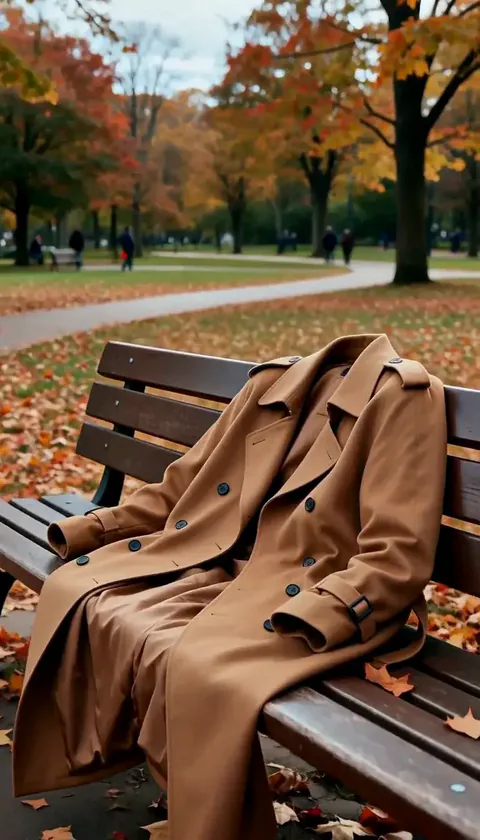 ИсчезновениеВы исчезаете в мгновение ока, пальто ещё миг держит форму и пустым опадает.ПопробоватьНовоеПовторить
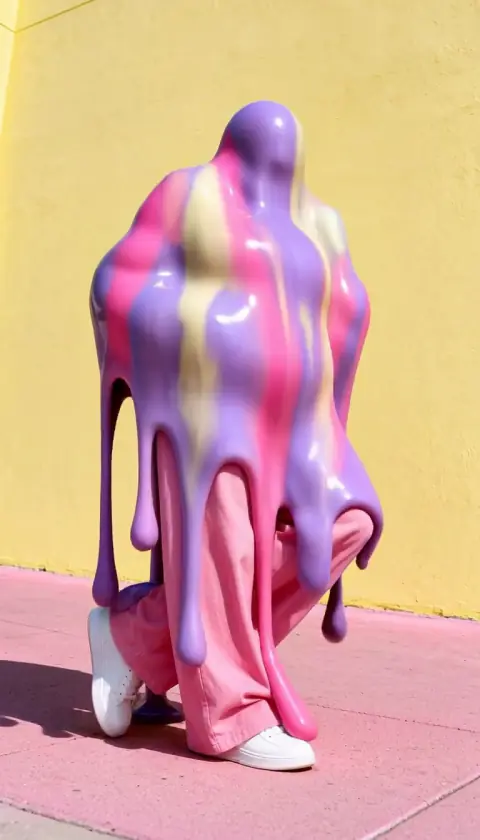
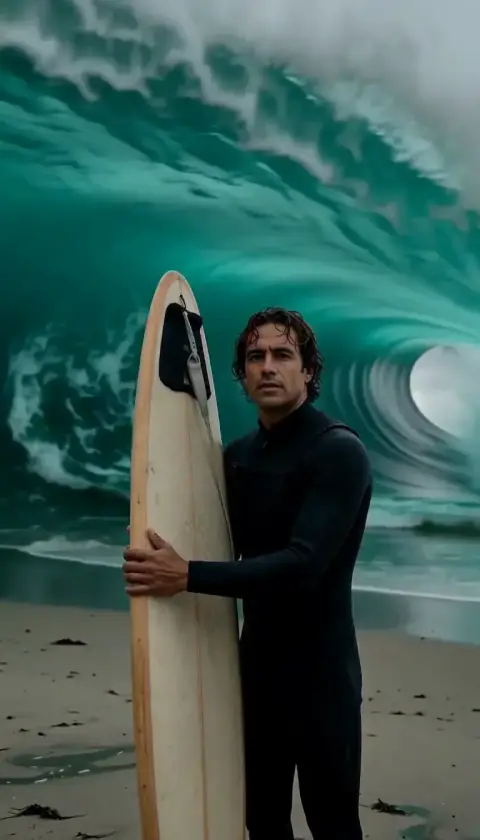
 Затопленная комнатаЗа секунды комната наполняется водой, и вы спокойно парите в глубоком синем свете.ПопробоватьНовоеПовторить
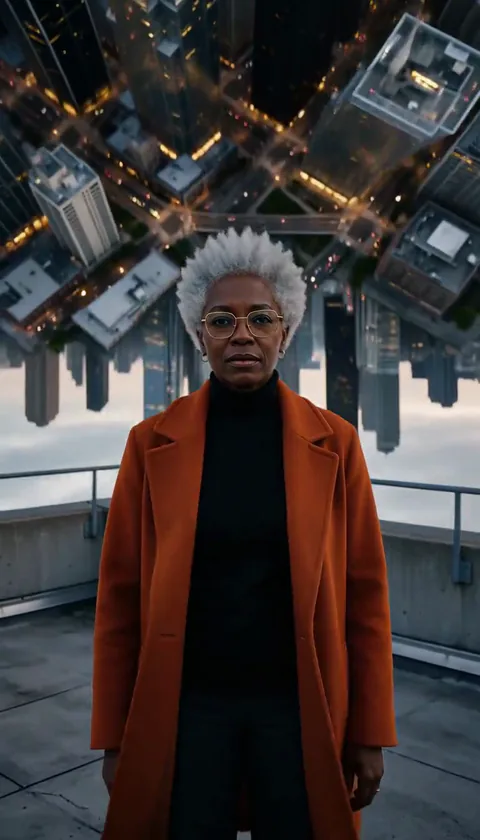 Складной городГород позади вас изгибается вверх и складывается над головой, как страница.ПопробоватьНовоеПовторить
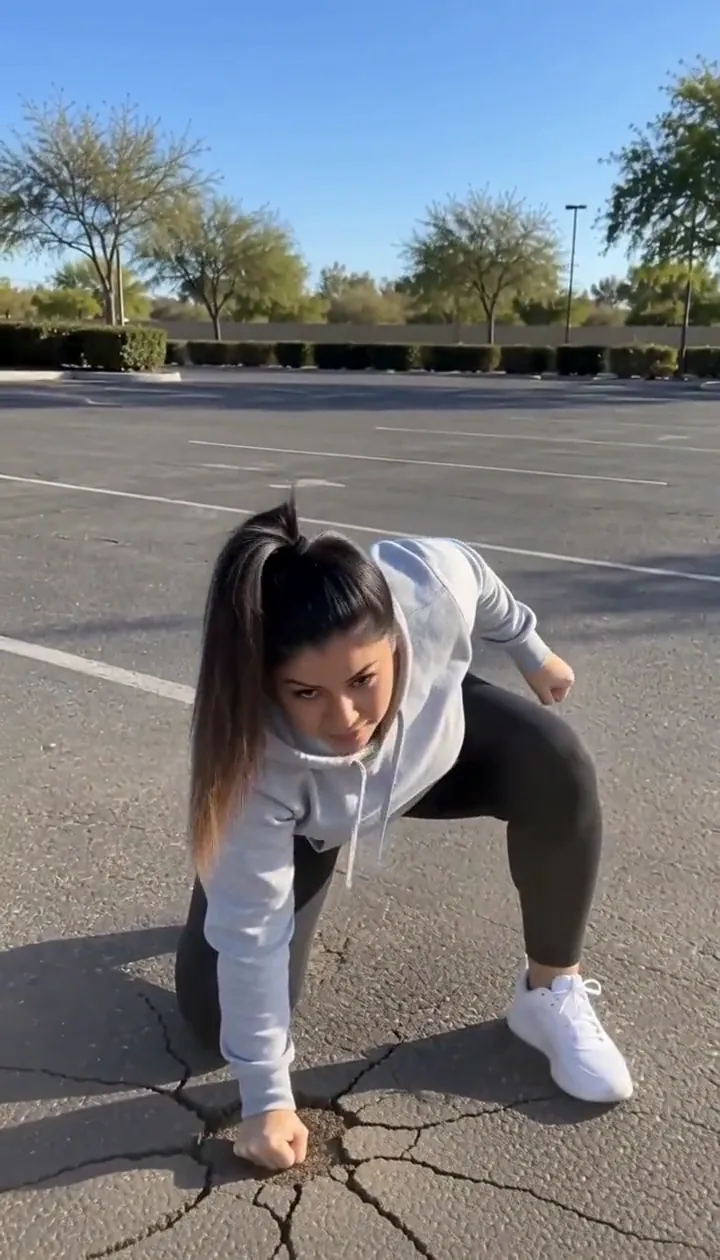 Приземление герояВы прыгаете за пределы кадра и возвращаетесь с приземлением на три точки, от которого трескается земля.ПопробоватьНовоеПовторить
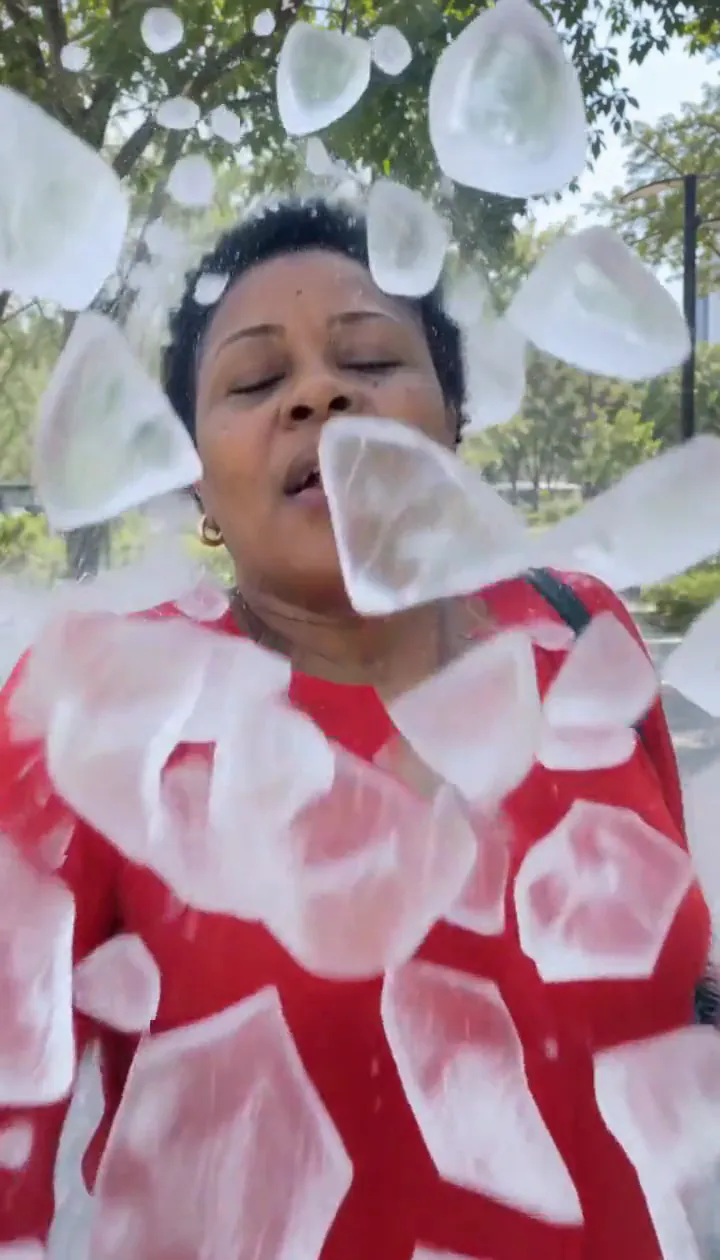 Ледяные осколкиЛедяная оболочка вокруг вас разлетается осколками, и вы выходите с улыбкой.ПопробоватьНовоеПовторить
 Молнии в рукахМолнии трещат между пальцами и собираются в светящийся шар плазмы.ПопробоватьНовоеПовторить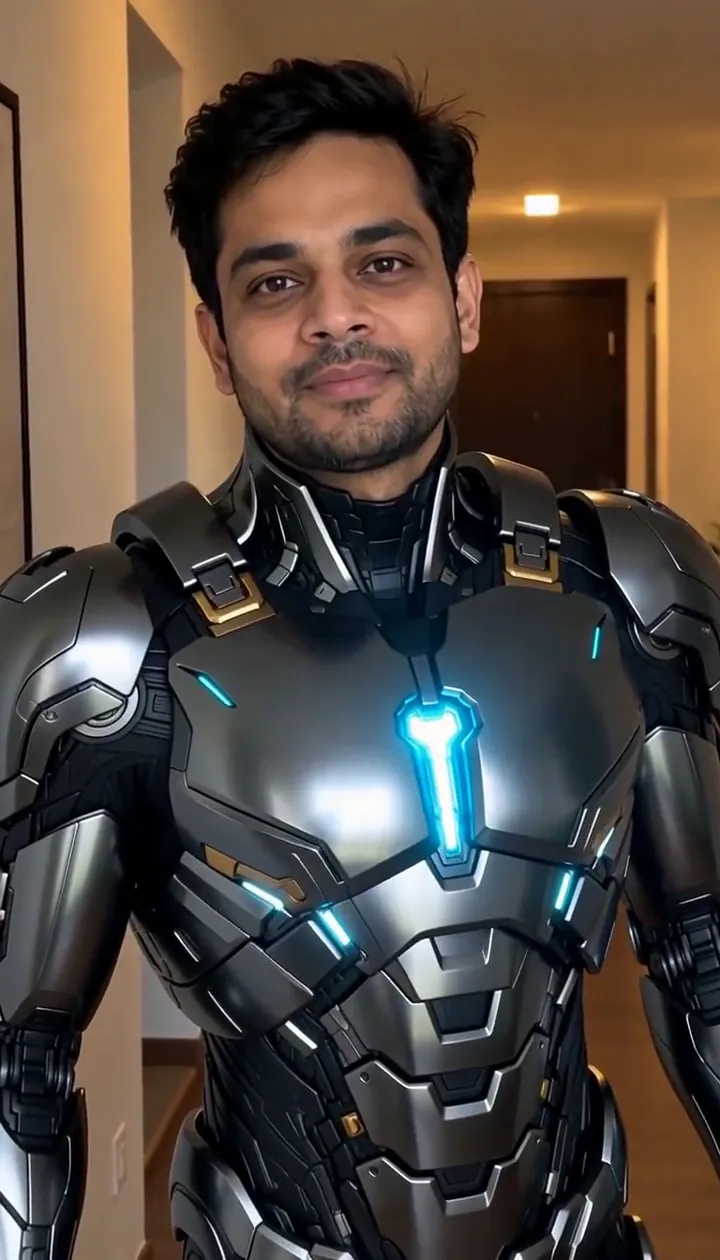


Что делает эффект «Золотое растворение»
Golden Dissolve turns a portrait into a quiet departure. Gold light breaks away from the fingertips and shoulders, travels across the figure, and streams into the space beside them. The empty background becomes the final image, so choose a place you would still enjoy looking at after the person has gone.
Think of the movement as an ending for a travel diary, a fantasy farewell, or a transition into the next scene. The drifting particles carry the action; a busy camera move would compete with that small, gradual change. This is the cinematic edition of Turn to Dust, using a six-second H3 Max render with streaming gold light instead of a plain dust breakup.
Как использовать Золотое растворение
- Frame the departure Upload a portrait with an uncluttered area beside the person and enough background to remain interesting afterward.
- Choose the particle render Keep MiniMax H3 Max selected to match the flowing gold samples rather than assuming a budget option produces identical detail.
- Watch the last outline Review the fingertips, shoulders and final empty setting before choosing the cut point for your next scene.
Какие фото подходят для «Золотое растворение»
Подходит
- One person with a clear outline
- A park or promenade with empty space to one side
Лучше не брать
- People overlapping each other
- A face filling nearly the entire picture
Примеры: «Золотое растворение»

Что мы увидели, когда тестировали Золотое растворение
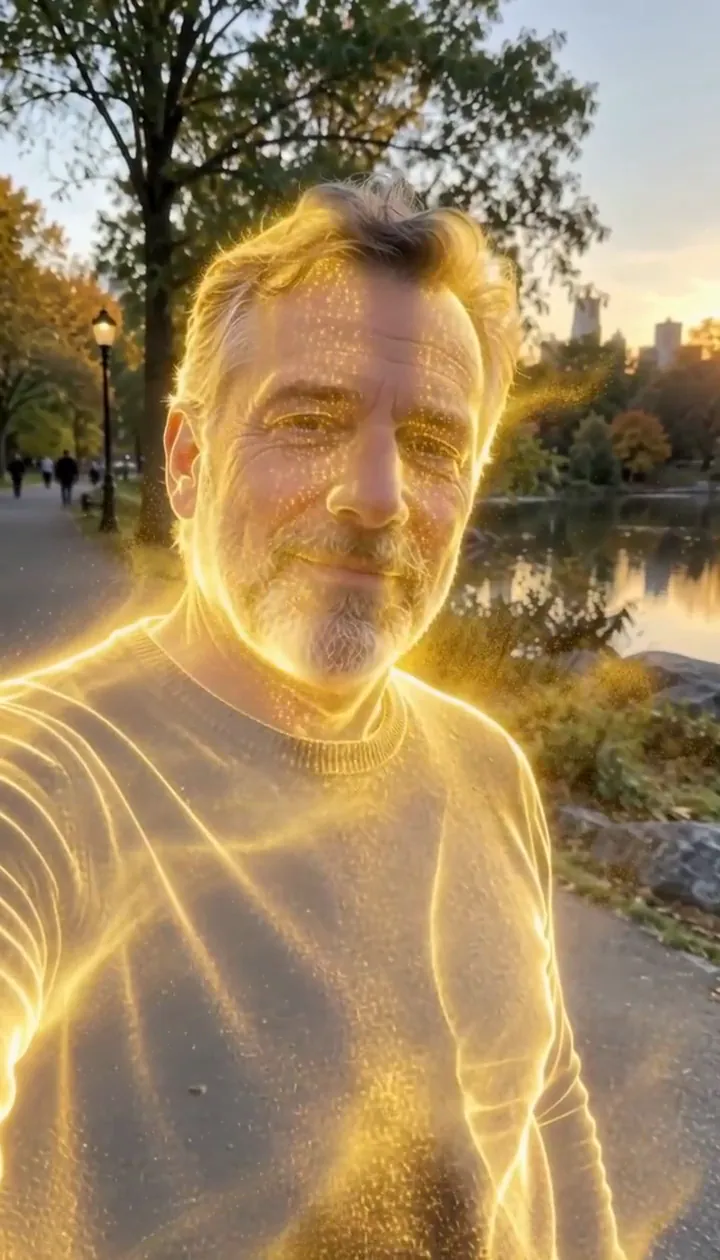
In our test runs, a man in his 50s with a trimmed grey beard and a navy sweater in a park in late-afternoon light. He dissolves into glowing gold particles until he is gone. Leave some open background on one side: the particles stream that way.
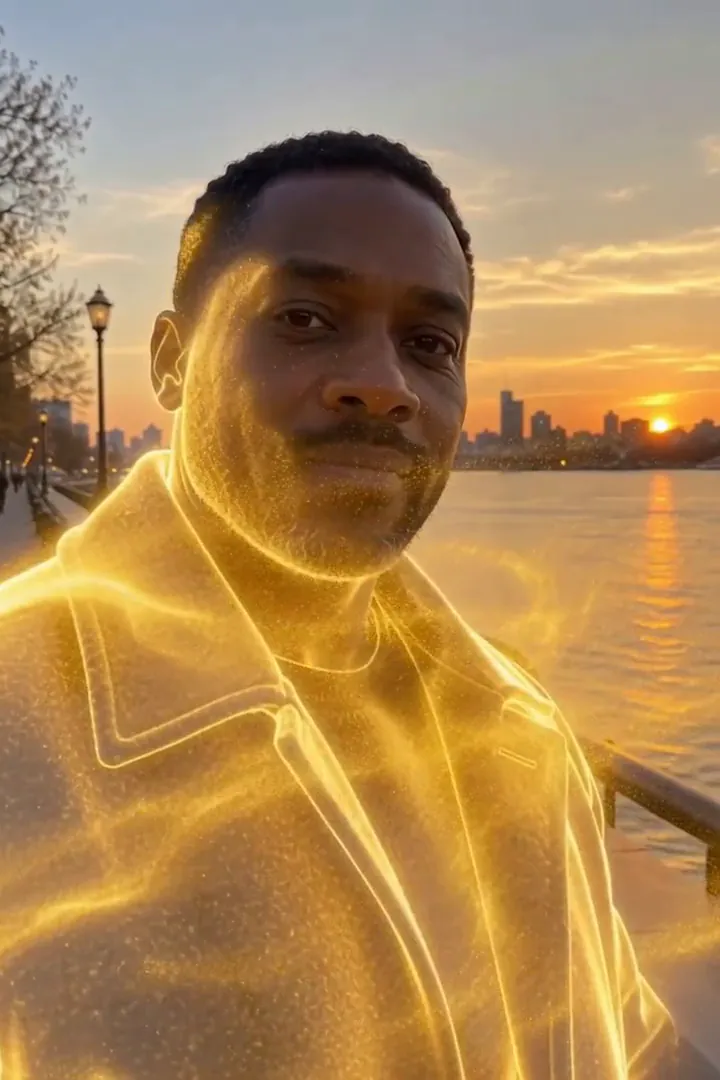
In the second run, a man in his 40s in a charcoal wool coat on a riverside promenade at golden hour. Gold sparks start at the shoulders, his whole figure turns to light, a golden outline lingers, then only the empty promenade is left. The person fully disappears by the end, so it works as an exit or a reveal shot.
Как Золотое растворение выглядит на разных моделях
- MiniMax H3 Max (480 кредитов · около 30 с) Default; MiniMax H3 Max made the samples. 480 credits, with a typical render time of 31 seconds. The Golden Dissolve render includes generated sound; its page samples play muted.
- MiniMax H3 (185 кредитов · около 55 с) MiniMax H3 costs 185 credits; cheaper and untested with this prompt, so the published effect is not a tested promise for this option.
- Seedance 2.0 Mini · 480p (124 кредита · около 2 мин)
Промпт эффекта «Золотое растворение»
Starting at the person's fingertips and shoulders, their body slowly dissolves into millions of glowing golden particles that peel away and stream sideways on a gentle wind, swirling through the air and catching the light, until only a shimmering golden outline remains. The background stays still. Camera holds steady with a slow push-in. Ethereal, elegant, cinematic VFX.Советы для лучшего результата Золотое растворение
- Keep the original location visible around the whole torso; the scenery gives the disappearing figure a stable reference.
- Avoid a crop that clips the shoulders, where the golden breakup begins.
«Золотое растворение»: вопросы и ответы
Does the gold leave a person standing at the finish?
In our test runs the figure disappeared completely, with a brief luminous outline before the background was empty.
Where should I leave room for the departing sparks?
Keep an open strip beside the shoulders and torso so the sideways stream can separate visibly from the body.
Would a crowded party picture suit this golden exit?
A solitary figure is the clearer starting point because neighboring bodies can interrupt the silhouette you want to dissolve.
Is this a solid gold statue transformation?
The intended finish is an absence made from drifting light; choose Molten Gold when you want a solid gilded figure instead.
How can I use the empty promenade ending?
Place your next shot after the last particles fade to make the disappearance serve as a gentle visual handoff.
Похожие эффекты и инструменты
- В пыль · Вы рассыпаетесь светящейся пылью, которая улетает.
- Дождь лепестков · Вы распадаетесь на вихрь лепестков роз.
- Золотая пыль · Замедленный дождь золотых блёсток проливается на вас.
- Trim the Golden Dissolve sequence in the editor