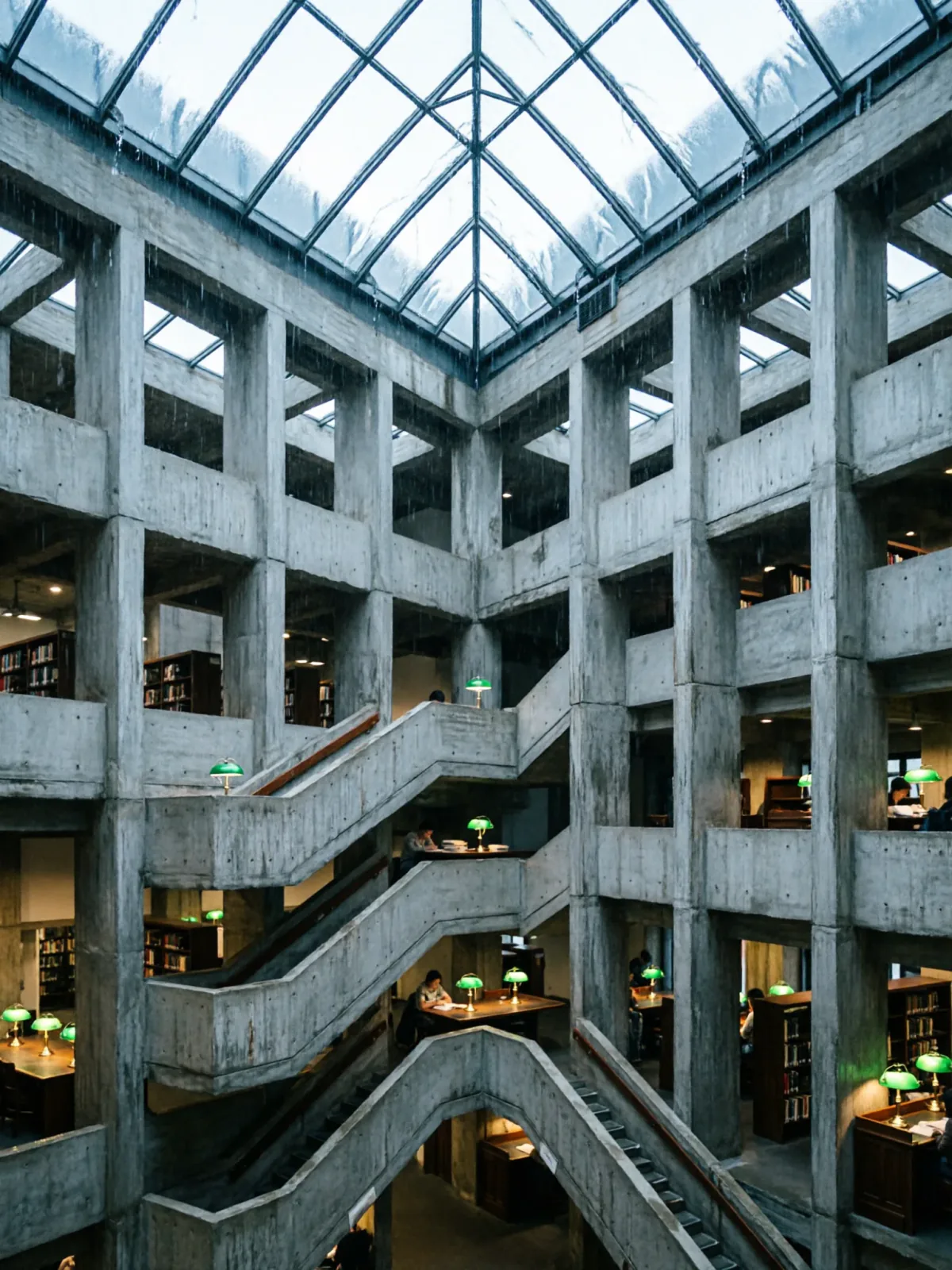
Brutalist library atrium under a rain-sheeted glass roof
Qwen Image 2Zrób taki sam


Referencja na wideoArchitektura i wnętrza
Prompt „referencja na wideo” do HappyHorse 1.1: obrazy referencyjne decydują, kto i co się pojawi, a ten tekst ustawia scenę.
Combine all three reference images into one continuous shot. Use the woman from the first image exactly as she appears — same face, same chestnut waves, same black leather jacket over a white tank, same jeans and boots. Use the cherry-red hollow-body guitar from the second image as the instrument she is carrying. Use the run-down neon motel corridor from the third image as the location. She walks down the middle of that corridor toward the camera, holding the guitar loosely by its neck so it swings at her side, kicks the abandoned ice bucket out of her way without breaking stride, then stops, tilts her head and grins straight down the lens. The camera tracks backwards ahead of her. Flickering fluorescent overhead, green exit light and magenta spill on the burgundy carpet, 35mm grain, footsteps and a buzzing tube. No logos, no readable text.
Prompty zostają po angielsku, bo ten język te modele rozumieją najlepiej. Skopiuj go tak, jak jest, albo zmień kilka słów.
Otwiera HappyHorse 1.1 z tym promptem i ustawieniami poniżej. Dodaj własne obrazy i gotowe.
Dokładną cenę zobaczysz przed generowaniem.
The camera tracks backwards ahead of her, na inny, a z tego samego pomysłu powstanie nowe ujęcie.green exit light and magenta spill on the burgundy carpet.35mm grain nadaje klimat całemu kadrowi. Zamień na inny styl zdjęć, a nastrój się zmieni.