Cosa fa l’effetto Carving sugli sci
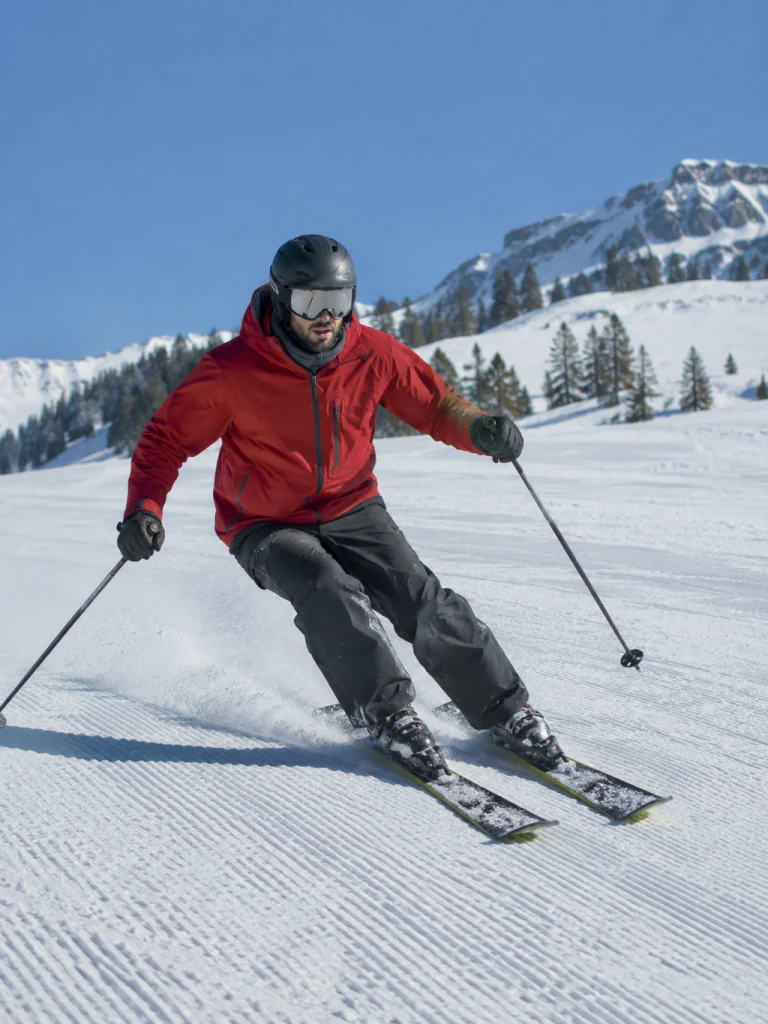
Carving sugli sci trasforma una foto in un breve video con l’IA. Disegni curve profonde e veloci su una pista battuta.
Come usare Carving sugli sci
- Aggiungi una foto Carica una foto nitida della persona, dell’animale o dell’oggetto che vuoi nella clip Carving sugli sci.
- Tieni il modello predefinito o cambialo MiniMax H3 è già selezionato; l’elenco mostra ogni altro modello con il prezzo prima di avviare.
- Tocca «Genera» La clip di solito è pronta in circa 60 s. Scaricala o inviala a un altro strumento.
Le foto migliori per Carving sugli sci
Meglio evitare
- Profili o volti girati
- Occhiali da sole o mani sul viso
Cosa abbiamo visto provando Carving sugli sci
Come rende Carving sugli sci su ogni modello
- MiniMax H3 (210 crediti · circa 60 s)0,21 USD vs Runway 0,50 USD · 768p · 5 s−58% vs Runway
- Seedance 2.0 Mini · 480p (125 crediti · circa 3 min)0,13 USD vs fal 0,36 USD · 480p · 5 s−65% vs fal
Il prompt dell’effetto Carving sugli sci
Within the first second the skier carves a deep, fast turn on the groomed slope, edges biting, body angled low into the snow and a fan of ice crystals spraying out, then swings into the next turn. The camera tracks alongside. The person stays exactly as they appear in the photo.
Carving sugli sci: domande e risposte
Quanti crediti costa Carving sugli sci?
210 crediti con MiniMax H3; l’opzione più economica per Carving sugli sci costa 125 crediti. Non c’è abbonamento e le generazioni non riuscite vengono rimborsate automaticamente.
Cosa cambia Carving sugli sci nella mia foto?
Within the first second the skier carves a deep, fast turn on the groomed slope, edges biting, body angled low into the snow and a fan of ice crystals spraying out, then swings into the next turn. The person stays exactly as they appear in the photo.

 La tua foto

