



Effet vidéo IA · Dissolution dorée
Dissolution dorée : créer une vidéo IA à partir d’une photo
Vous vous dissolvez en millions de particules dorées lumineuses qui s’envolent au vent.
1Ajouter une photo
- Un sujet bien net, cadré à partir de la taille ou en pied, avec un peu d’espace autour
- Gardez de la place dans le cadre : ailes, flammes, portails et clones ont besoin d’espace pour apparaître
- Les photos nettes et bien éclairées permettent de garder le même visage et le même pelage tout au long de l’effet
Plus d’optionsMiniMax H3 Max
Plus d’options6 s
env. 1 min
À essayer aussi
Tous les effets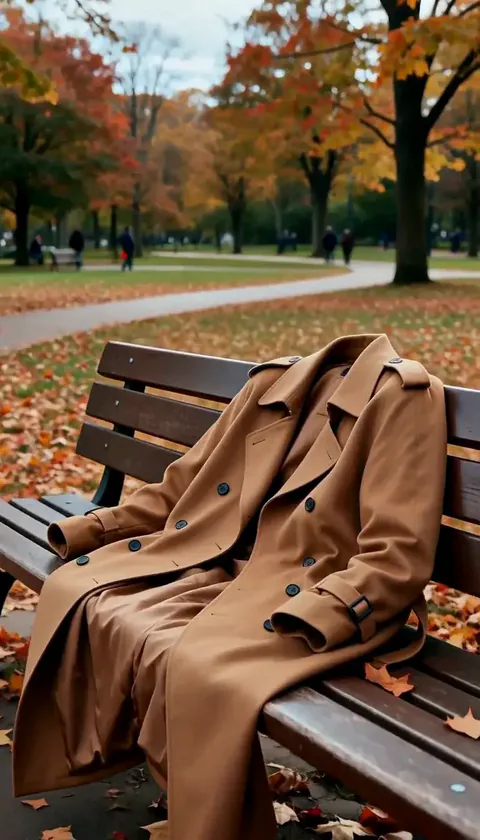 Disparition éclairVous disparaissez d’un coup, votre manteau garde votre forme un instant puis retombe à vide.EssayerNouveauRefaire
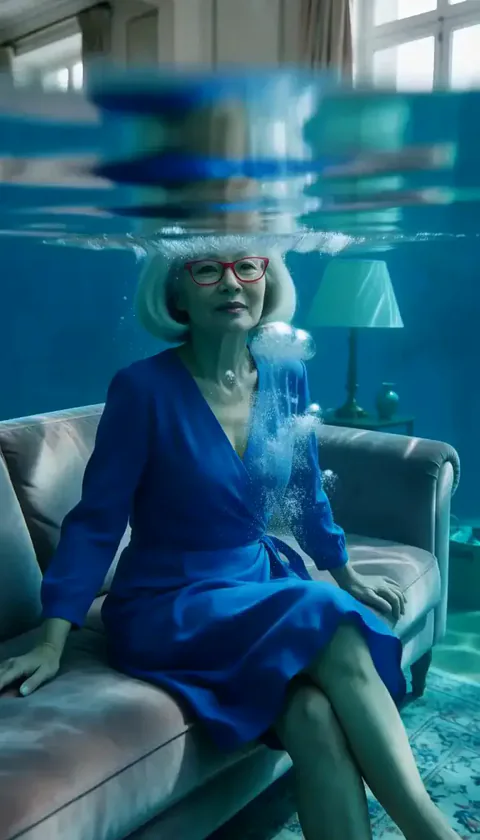 Pièce inondéeL’eau remplit la pièce en quelques secondes et vous flottez calmement dans une lumière bleu profond.EssayerNouveauRefaire
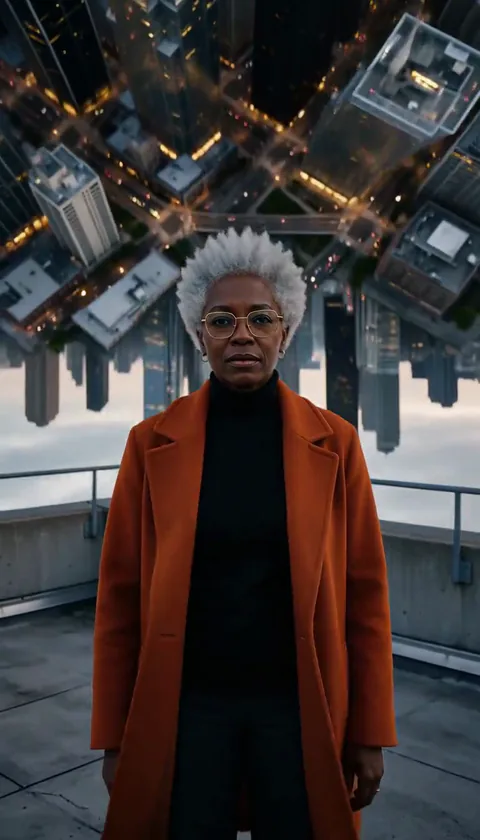 Ville pliéeLa ville derrière vous se courbe vers le haut et se replie au-dessus de votre tête comme une page.EssayerNouveauRefaire
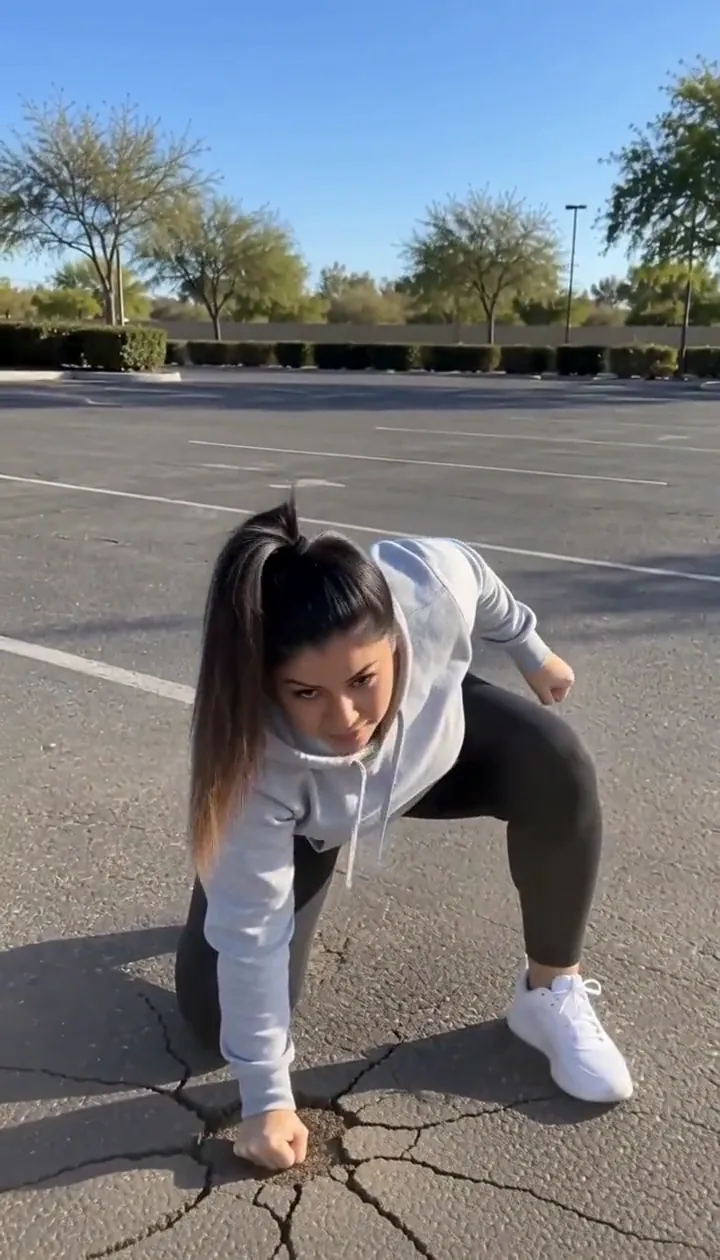 Atterrissage héroïqueSautez hors champ et retombez en appui sur trois points, assez fort pour fissurer le sol.EssayerNouveauRefaire
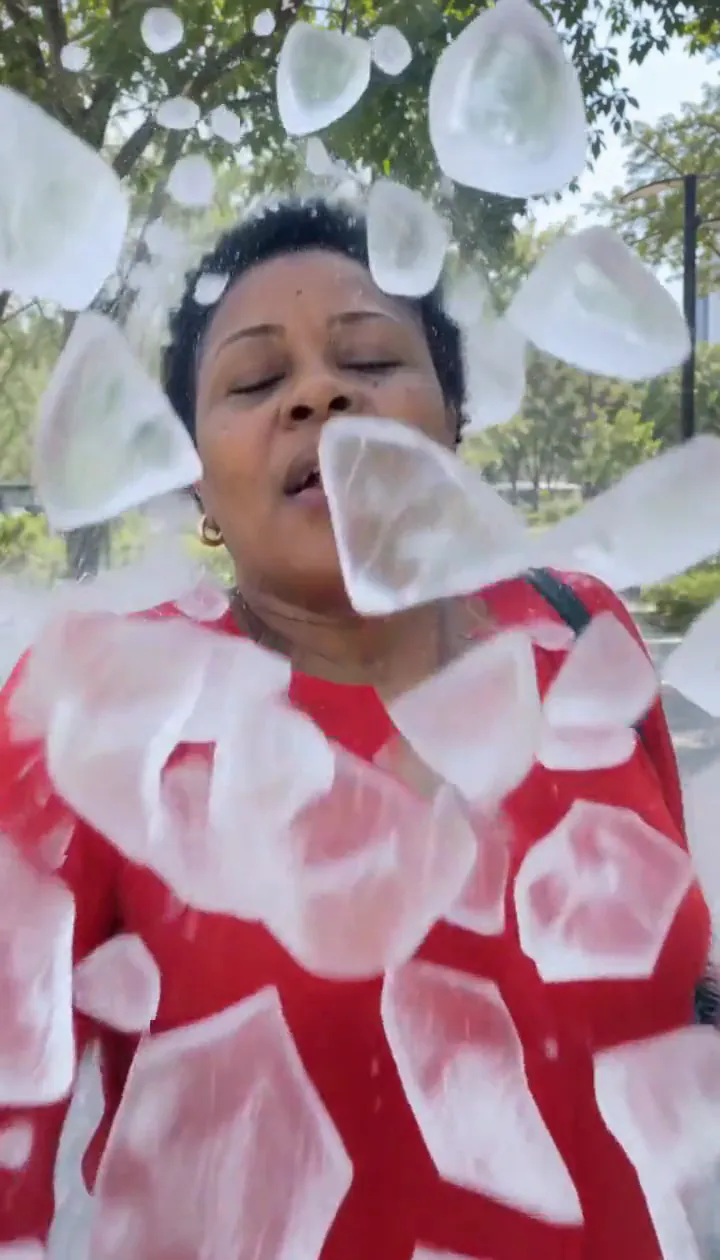 Éclats de glaceUne coque de glace vous emprisonne puis éclate en morceaux, et vous en sortez en souriant.EssayerNouveauRefaire
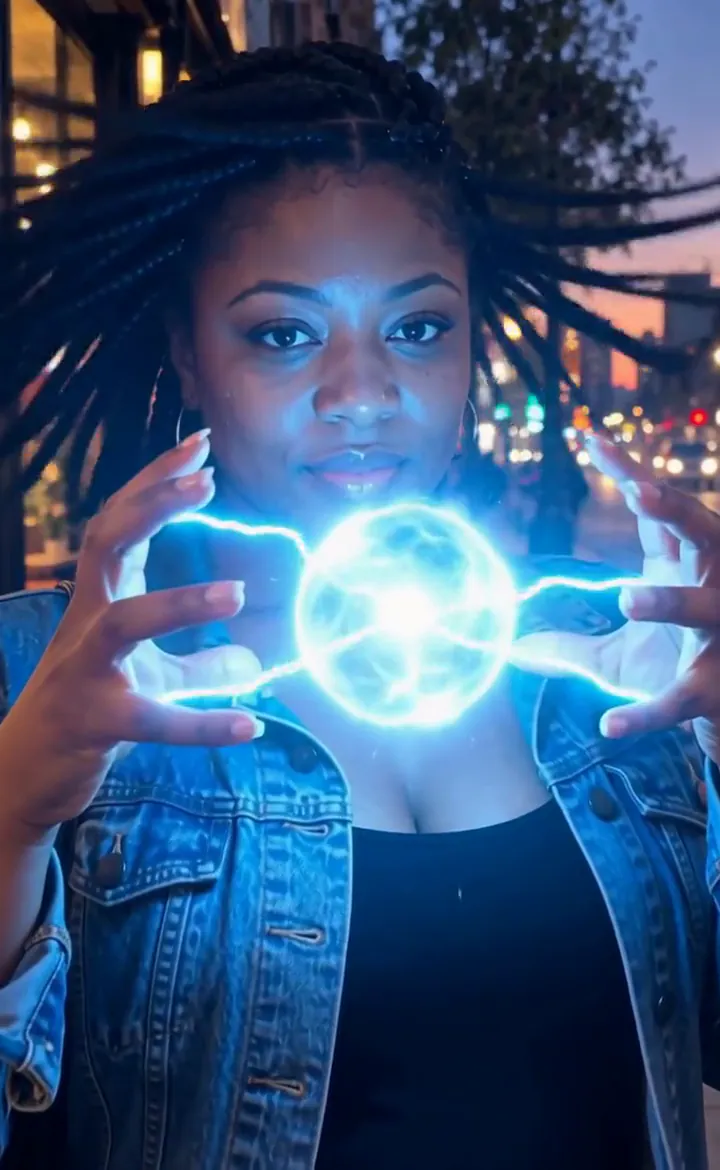 Mains de foudreDes éclairs crépitent entre vos doigts et forment une boule de plasma lumineuse.EssayerNouveauRefaire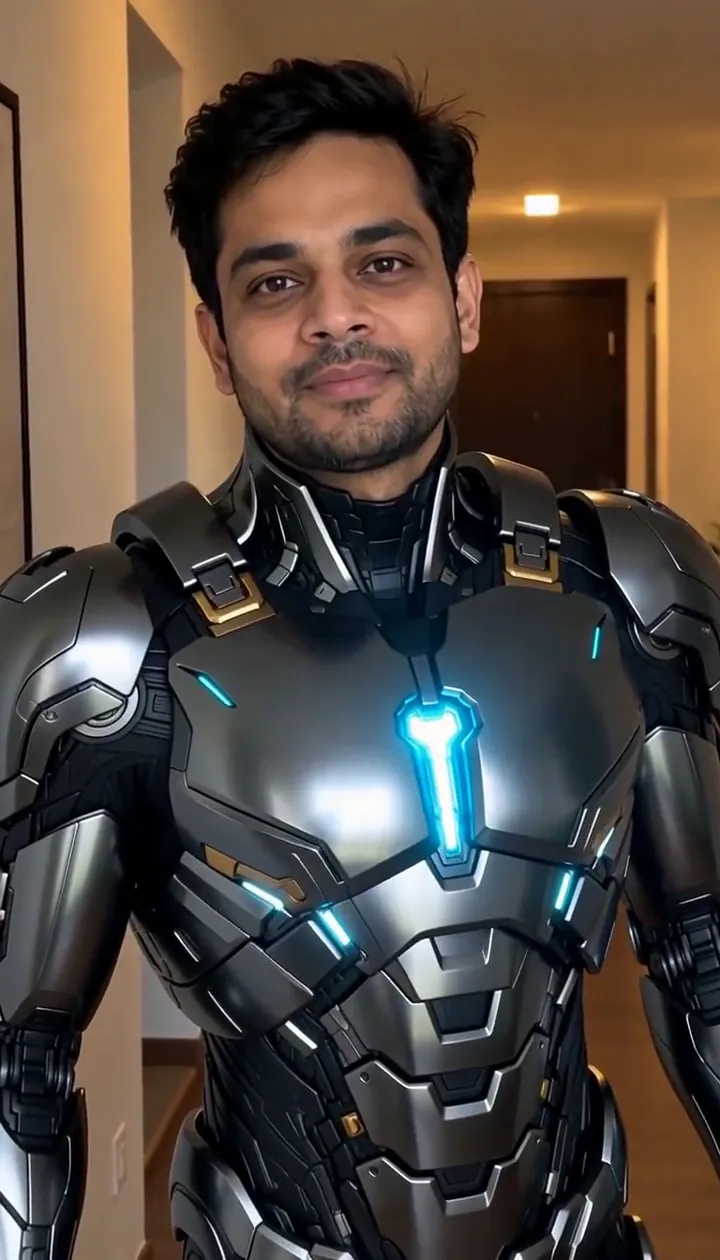

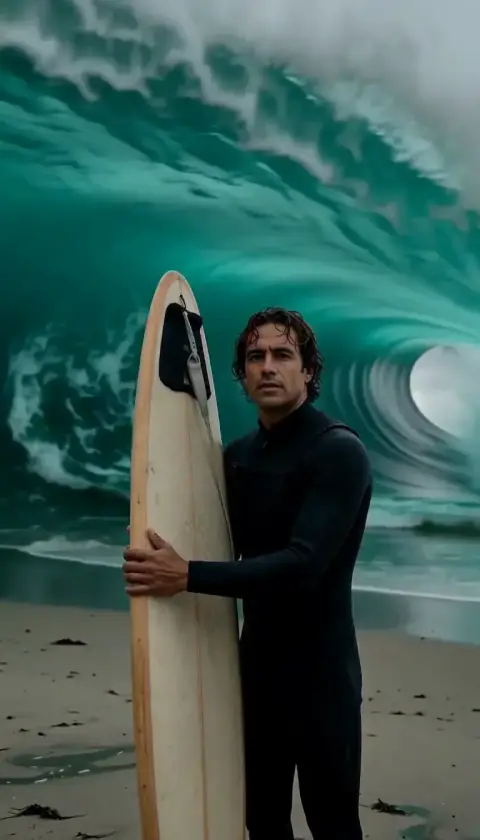
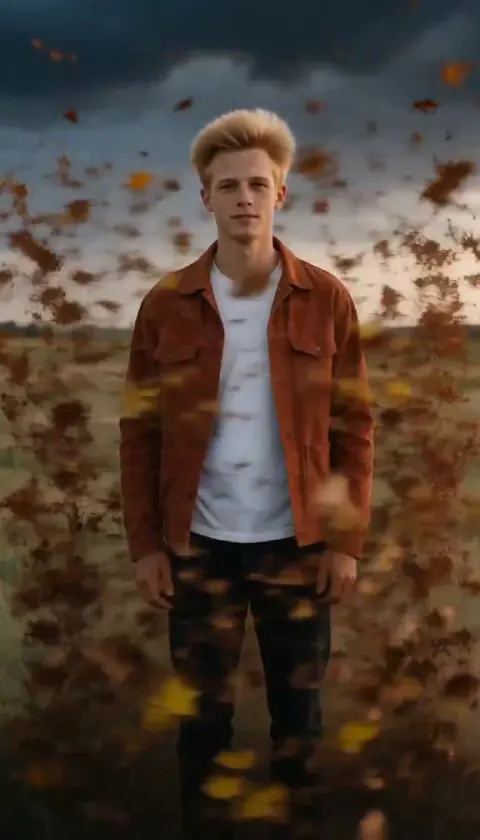
Ce que fait l’effet Dissolution dorée
Golden Dissolve turns a portrait into a quiet departure. Gold light breaks away from the fingertips and shoulders, travels across the figure, and streams into the space beside them. The empty background becomes the final image, so choose a place you would still enjoy looking at after the person has gone.
Think of the movement as an ending for a travel diary, a fantasy farewell, or a transition into the next scene. The drifting particles carry the action; a busy camera move would compete with that small, gradual change. This is the cinematic edition of Turn to Dust, using a six-second H3 Max render with streaming gold light instead of a plain dust breakup.
Comment utiliser Dissolution dorée
- Frame the departure Upload a portrait with an uncluttered area beside the person and enough background to remain interesting afterward.
- Choose the particle render Keep MiniMax H3 Max selected to match the flowing gold samples rather than assuming a budget option produces identical detail.
- Watch the last outline Review the fingertips, shoulders and final empty setting before choosing the cut point for your next scene.
Quelles photos conviennent à Dissolution dorée
À privilégier
- One person with a clear outline
- A park or promenade with empty space to one side
À éviter
- People overlapping each other
- A face filling nearly the entire picture
Exemples de Dissolution dorée

Ce que nous avons constaté en testant Dissolution dorée
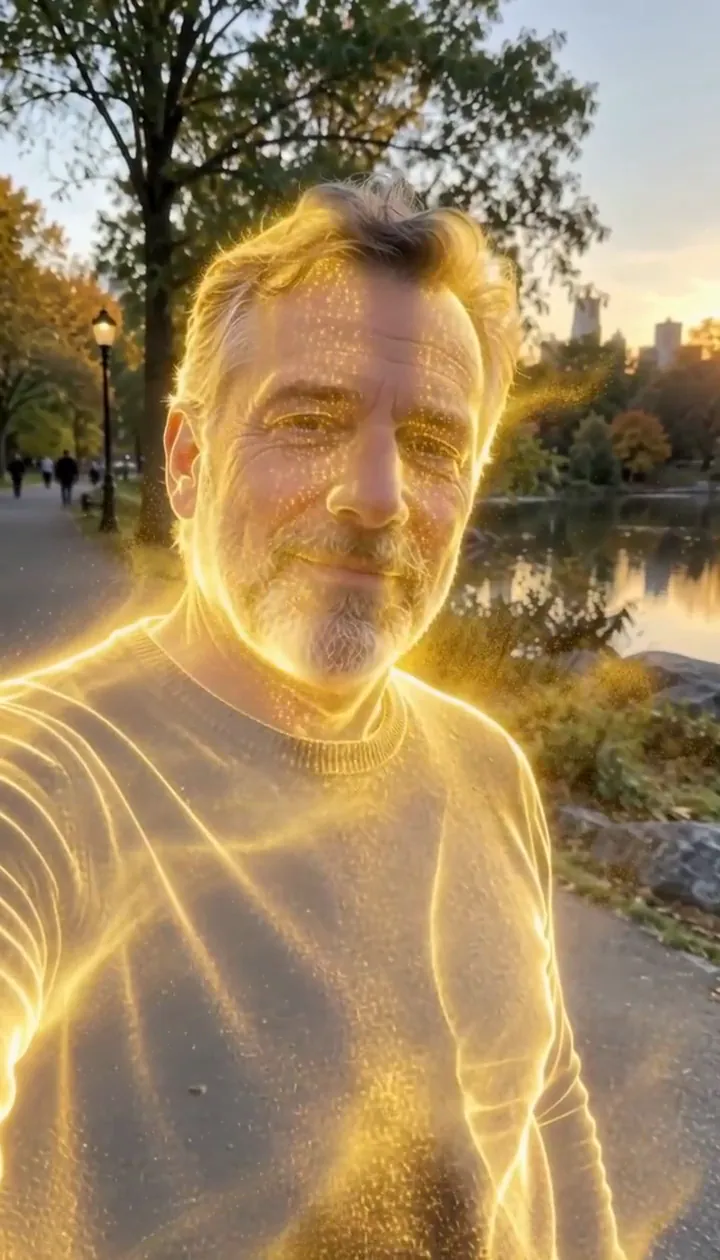
In our test runs, a man in his 50s with a trimmed grey beard and a navy sweater in a park in late-afternoon light. He dissolves into glowing gold particles until he is gone. Leave some open background on one side: the particles stream that way.
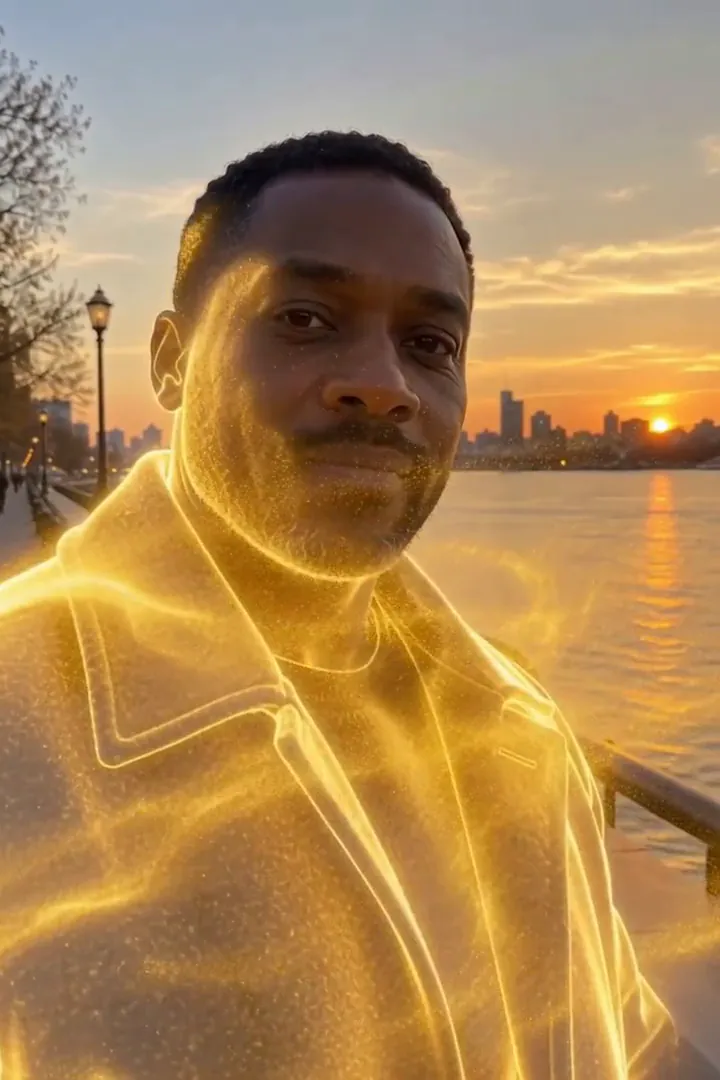
In the second run, a man in his 40s in a charcoal wool coat on a riverside promenade at golden hour. Gold sparks start at the shoulders, his whole figure turns to light, a golden outline lingers, then only the empty promenade is left. The person fully disappears by the end, so it works as an exit or a reveal shot.
Le rendu de Dissolution dorée selon le modèle
- MiniMax H3 Max (480 crédits · environ 30 s) Default; MiniMax H3 Max made the samples. 480 credits, with a typical render time of 31 seconds. The Golden Dissolve render includes generated sound; its page samples play muted.
- MiniMax H3 (185 crédits · environ 55 s) MiniMax H3 costs 185 credits; cheaper and untested with this prompt, so the published effect is not a tested promise for this option.
- Seedance 2.0 Mini · 480p (124 crédits · environ 2 min)
Le prompt derrière Dissolution dorée
Starting at the person's fingertips and shoulders, their body slowly dissolves into millions of glowing golden particles that peel away and stream sideways on a gentle wind, swirling through the air and catching the light, until only a shimmering golden outline remains. The background stays still. Camera holds steady with a slow push-in. Ethereal, elegant, cinematic VFX.Conseils pour un meilleur résultat avec Dissolution dorée
- Keep the original location visible around the whole torso; the scenery gives the disappearing figure a stable reference.
- Avoid a crop that clips the shoulders, where the golden breakup begins.
Dissolution dorée : questions et réponses
Does the gold leave a person standing at the finish?
In our test runs the figure disappeared completely, with a brief luminous outline before the background was empty.
Where should I leave room for the departing sparks?
Keep an open strip beside the shoulders and torso so the sideways stream can separate visibly from the body.
Would a crowded party picture suit this golden exit?
A solitary figure is the clearer starting point because neighboring bodies can interrupt the silhouette you want to dissolve.
Is this a solid gold statue transformation?
The intended finish is an absence made from drifting light; choose Molten Gold when you want a solid gilded figure instead.
How can I use the empty promenade ending?
Place your next shot after the last particles fade to make the disappearance serve as a gentle visual handoff.
Effets et outils associés
- Poussière d’étoiles · S’effriter en poussière lumineuse qui s’envole.
- Pluie de pétales · Se disperser en un tourbillon de pétales de rose.
- Poussière d’or · Une pluie de paillettes dorées au ralenti tombe sur vous.
- Trim the Golden Dissolve sequence in the editor