

 Create Image
 Edit Image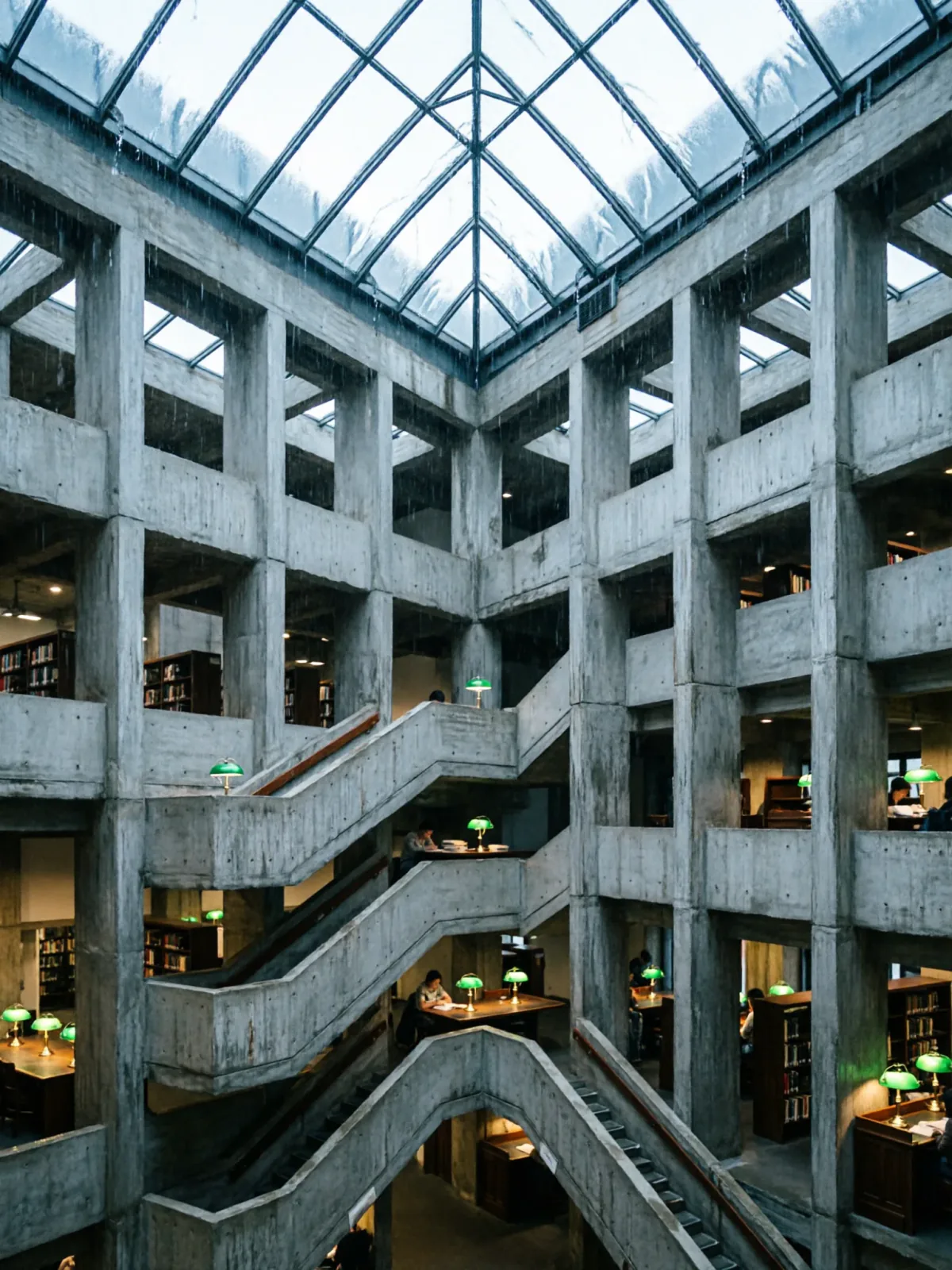
About Qwen Image 2
Qwen Image 2 is Alibaba's general-purpose image model: 800-character prompts read natively in Chinese or English, five aspect ratios on text-to-image, and an editing endpoint that revises one reference at a ratio you choose. One image per request, with an optional seed to hold a draw steady while you compare.
Call it with the model name alibaba/qwen-image-2/text-to-image on POST /jobs/createTask, from 6 credits per image ($0.06). New accounts get 30 free credits to try it in the Playground first.
Introduction
Qwen Image 2 Text to Image renders a written brief into a single image. Prompts are read natively in Chinese and English — there is no language parameter and no translation step, so switching working language mid-project changes nothing about the request.
Qwen Image 2 is Alibaba's general-purpose image model: 800-character prompts read natively in Chinese or English, five aspect ratios on text-to-image, and an editing endpoint that revises one reference at a ratio you choose. One image per request, with an optional seed to hold a draw steady while you compare.
Choose a Qwen Image 2 mode by starting material
| Starting material | Mode |
|---|---|
| A written art direction or design brief | Qwen Image 2 Text to Image |
| An approved source image to revise | Qwen Image 2 Image Editing |
Key features
Bilingual prompt work
Qwen Image 2 reads Chinese and English prompts directly, so a team can keep its working language where the creative brief is clearest instead of rebuilding it for handoff.
A written change to one supplied image
Its editing mode starts with one supplied visual and a written instruction. Use that starting point when the identity or composition already exists and the review is about a deliberate change, not a new concept from scratch.
Two distinct creative starting points
Text-to-image is for establishing a new scene from art direction; image editing is for revising a source visual. Selecting the starting material first prevents an edit brief from being evaluated like an original generation.
Request parameters
| Parameter | Required | Description |
|---|---|---|
seed | No | Reuse the same number to get a repeatable result. ≥ 0 · ≤ 2147483647 |
prompt | Yes | Describe the image to generate: subject, composition, style, and lighting. |
aspect_ratio | No | The shape of the frame: wide, square or tall. 1:1 · 4:3 · 3:4 · 16:9 · 9:16 · Default: 1:1 |
Pricing
Prices are in credits, the same credits you use on the website (1 credit = $0.01). The hold is taken when the task is accepted and settled to the actual charge when it finishes; failed tasks are refunded.
| Option | Credits per image | ≈ USD |
|---|---|---|
| Standard | 5.25 | $0.053 |
Each task is rounded up to whole credits, so one run at the lowest tier costs 6 credits per image ($0.06).
For an exact number before you run, send the same body to POST /jobs/quote.
Use cases
Start from a written brief
Choose the frame first — 1:1, 4:3, 3:4, 16:9 or 9:16 — then describe subject, composition and light, and compare a few draws before settling on a direction.
Bilingual campaign production
A creative team briefs in Chinese, an overseas partner iterates in English, and neither side rewrites the prompt. Framing is chosen with aspect_ratio up front, so each placement is generated at its own shape rather than cropped out of a square.
Character and costume work
Pin a seed once a character works, then vary the set and the wardrobe around a stable face.
Product restaged in a new scene
When no product photograph exists yet, describe the object, its material and the set it sits in, and treat the result as a concept frame rather than a record of the real product. Once a product shot is approved, send it to the editing endpoint and restage that photograph instead.
Prompt guide & pro tips
Pick the frame before you write
aspect_ratio composes the image rather than cropping it, so the description has to match the frame you chose: a 9:16 brief should stack its subject vertically, while a 16:9 brief can spread the set across the width.
Spend the 800 characters on one complete scene
Subject, wardrobe, set, light, lens — in one pass, in either language. The cap is enforced before the request is sent, so cut adjectives before you cut the description of the set. Leave seed out while you hunt for a direction; once a frame is worth keeping, fix its seed and change one element at a time.
Adapt the included example
Start with the published example using aspect_ratio: 1:1. Replace the subject and creative direction while keeping the input contract for this mode intact.
The exact request behind the published still: one square brief covering wardrobe, a tail accessory, the bar set and the lantern light.
Check the result before iterating
800 characters is a hard ceiling — a longer prompt is rejected before the request is sent, so spend the budget on subject, wardrobe, light and lens rather than on adjectives. One image comes back per request; there is no batch field, so exploring means repeating the call. In-image text is not this model's strength: for signage and mastheads use the Qwen Image 3.0 line instead.
API quick start
Call the Qwen Image 2 API in three steps
- Create an API key. Sign in to PopNow and create a key in the API console. Keys start with sk-popnow- and use the same credits as the website.
- Send the request. POST /jobs/createTask with model alibaba/qwen-image-2/text-to-image and an input object that follows the parameter table. The response returns a task ID straight away.
- Get the result. Poll GET /jobs/recordInfo with the task ID, or pass a callBackUrl and we post the result to it. Download the output links when the task succeeds.
# 1. Create the task. Keep the Idempotency-Key if you retry after a network error.
export IDEMPOTENCY_KEY="$(uuidgen)"
curl -X POST https://api.popnow.ai/api/v1/jobs/createTask \
  -H "Authorization: Bearer $POPNOW_API_KEY" \
  -H "Content-Type: application/json" \
  -H "Idempotency-Key: $IDEMPOTENCY_KEY" \
  -d '{
  "model": "alibaba/qwen-image-2/text-to-image",
  "input": {
    "prompt": "A ceramic teapot on a linen cloth, soft window light, muted palette",
    "aspect_ratio": "1:1"
  }
}'

# 2. Copy data.taskId from the response, then poll until state is succeeded, failed, canceled or expired.
TASK_ID="TASK_ID_FROM_RESPONSE"
curl "https://api.popnow.ai/api/v1/jobs/recordInfo?taskId=$TASK_ID" \
  -H "Authorization: Bearer $POPNOW_API_KEY"
Replace the prompt and any links with your own. The API tab has the response, polling and callback reference.
Qwen Image 2 API questions
How much does the Qwen Image 2 API cost?
Qwen Image 2 starts at 6 credits ($0.06) per image with Create Image, its cheapest task. Credits are the same as on the website (1 credit = $0.01), new accounts get 30 free credits, and failed tasks are refunded.
What is the model name for Qwen Image 2 in the API?
Put alibaba/qwen-image-2/text-to-image for Create Image; alibaba/qwen-image-2/edit for Edit Image in the model field of POST /jobs/createTask.
Does the prompt really work in Chinese?
Yes, natively, with no language parameter and no translation step. The 800-character cap is the same in either language, and so is everything else in the schema.
How is image editing different from text-to-image?
Editing takes exactly one reference image and offers eight aspect ratios, adding 3:2, 2:3 and 21:9; its aspect_ratio defaults to 1:1 rather than following the reference, so set it to your source's shape. Text-to-image starts from a prompt alone and offers five ratios.
Can I pass more than one reference image?
Not on this family. image_urls takes exactly one image, and a second is rejected before the request leaves the platform. To take a subject from one photograph and a garment from another in a single call, use an editing endpoint that accepts several references, such as Qwen Image 3.0.
Can I get several images from one request?
No. Both endpoints return exactly one image; there is no num_outputs field. Repeat the call with a different seed when you want variation.
Can it render text inside the image?
Not reliably. Short strings sometimes land, but signage, mastheads and packaging copy are the Qwen Image 3.0 line's job, not this model's.
What are the limits of the Qwen Image 2 API?
Aspect ratios: 1:1 · 4:3 · 3:4 · 16:9 · 9:16; Prompt length (characters): 800. Requests outside these limits are rejected before anything is charged.
Can I try Qwen Image 2 without writing code?
Yes. The Playground runs Qwen Image 2 on your PopNow credits, needs no API key, and shows the matching code for every run.
All Qwen Image models
Qwen Image 2.1 takes 5,000-character prompts and edits with up to ten references.
- Qwen Image 2.1 Pro APIUp to six detailed 2K images from one promptFrom 6 credits per image
- Qwen Image 2.1 Turbo APIFast 8-step renders, up to six per promptFrom 3 credits per image
- Qwen Image 2.1 APIOpen model with 2K output and transparent backgroundsFrom 4 credits per image
- Qwen Image 2.1 LoRA APIQwen Image 2.1 images and edits with up to three of your LoRAsFrom 5 credits per image
- Qwen Image 3.0 Pro APIFine typography plus lifelike skin, fabric and glassFrom 6 credits per image
- Qwen Image 3.0 APIReadable signs and headlines rendered into the imageFrom 5 credits per image
- Qwen Image 2 APISimple prompt-to-image and one-photo editsFrom 6 credits per image
- Qwen Image 2512 LoRA APIQwen Image 2512 renders and edits with your own LoRAsFrom 5 credits per image
- Qwen Image Edit 2509 LoRA APIMulti-photo Qwen edits that load your own LoRAsFrom 5 credits per image
- Qwen Image 1.0 LoRA APIOriginal Qwen-Image with clean lettering and your own LoRAsFrom 5 credits per image
Other image APIs
- Nano Banana 2.1 APIGoogle's newest Nano Banana, sharp text and 4K outputFrom 8 credits per image
- Nano Banana Pro APIPlans the layout first: dense text, diagrams and 4K editsFrom 17 credits per image
- GPT Image 2.5 Sunburst APIOpenAI's quality-first model, up to 4K with clean textFrom 1 credit per image
- Seedream 5.0 Pro APIHigh-detail images and edits from up to ten referencesFrom 6 credits per image
- FLUX.2 Max APITop-tier FLUX: photoreal light and exact brand colorsFrom 11 credits per image

