
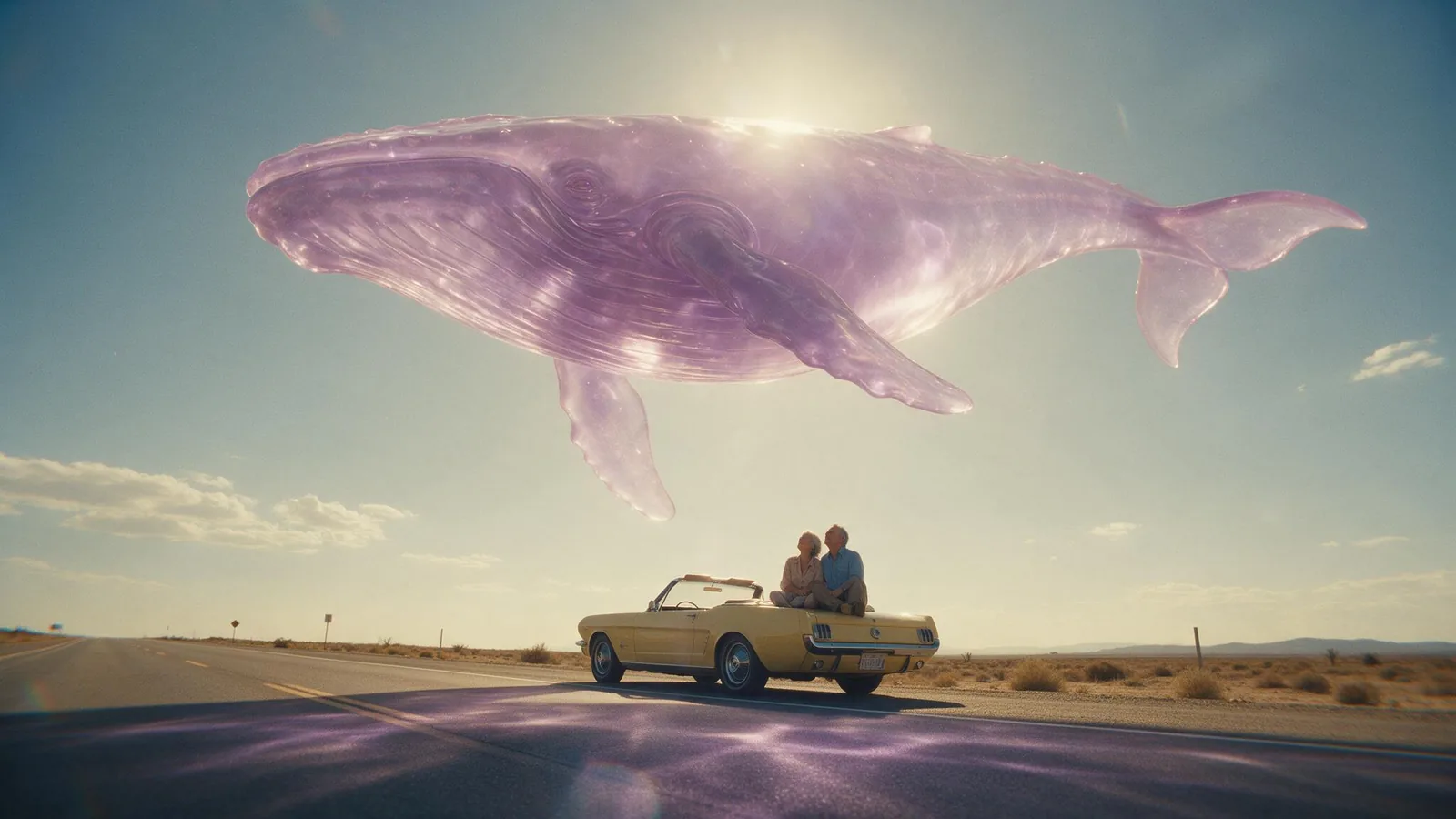
Wide cinematic photograph at golden hour on an empty desert highway: a colossal transparent whale made of glossy lilac jelly floats silently fifty metres above the asphalt, sunlight glowing through its body and casting soft violet caustics on the road; below it a vintage lemon-yellow convertible is parked on the shoulder and a couple in their sixties sit on its hood looking up in awe. Low camera, vast sky, 35mm film grain, anamorphic flare, photorealistic, no text, no logos.
Jelly Whale Seedream 5.0 Pro따라 만들기