


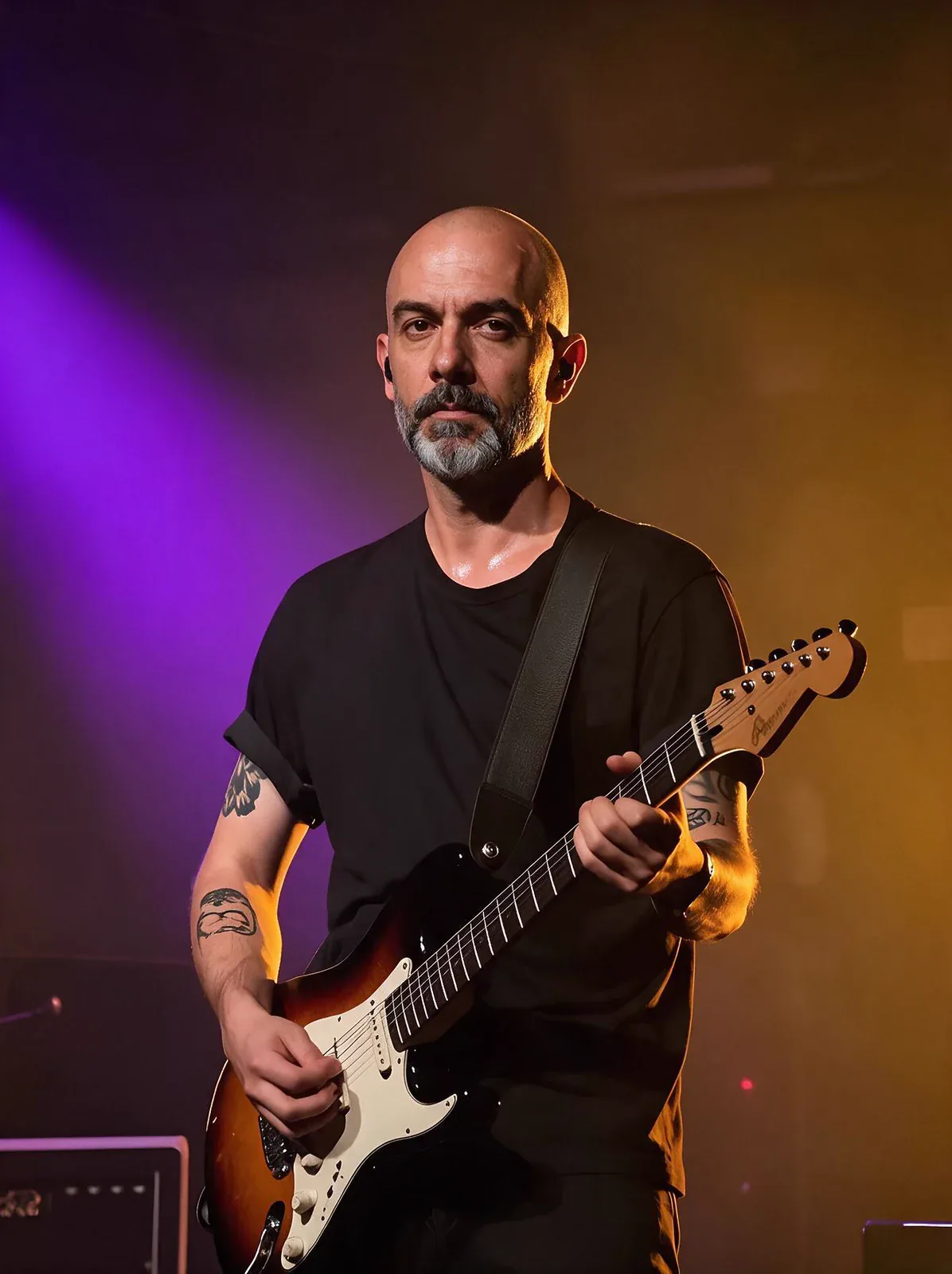
실제로 써 보면
Head Swap moves an entire head, face, hairstyle and hair colour included, from a reference photo onto the person in a target image, keeping their body, wardrobe, pose and background.
이럴 때 좋아요
- Costume and cosplay frames with a character's own hairstyle
- One recognisable character across many scenes
- Recasting a body shot you already like
Head Swap 실제 결과물
여기 있는 이미지와 영상은 모두 Head Swap 모델로 생성했습니다. '똑같이 만들기'를 누르면 같은 프롬프트와 설정으로 스튜디오가 열립니다.
 원본
원본프롬프트 없이 설정만 사용
내 이미지를 준비하세요
Head Swap 모델로 할 수 있는 것
어떤 모드든 Head Swap 모델이 선택된 상태로 스튜디오가 열립니다. 가격은 생성 전에 표시됩니다.
Head Swap 프롬프트 작성 요령
- Match the head angle and the lighting between the two photos.
- Avoid targets whose neck is hidden by a high collar, scarf or hair; that's where a seam shows.
- Only use people you have permission to use.
알아 두면 좋은 설정
나머지 설정은 알맞은 기본값이 들어 있어 프롬프트만 쓰면 바로 생성할 수 있습니다.
image_url- 출발점이 되는 이미지.
seed0–2147483647- 같은 숫자를 쓰면 같은 결과를 다시 얻을 수 있습니다.
다른 모델과 비교하면
같은 작업이라도 강점과 가격이 다릅니다.
Face Swap moves only the facial features and keeps the target's own hair.
Head Swap 자주 묻는 질문
Head Swap 가격은 얼마인가요?
PopNow에서 Head Swap의 가장 저렴한 1회 생성은 2크레딧(이미지당), 약 US$0.02입니다. 크레딧으로 결제하며(1크레딧 = 0.01달러) 정확한 금액은 생성 버튼에 미리 표시되고, 실패한 생성은 자동으로 환불됩니다.
Head Swap 모델로 무엇을 할 수 있나요?
PopNow에서 Head Swap 모델은 다음 모드로 쓸 수 있습니다: 얼굴 바꾸기. 스튜디오에서 모드를 고르고 프롬프트나 파일을 넣으면 됩니다.
Head Swap 프롬프트는 어떻게 쓰나요?
Match the head angle and the lighting between the two photos. Avoid targets whose neck is hidden by a high collar, scarf or hair; that's where a seam shows. Only use people you have permission to use.
Head Swap vs Face Swap, 무엇을 고를까요?
Face Swap moves only the facial features and keeps the target's own hair.
Head Swap 모델을 쓰려면 무언가 설치해야 하나요?
아니요. Head Swap 모델은 PopNow 웹 브라우저에서 바로 실행됩니다. 프롬프트를 쓰거나 파일을 올리고, 설정을 고른 뒤 결과를 내려받으면 됩니다. 가입하면 바로 생성할 수 있습니다.