


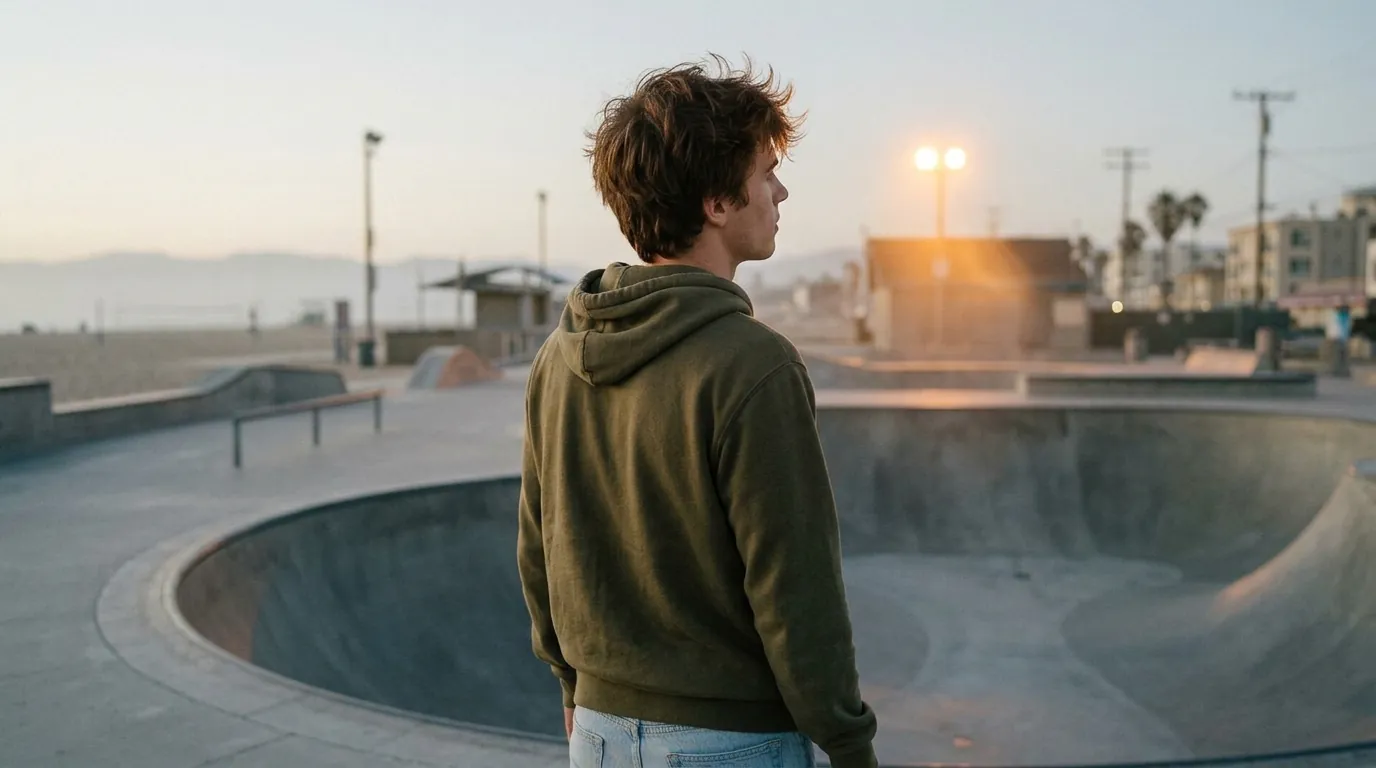
 새 이미지
새 이미지
예시
AI 사진 효과 · 내 장면의 다음 컷
2026년 10월 트렌드
내 장면의 다음 컷: 사진 한 장으로 만드는 AI 사진 효과
사진 한 장을 영화의 다음 컷으로. 같은 장소, 같은 빛에서 반대 앵글을 만들어요.
1사진 추가
- 한 사람, 얼굴이 잘 보이는 사진
- 머리부터 허리까지 나온 사진이 가장 잘 어울려요
- 밝은 사진일수록 결과가 선명해요
2모델 선택
이미지 1장 · 보통 1분 안에 완성
이것도 해 보세요
전체 이펙트
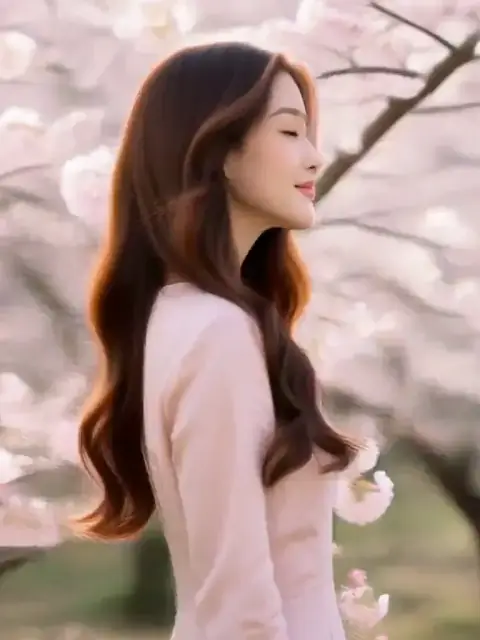

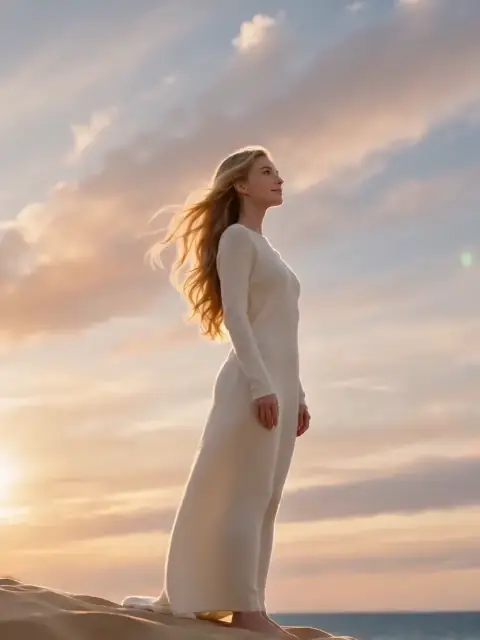
내 장면의 다음 컷 효과로 할 수 있는 것
내 장면의 다음 컷 효과는 사진 한 장으로 새로운 AI 이미지를 만들어요. 사진 한 장을 영화의 다음 컷으로. 같은 장소, 같은 빛에서 반대 앵글을 만들어요.
내 장면의 다음 컷에 잘 맞는 사진
피해 주세요
- 단체 사진(얼굴은 하나만 써요)
- 카메라에서 멀어 얼굴이 아주 작은 사진
내 장면의 다음 컷 예시

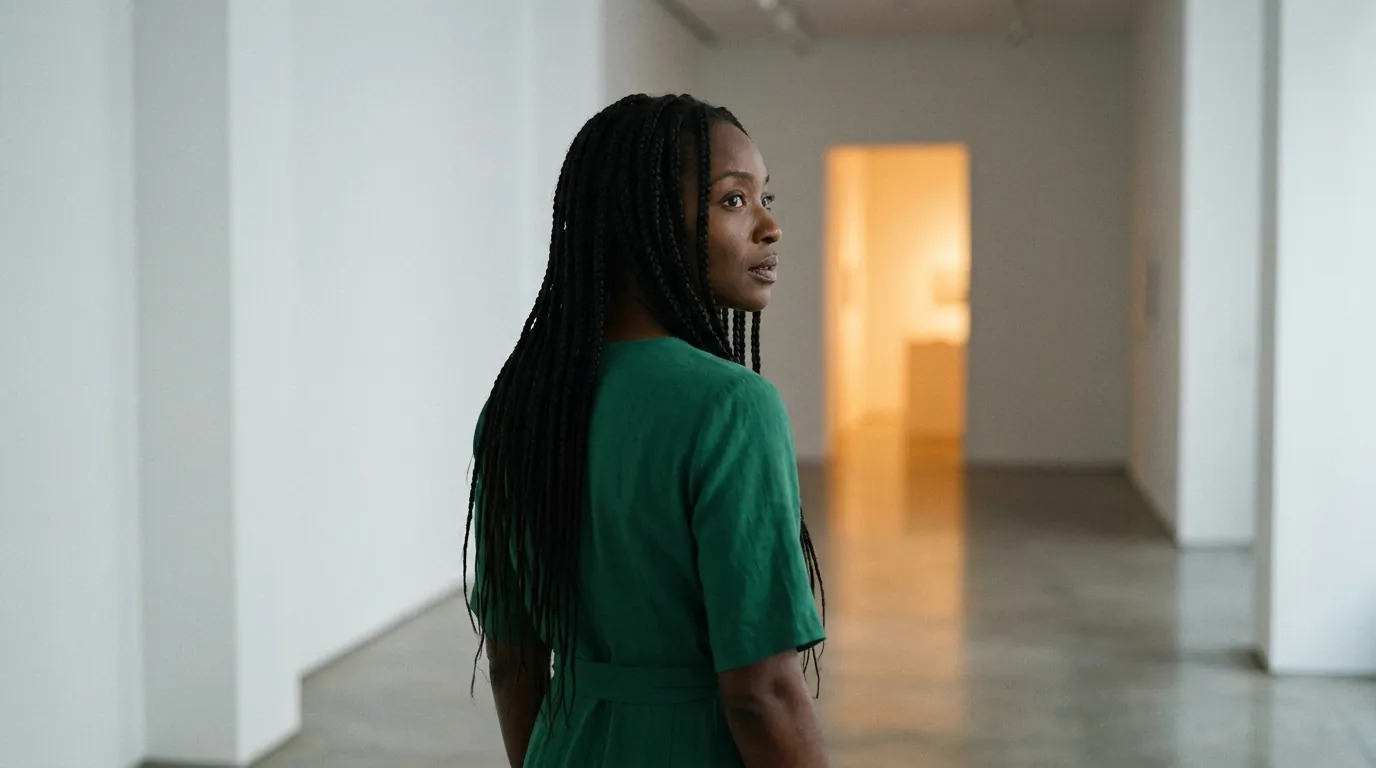
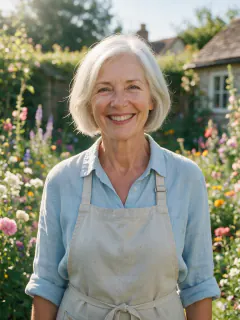
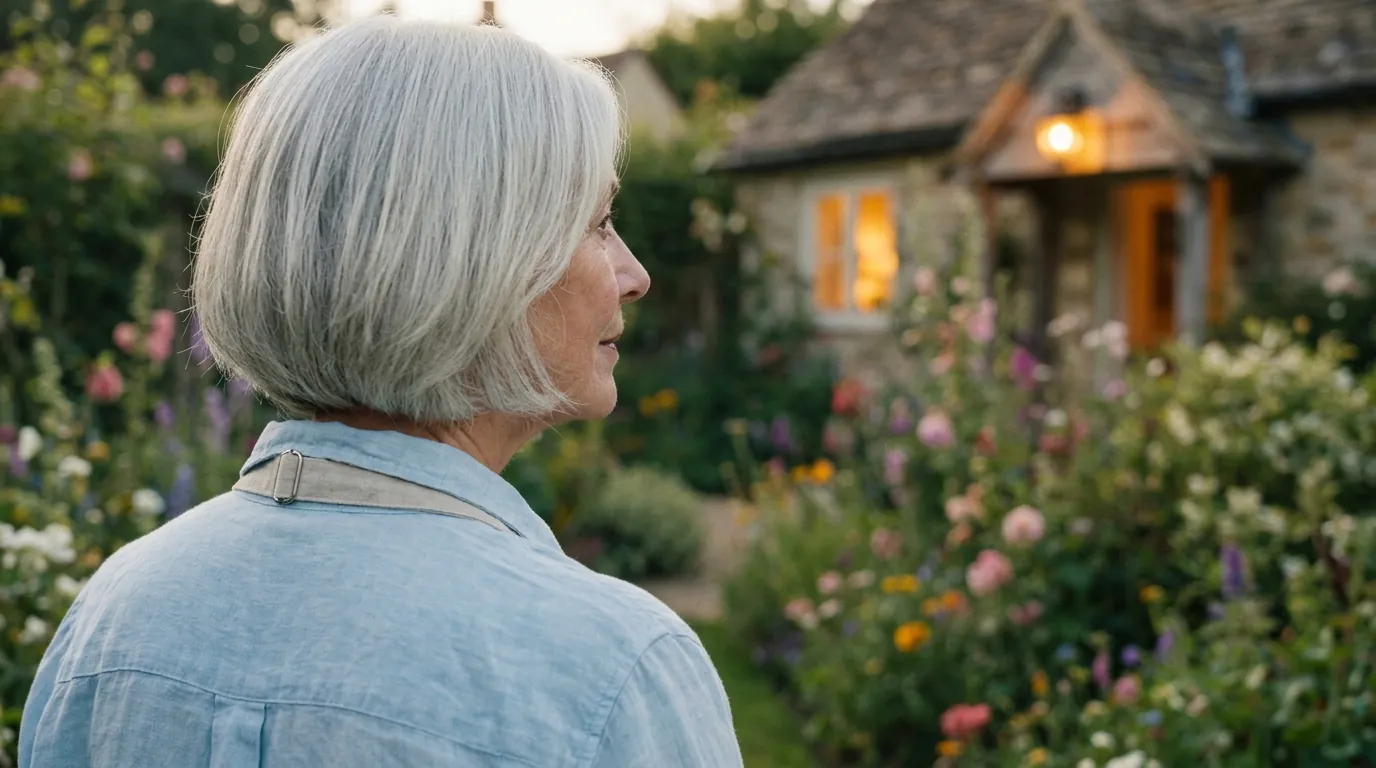
내 장면의 다음 컷의 프롬프트
내 장면의 다음 컷 효과는 프롬프트가 필요 없어요. 사진과 함께 보내는 문장:
Create the next shot of this film scene: the same person in the same outfit and the same location, now seen from a reverse angle over their shoulder as they turn toward a warm light that has just switched on in the distance. Cinematic widescreen composition, consistent lighting and color grade with the original photo, shallow depth of field, no text. Keep their face and identity exactly the same.프롬프트가 요청하는 것
- 그대로인 것
Keep their face and identity exactly the same.
- 규칙
Cinematic widescreen composition, consistent lighting and color grade with the original photo, shallow depth of field, no text.
- 빛과 분위기
Create the next shot of this film scene: the same person in the same outfit and the same location, now seen from a reverse angle over their shoulder as they turn toward a warm light that has just switched on in the distance.
내 장면의 다음 컷 가격과 시간
내 장면의 다음 컷 효과는 Nano Banana 2.1 기준 8크레딧이고 보통 약 50초 걸려요.
가장 저렴한 옵션: Seedream 5.0 Flash, 5크레딧, 약 40초.
내 장면의 다음 컷 자주 묻는 질문
내 장면의 다음 컷 효과는 몇 크레딧인가요?
Nano Banana 2.1 기준 8크레딧, 최저 5크레딧이에요. 가입하면 30크레딧 무료.
내 장면의 다음 컷 효과는 사진의 무엇을 바꾸나요?
Keep their face and identity exactly the same.