


모델 비교
Kling 3.0 vs MiniMax H3
MiniMax H3 is the cheaper way to clips with sound: text, image and reference scenes plus clip extension, 4 to 15 seconds at 768p or 2K. Kling 3.0 costs more per second but renders up to 4K, lets you switch the sound off, and adds Motion Control.


한눈에 보기
| Kling 3.0 | MiniMax H3 | |
|---|---|---|
| 제작사 | Kuaishou | MiniMax |
| 모드 | 동영상 만들기, 이미지로 영상 만들기 및 모션 컨트롤 | 동영상 만들기, 이미지로 영상 만들기, 레퍼런스로 영상 만들기 및 영상 이어 만들기 |
| 최대 해상도 | 4K | 2K |
| 클립 길이 | 3–15s | 4–15s |
| 사운드 | 있음 | 없음 |
| 참조 이미지 | — | 9 |
| 시작 가격 | 51크레딧 (5초 영상 기준) | 28크레딧 (5초 영상 기준) |
Kling 3.0 모델이 맞는 경우
- 4K output
- Copying a performance with Motion Control
- Silent clips for an edit with its own score
MiniMax H3 모델이 맞는 경우
- Vertical 9:16 clips with sound at a lower price
- Keeping a character with up to 9 reference photos
- Building longer scenes by extending clips
각 모델의 실제 결과물
여기 있는 이미지와 영상은 모두 Kling 3.0 / MiniMax H3 모델로 생성했습니다. '똑같이 만들기'를 누르면 같은 프롬프트와 설정으로 스튜디오가 열립니다.
Kling 3.0
 원본
원본내 이미지를 준비하세요
MiniMax H3
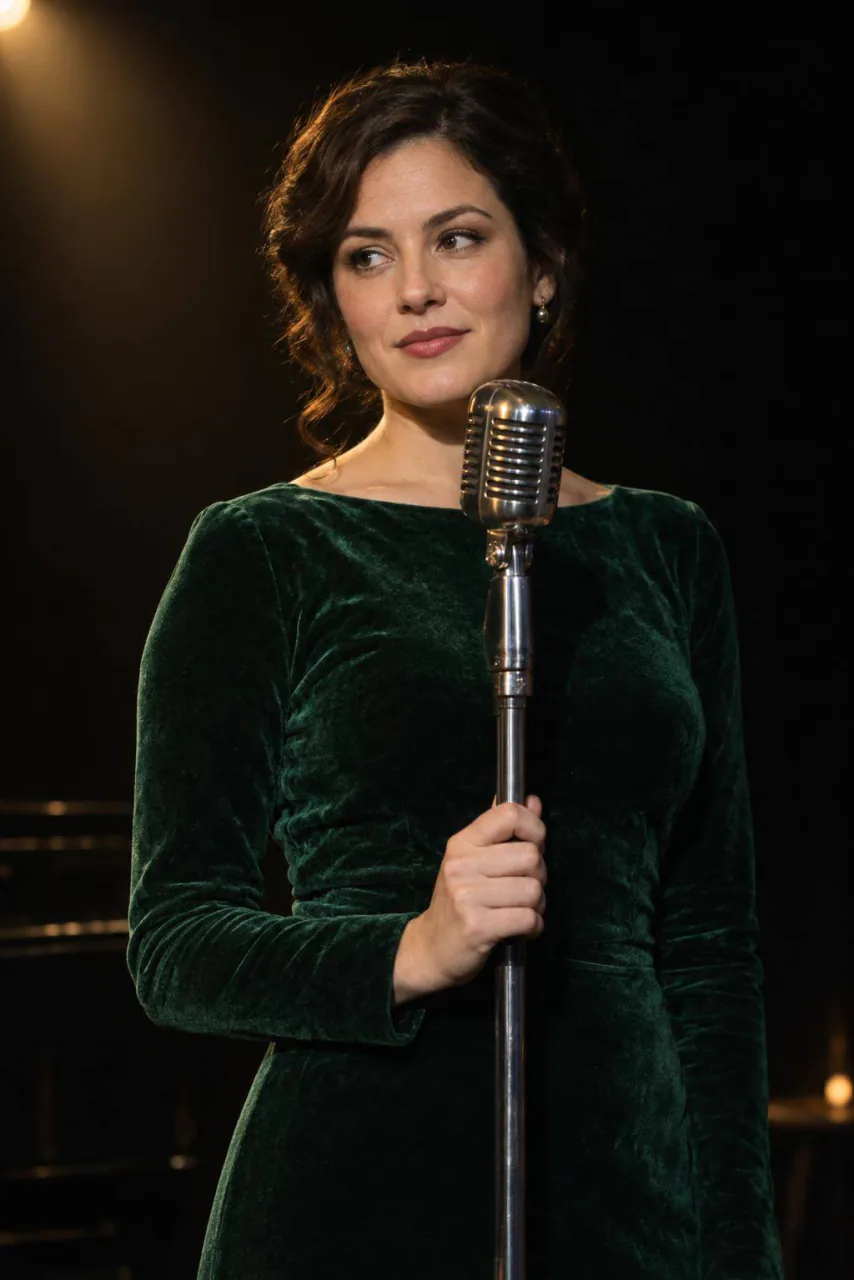 원본
원본내 이미지를 준비하세요
Kling 3.0 vs MiniMax H3 자주 묻는 질문
Kling 3.0가 MiniMax H3보다 나은가요?
MiniMax H3 is the cheaper way to clips with sound: text, image and reference scenes plus clip extension, 4 to 15 seconds at 768p or 2K. Kling 3.0 costs more per second but renders up to 4K, lets you switch the sound off, and adds Motion Control.
Kling 3.0와 MiniMax H3 중 어느 쪽이 저렴한가요?
PopNow에서는 MiniMax H3 모델이 더 저렴하게 시작합니다: 28크레딧, 다른 모델은 51크레딧(5초 영상 기준). 둘 다 크기가 크고 길수록 비싸지며, 정확한 가격은 생성 전에 표시됩니다.
Kling 3.0와 MiniMax H3를 둘 다 쓸 수 있나요?
네. PopNow 계정 하나와 크레딧 잔액 하나로 둘 다 쓸 수 있고, 스튜디오에서 프롬프트를 다시 쓰지 않고 전환할 수 있습니다.