

Blender AI render add-on
Turn a Blender camera view or clay previz into AI renders, AI video and seamless textures with the free PopNow add-on. Install, API key, models and credit prices, and the REST calls behind it.
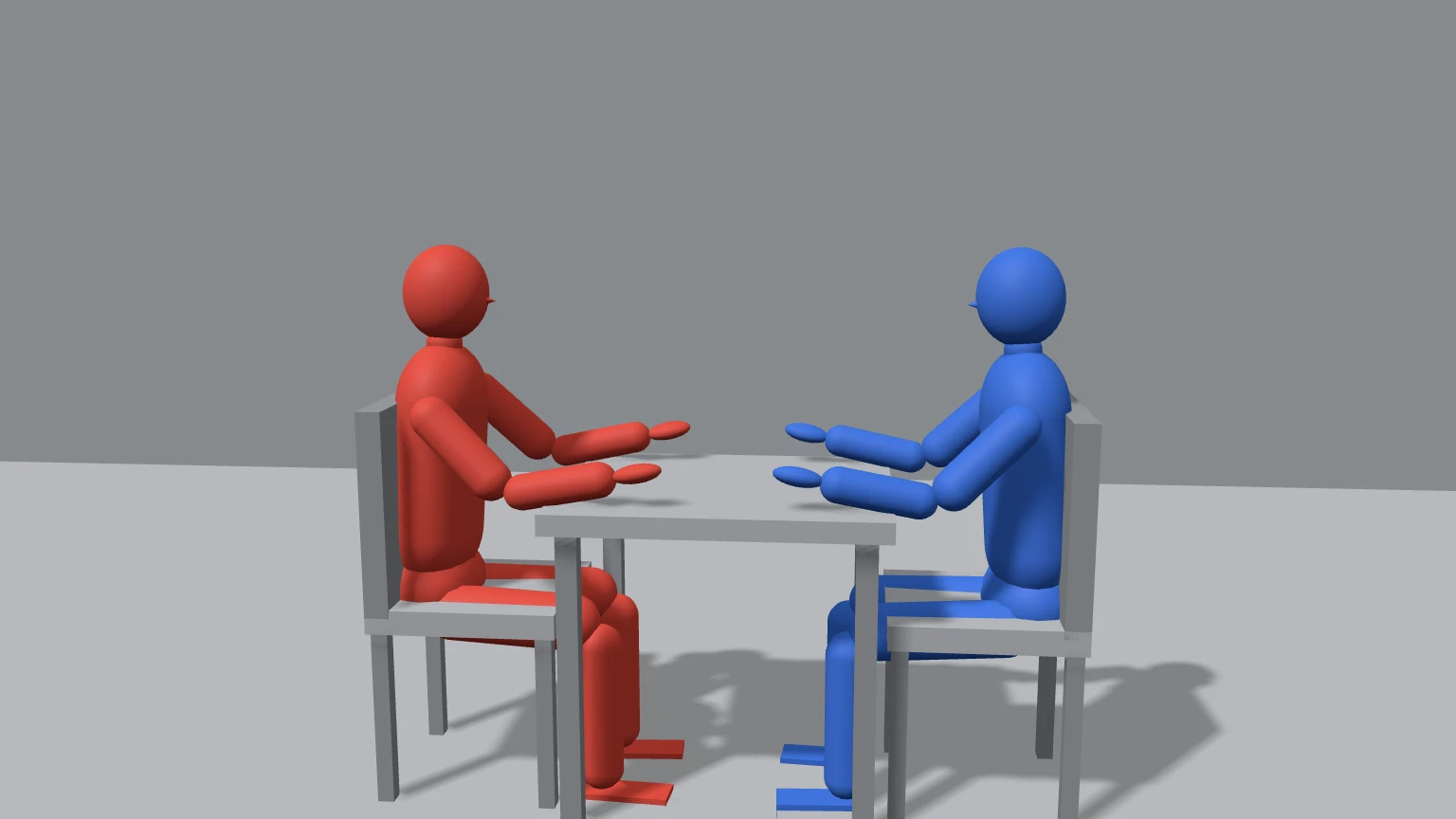
The free PopNow add-on for Blender adds a PopNow tab to the 3D Viewport sidebar. Block out a scene with grey shapes, frame it with your camera, and PopNow paints it: a finished picture that keeps your composition, a short video that follows your camera move, or a seamless texture for the selected object. It uses your PopNow API key and the same credits as popnow.ai.
Download it from the Blender add-on page on popnow.ai (current version 0.1.0, about 58 KB, Windows, macOS and Linux, Blender 4.2 or newer).

What it does
| Workflow | Input | Output |
|---|---|---|
| Render with AI | The camera or viewport rendered as clean grey clay, optional depth or line pass, up to three reference photos | A finished image in the Image Editor; optionally set as the camera background or projected onto your meshes |
| Animate with AI | A quick Workbench preview of your camera animation | An MP4 that keeps your camera move, blocking and timing, ready to drop into the Video Sequencer |
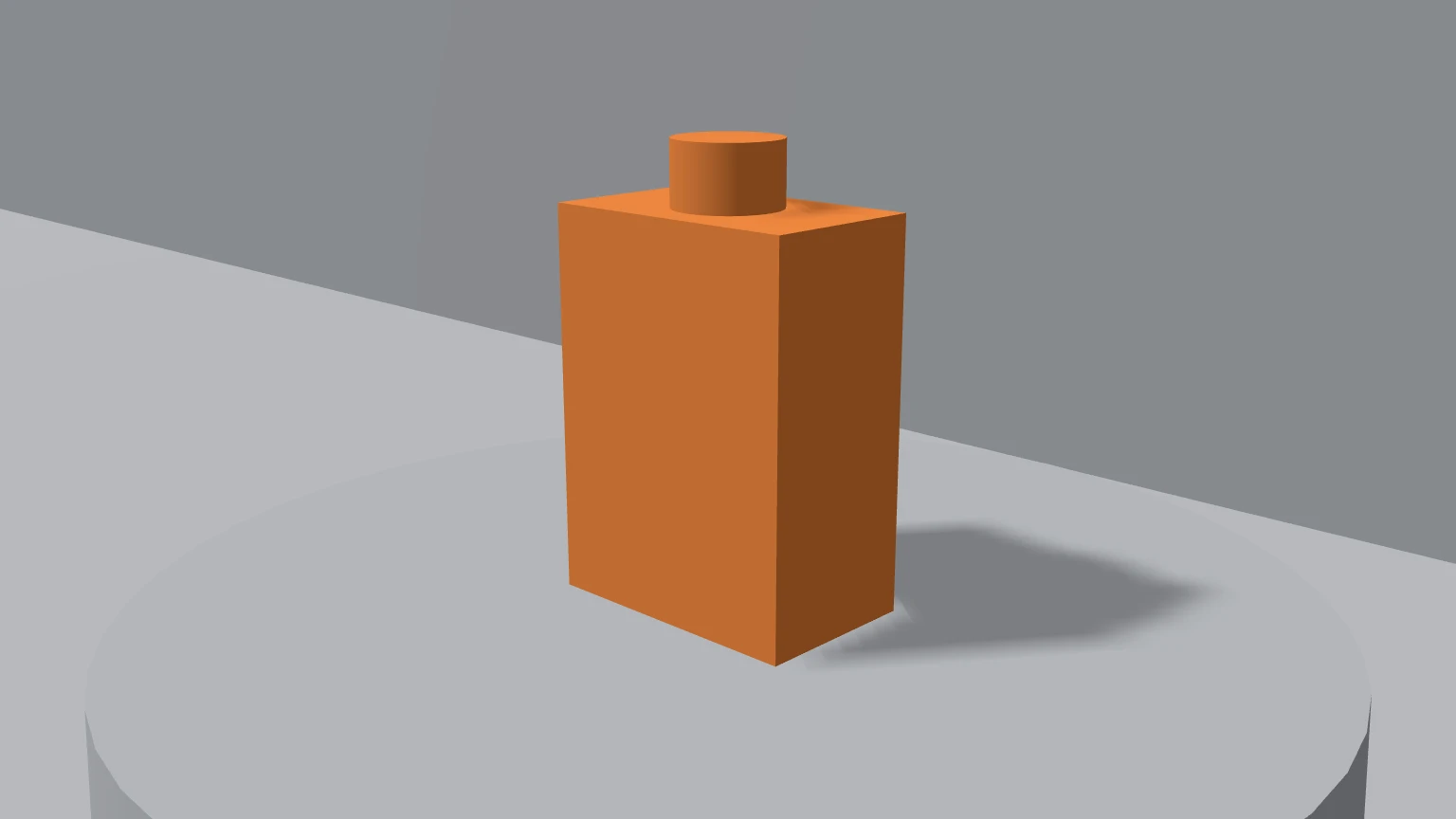
| Seamless texture | A description of a material and a style (photo-scan, hand-painted, toon) | A square texture with blended edges, a material using box projection, applied to the selected objects |
Install in three steps
Download the zip
Get popnow-blender-0.1.0.zip from popnow.ai/blender. Do not unzip it.
Install it in Blender
In Blender 4.2 or newer, drag the zip into the Blender window. Or open Edit › Preferences › Get Extensions, click the menu in the top right, choose Install from Disk and pick the zip. Blender asks you to allow online access the first time; PopNow needs it to send renders and download results.
Paste your API key
Press N in the 3D Viewport, open the PopNow tab, click Get API key, create a key in the API console and paste it. Your balance appears right away.
What a render looks like
- Frame your shot with the camera, or switch the panel to Viewport.
- Write what you want to see, pick a style and a model. The button shows the price.
- The add-on renders the clay image, uploads it and gets an exact quote.
- Click Start. Blender stays responsive while it runs; progress shows in the Tasks panel.
- The result opens in the Image Editor and is saved in a
popnowfolder next to your.blendfile.
Models and prices
Prices are in credits (1 credit = $0.01), match popnow.ai, and are the lowest tier of each model. The panel shows the estimate for your settings and you confirm the exact quote before anything starts.
| Workflow | Model | Good for | From |
|---|---|---|---|
| Render | Seedream 5.0 Pro | Balanced; follows your layout closely | 6 credits per 1K image |
| Render | Seedream 5.0 Flash | Faster and cheaper | 5 credits |
| Render | Nano Banana 2.1 | Best with many reference images | 8 credits |
| Render | GPT Image 2 | Strong text and fine detail | 7 credits |
| Render | Qwen-Image 2.1 Turbo | Cheapest drafts | 3 credits |
| Render | FLUX.1 dev ControlNet | Exact shapes from a depth or line pass; no reference images | 6 credits |
| Animate | Seedance 2.0 Mini | Cheapest, good for drafts | 17 credits per 480p 5 s |
| Animate | Seedance 2.0 Fast | Balance of price and quality | 34 credits |
| Animate | Seedance 2.0 | Higher quality, up to 4K | 65 credits |
| Animate | Seedance 2.5 | Follows clay previz best | 111 credits |
| Animate | Wan 3.0 | Strong motion, up to 1080p | 68 credits |
| Animate | Kling O3 Restyle | Repaints your clip frame by frame, 3 to 10 s | 94 credits per 720p 5 s |
| Animate | Wan 2.2 Animate | Motion control: your character copies the clay figure | 40 credits |
| Texture | Seedream 5.0 Flash | Fast and cheap | 5 credits per 1K image |
| Texture | Qwen-Image 2.1 Turbo | Cheapest | 3 credits |
| Texture | Seedream 5.0 Pro | Most detail | 6 credits |
| Texture | Nano Banana 2.1 | Up to 4K | 8 credits |
If a generation fails, its held credits go back to your balance automatically and the Tasks panel says so. See Credits and refunds.
The API calls behind it
The add-on is an ordinary API client: it uploads the clay render, quotes, creates a task and polls it. If you script Blender yourself, or want the same result from a render farm, call the API directly. This is what Render with AI does with Seedream 5.0 Pro:
curl -X POST "https://api.popnow.ai/api/v1/jobs/createTask" \
  -H "Authorization: Bearer $POPNOW_API_KEY" \
  -H "Content-Type: application/json" \
  -H "Idempotency-Key: $(uuidgen)" \
-d '{"model": "bytedance/seedream-5.0-pro/edit", "input": {"prompt": "Turn this clay render into a sunlit cafe photo. Keep the camera, layout and silhouettes exactly.", "image_urls": ["popnow://f/fil_clay_render"], "aspect_ratio": "16:9", "resolution": "1k"}}'import os, time, uuid, requests
API = "https://api.popnow.ai/api/v1"
H = {"Authorization": f"Bearer {os.environ['POPNOW_API_KEY']}"}
def upload(path):
data = open(path, "rb").read()
ticket = requests.post(f"{API}/common/upload-url", headers=H, json={"contentType": "image/png", "bytes": len(data)}, timeout=30).json()["data"]
requests.put(ticket["uploadUrl"], data=data, headers=ticket.get("headers", {}), timeout=120).raise_for_status()
return requests.post(f"{API}/files/{ticket['fileId']}/commit", headers=H, timeout=30).json()["data"]["uri"]
clay = upload("/tmp/clay_render.png")
task = requests.post(
f"{API}/jobs/createTask",
headers={**H, "Idempotency-Key": str(uuid.uuid4())},
json={
"model": "bytedance/seedream-5.0-pro/edit",
"input": {"prompt": "Turn this clay render into a sunlit cafe photo. Keep the camera, layout and silhouettes exactly.", "image_urls": [clay], "aspect_ratio": "16:9"},
},
timeout=30,
).json()["data"]
while task["state"] in ("queued", "running"):
time.sleep(3)
task = requests.get(f"{API}/jobs/recordInfo", headers=H, params={"taskId": task["taskId"]}, timeout=30).json()["data"]
print(task["state"], task.get("output", {}).get("assets", [{}])[0].get("url"))const res = await fetch('https://api.popnow.ai/api/v1/jobs/quote', {
method: 'POST',
headers: { Authorization: `Bearer ${process.env.POPNOW_API_KEY}`, 'Content-Type': 'application/json' },
body: JSON.stringify({
model: 'bytedance/seedream-5.0-pro/edit',
input: { prompt: 'Turn this clay render into a sunlit cafe photo.', image_urls: ['https://media.popnow.ai/movie/lighthouse.webp'], aspect_ratio: '16:9' },
}),
});
console.log((await res.json()).data.maxCredits, 'credits');Replace popnow://f/fil_clay_render with the URI your own upload returns; see Media.
What leaves your computer
- Only the rendered clay image or preview clip and the reference images you pick. Your
.blendfile, meshes and textures stay on your machine. - Your API key is kept in Blender's preferences, never inside a
.blendfile, so sharing a project never shares your key. - Results download to a
popnowfolder next to your.blendfile, or to a folder you choose.
Common errors
| You see | Why | Fix |
|---|---|---|
| The PopNow tab asks for a key | No key saved yet, or it was revoked | Create a key in the API console and paste it |
| The add-on cannot reach PopNow | Blender's Allow Online Access is off, or a firewall blocks api.popnow.ai | Turn it on in Preferences › System › Network |
| Not enough credits | The quote is higher than your balance | Top up, or pick a cheaper model, lower resolution or shorter clip |
| The video ignores the clay figures | The model follows prompts more than previz | Use Seedance 2.5, or Wan 2.2 Animate for a character |
| Shapes drift from your layout | Image models reinterpret outlines | Use FLUX.1 dev ControlNet with a depth or line-art pass |
| “Stop waiting” but the job keeps running | A started job runs to the end on PopNow | Resume later from the Tasks panel to download it |
Is the Blender add-on free?
Yes. The add-on costs nothing; each generation uses PopNow credits from the same balance as popnow.ai, and the price is shown before you start.
Which Blender versions does it support?
Blender 4.2 and newer on Windows, macOS and Linux. It installs as a Blender extension with no extra Python packages.
Do I need a GPU?
No. Generation runs on PopNow. Your computer only makes a quick Workbench clay render, plus a one-sample Cycles pass if you ask for depth, normals or line art.
Can I use a local Stable Diffusion model instead?
No. The add-on calls models hosted on PopNow. For a local graph that also calls cloud models, use the ComfyUI node.
Blender is a registered trademark of the Blender Foundation. PopNow is not affiliated with or endorsed by the Blender Foundation.