


Efecto de video con IA · Clon de sombra
Clon de sombra: efecto de IA que convierte una foto en video
Tus copias se separan dejando un rastro de humo y luego adoptan la misma pose.
1Añade una foto
- Una persona u objeto principal bien definido, de cintura para arriba o de cuerpo entero, con algo de espacio alrededor
- Deja espacio en el encuadre: las alas, el fuego, los portales y los clones necesitan sitio para aparecer
- Las fotos nítidas y bien iluminadas mantienen el rostro y el pelaje iguales durante todo el efecto
Más opcionesMiniMax H3 Max
Más opciones6 s
unos 1 min
Más para probar
Todos los efectos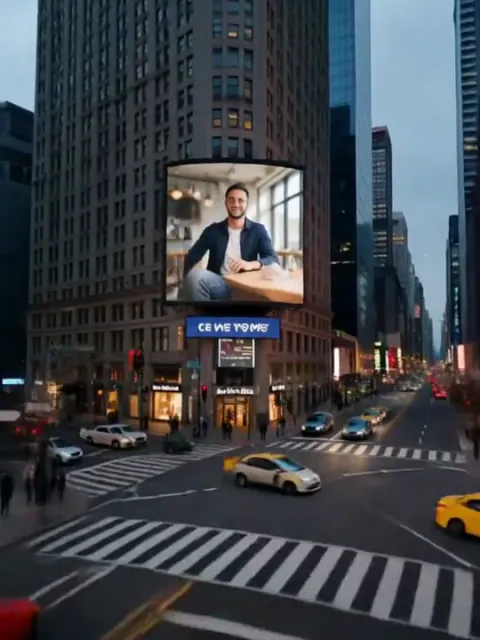 Cartel giganteLa cámara se aleja y muestra tu foto en una valla publicitaria enorme de la ciudad.ProbarRecrear
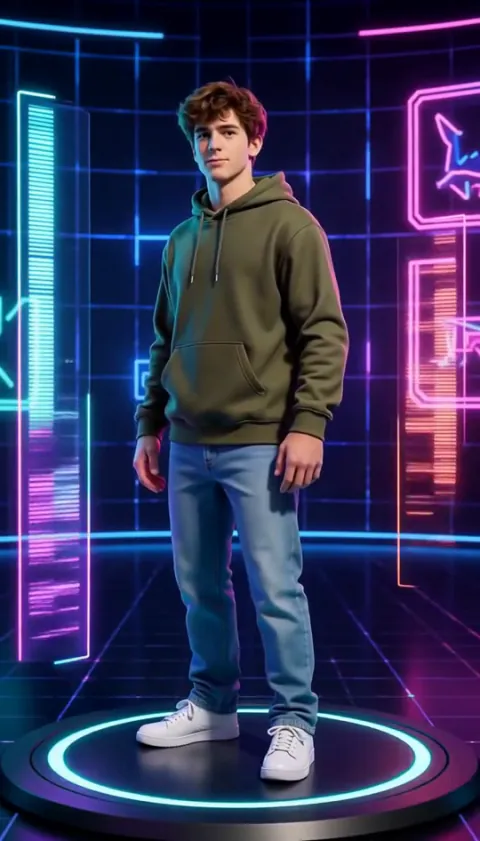 Selección de personajeTe conviertes en un personaje de videojuego 3D que gira en una pantalla de selección de neón.ProbarRecrear
 Libro desplegableTu escena se pliega en un libro desplegable de papel y saltas desde la página.ProbarRecrear
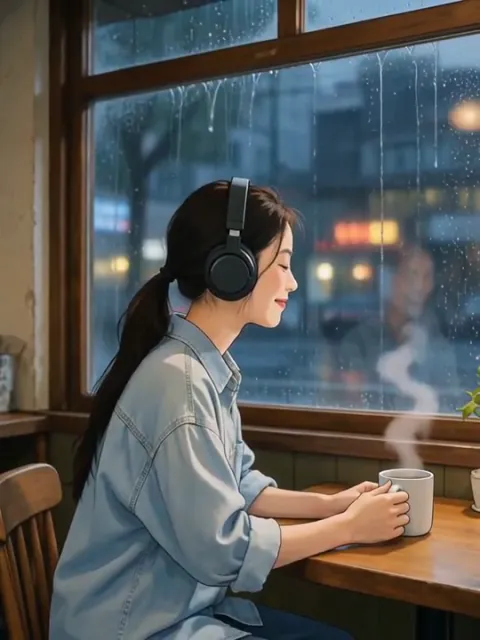 Bucle lo-fiUn bucle acogedor dibujado a mano: tú, unos auriculares y lluvia en la ventana.ProbarRecrear
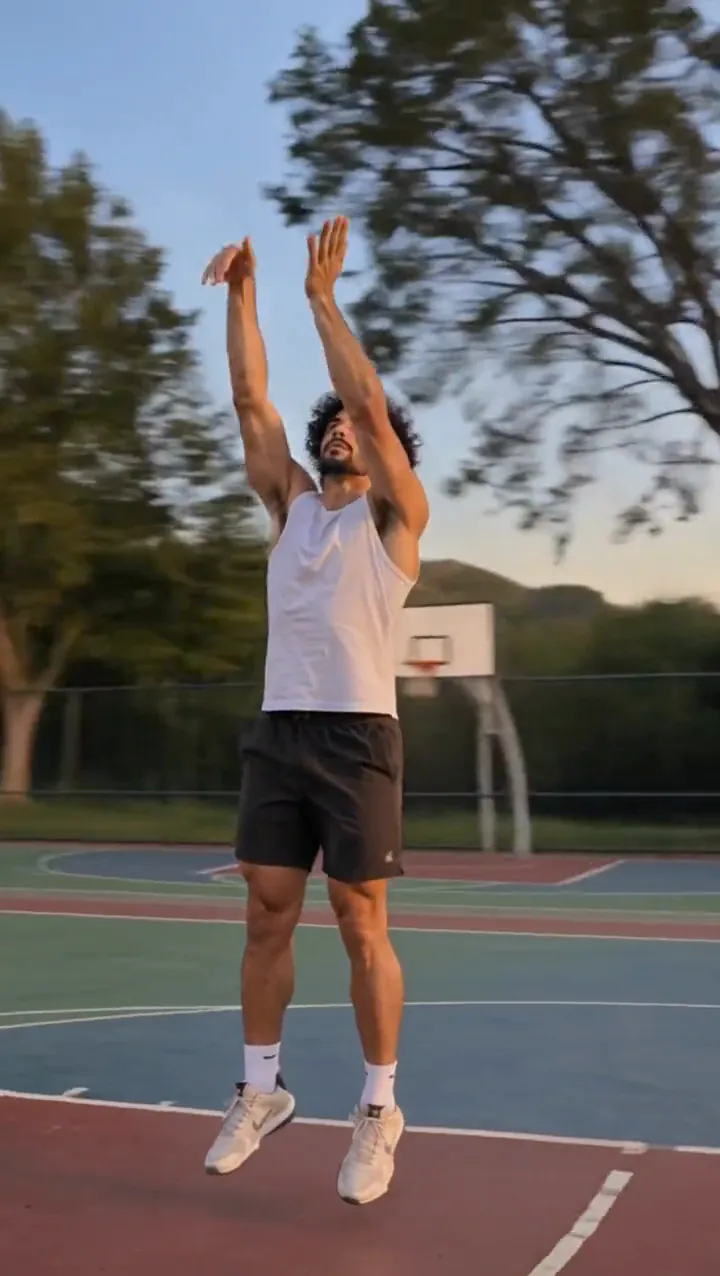 Tiempo bala congeladoTe quedas inmóvil en pleno salto como una estatua mientras la cámara gira a tu alrededor.ProbarNuevoRecrear
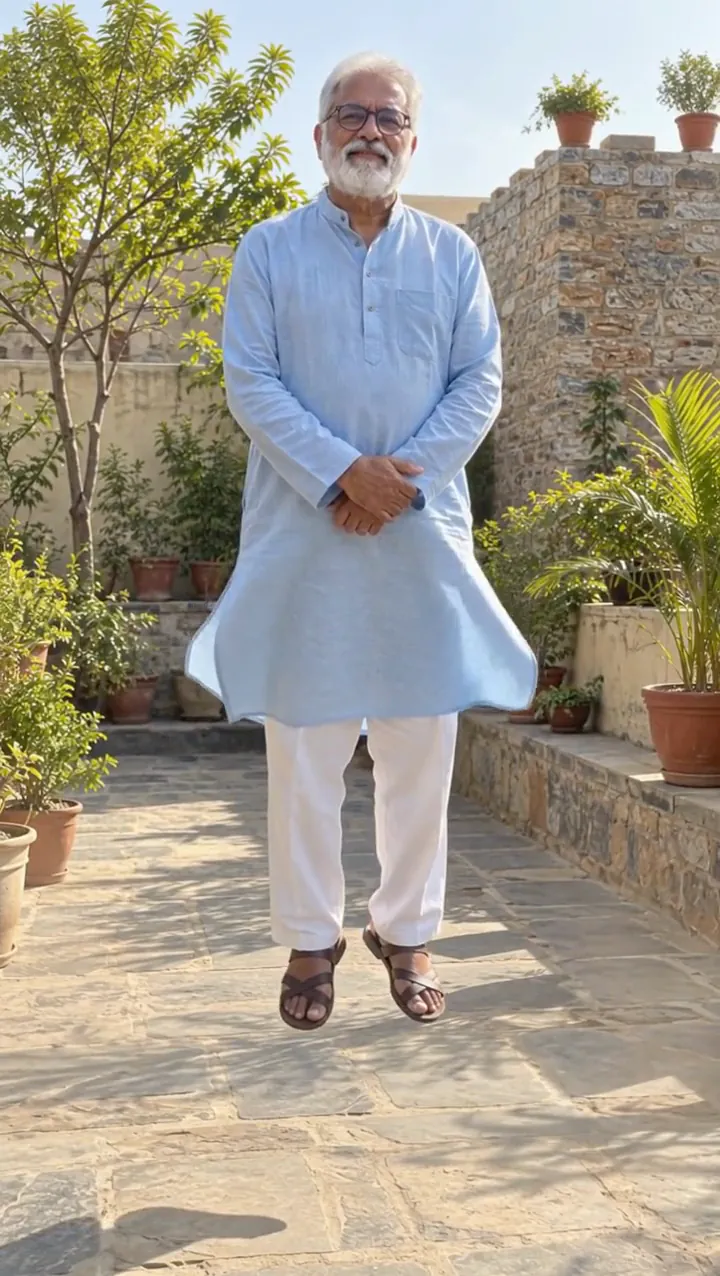 LevitaciónSe levantan tus talones, luego las puntas de los pies, y asciendes tranquilamente.ProbarNuevoRecrear
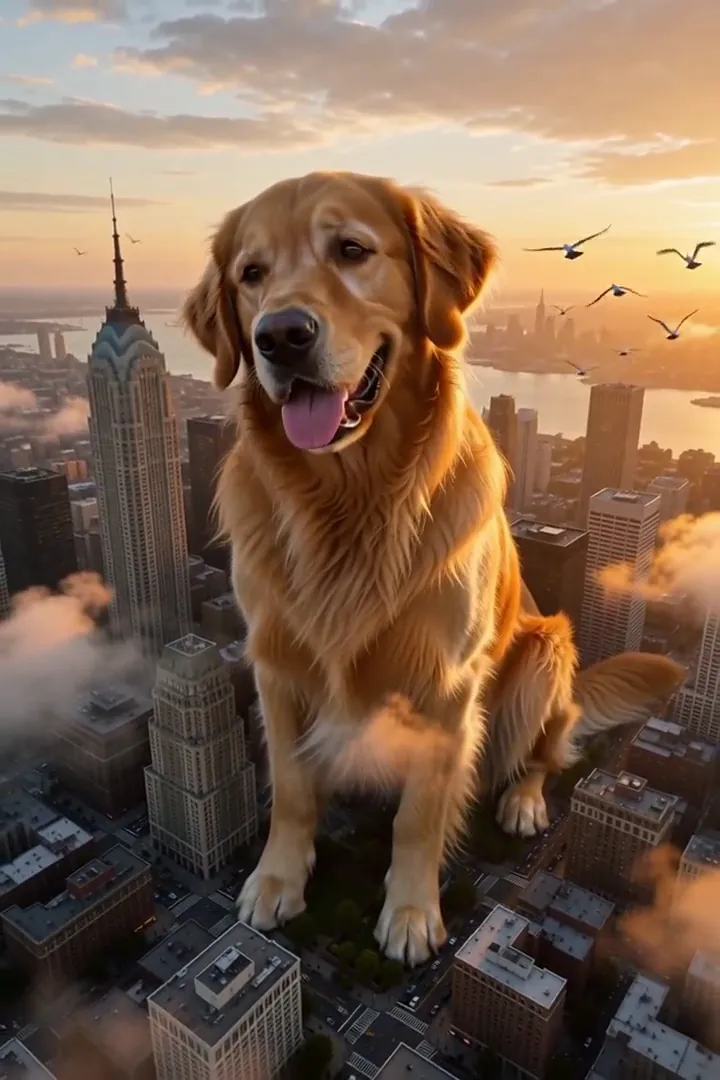 Mascota kaijuLa cámara retrocede y tu mascota se alza sobre la ciudad como un gigante amable.ProbarNuevoRecrear
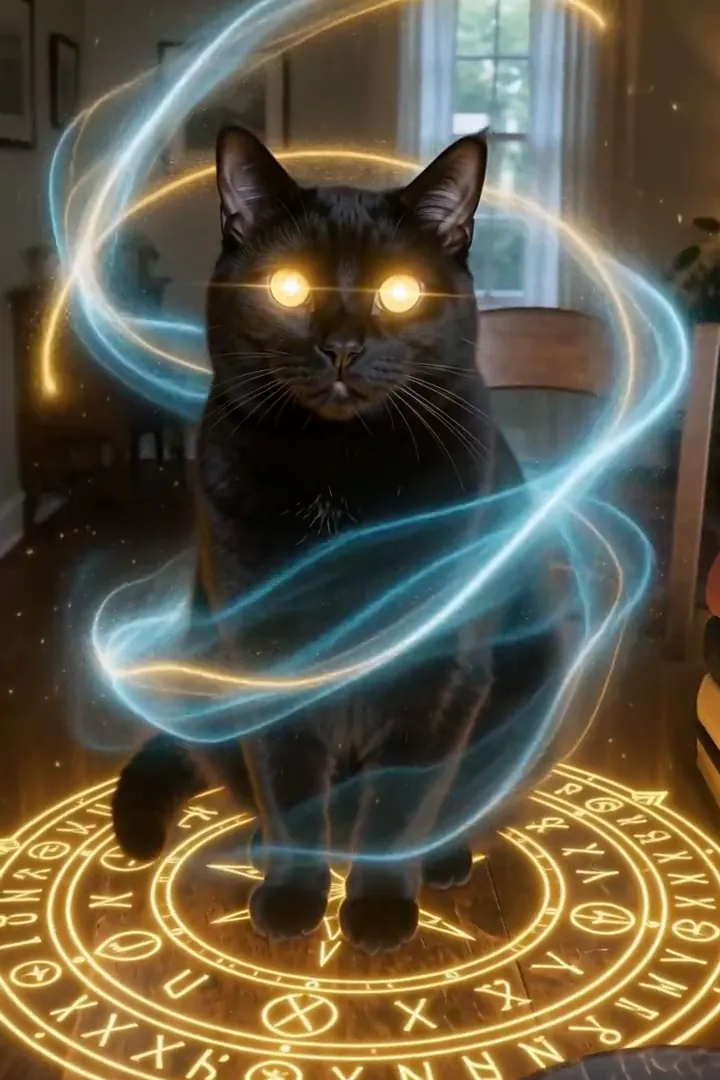 Mascota hechiceraUn círculo de runas luminoso aparece bajo tu mascota mientras cintas de magia giran a su alrededor.ProbarNuevoRecrear
 Selfie con un kaijuGrabas un selfie junto al agua mientras un monstruo marino colosal surge de la bahía a tu espalda. Mes del cine de monstruos.ProbarNuevoRecrear
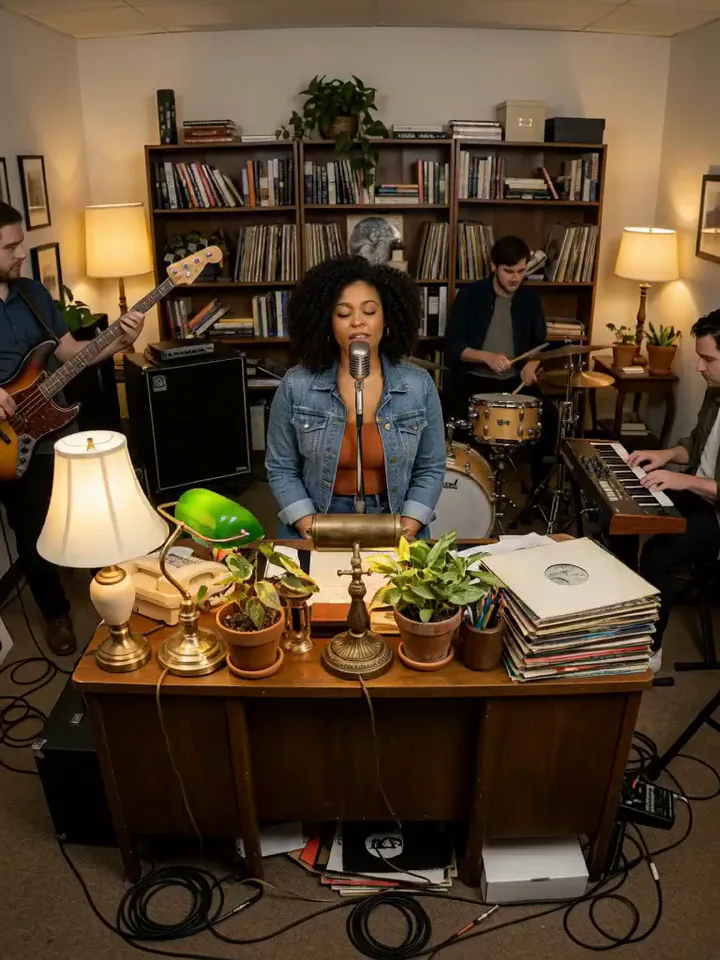 Concierto de escritorioTocas en directo con una pequeña banda detrás de un escritorio, entre estanterías y lámparas cálidas.ProbarNuevoRecrear

Qué hace el efecto Clon de sombra
Shadow Clone turns a step forward into a spreading formation of copies. Smoky afterimages connect the first figure to the trailing doubles before the group holds a shared pose. The camera opens up to show the arrangement, so empty space on both sides becomes part of the effect.
Choose an individual whose full outfit and stance are easy to identify. The pleasure is seeing the same person repeated across the scene, with a staggered trail becoming an organized group rather than a crowd of different characters. This is the cinematic edition of Clone Split, using six-second H3 Max copies with smoky trails and a shared formation.
Cómo usar Clon de sombra
- Leave room for a formation Add a full-length portrait with open ground on either side.
- Build the shadow trail Keep MiniMax H3 Max for the repeated-person sample setup.
- Compare the doubles Watch the smoky separation resolve, then inspect the shared face, outfit and final pose across the group.
Qué fotos funcionan mejor con Clon de sombra
Funciona bien
- Full-body portrait with clear clothing
- Wide empty space on both sides
Mejor evita
- A group already filling the background
- A crop cutting off legs and shoulders
Ejemplos de Clon de sombra
Lo que vimos al probar Clon de sombra
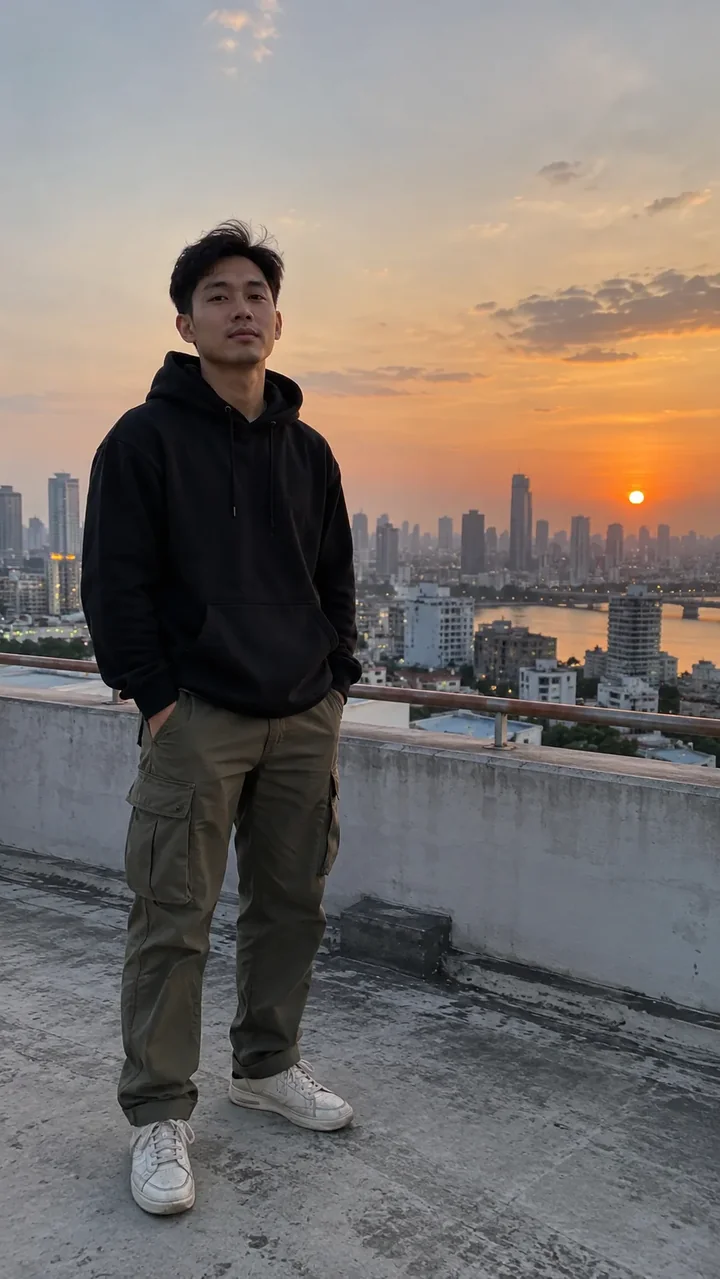
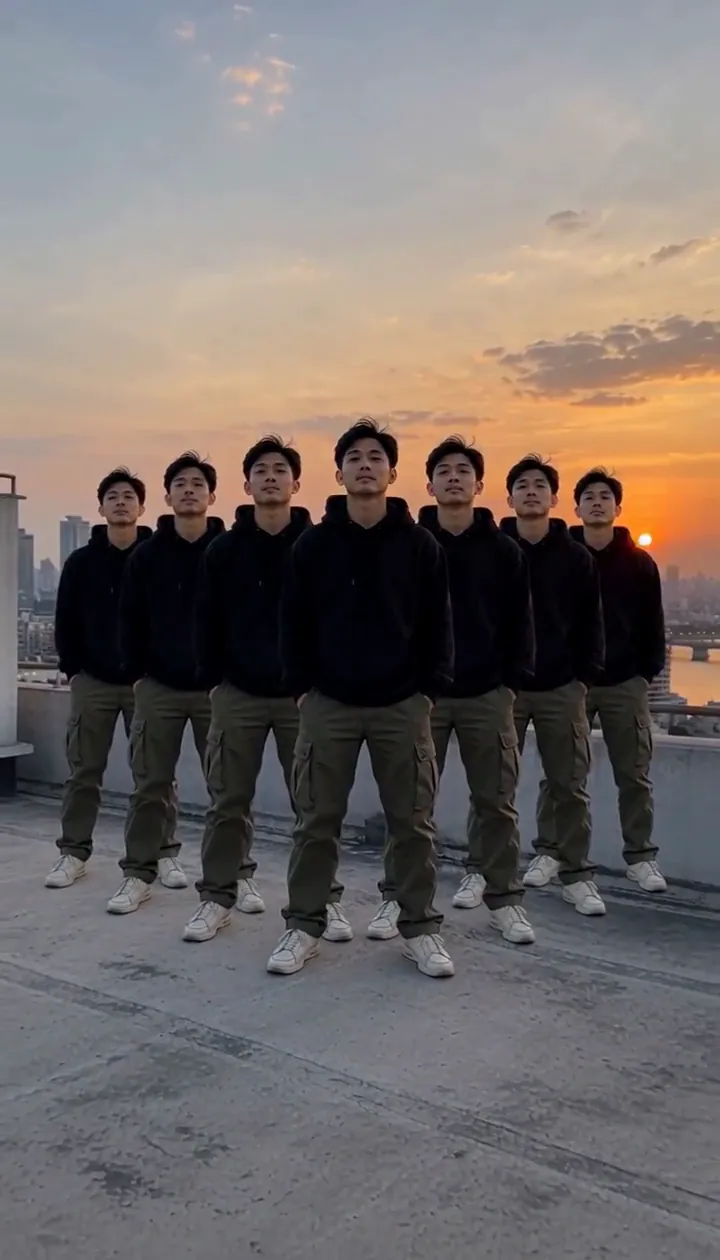
In our test runs, a man in his late 20s in a black hoodie and cargo pants on a rooftop at dusk. Full body with open space on both sides; tight crops leave no room for the copies.
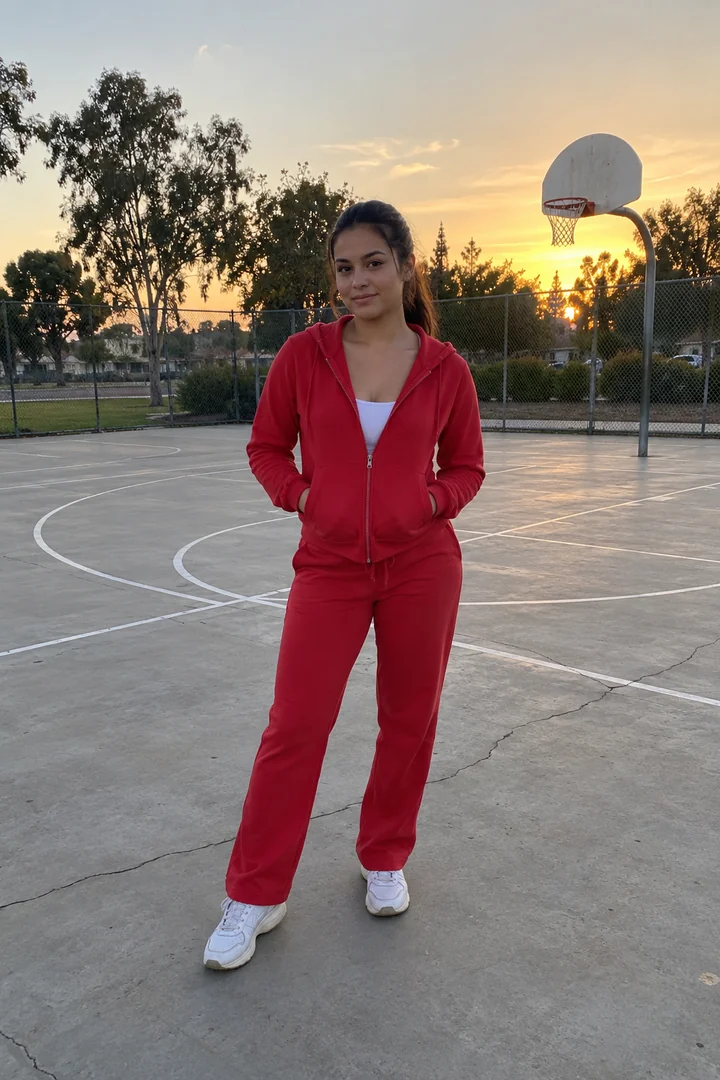
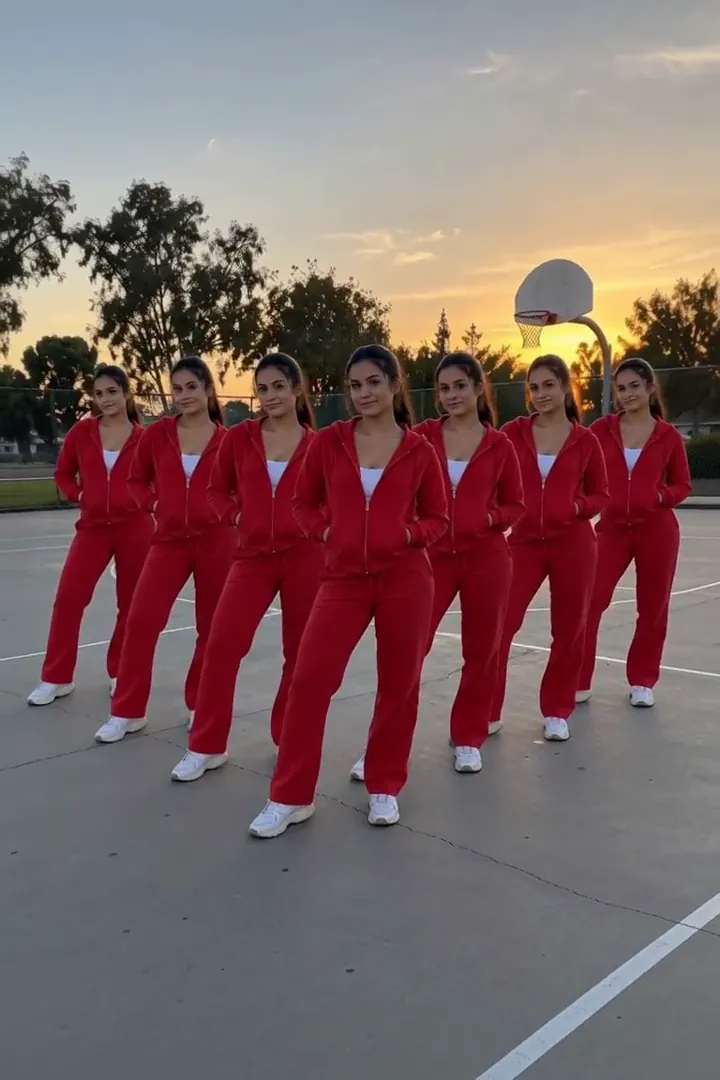
The comparison run shows a woman in her mid-20s in a red tracksuit on an empty basketball court. Copies peel off behind her and fan out into a V formation, all in the same pose. Every copy keeps the same face and outfit.
Cómo queda Clon de sombra en cada modelo
- MiniMax H3 Max (480 créditos · unos 30 s) Default; MiniMax H3 Max made the samples. 480 credits, with a typical render time of 31 seconds. The Shadow Clone render includes generated sound; its page samples play muted.
- MiniMax H3 (185 créditos · unos 55 s) MiniMax H3 is cheaper at 185 credits and untested with this prompt; the sample behavior does not establish this tier’s result.
- Seedance 2.0 Mini · 480p (124 créditos · unos 2 min)
El prompt detrás de Clon de sombra
The person steps forward and identical copies of them peel away from their body in a staggered trail, each clone a step behind the last, fanning out to both sides with a smoky shadow afterimage, then they all strike the same pose in unison. Camera slowly pulls back to fit them all. Same face and clothes on every copy, cinematic VFX.Consejos para un mejor resultado con Clon de sombra
- Avoid overlapping furniture around the legs, where separate copies need readable outlines.
- Keep the original person away from either edge so the formation can spread in both directions.
Clon de sombra: preguntas y respuestas
Do the smoky doubles get different outfits?
The supplied observations say every copy retains the same face and outfit, keeping the formation visibly tied to the original person.
Why leave space on both sides for the clones?
The copies fan outward as the camera pulls back, and a tight crop leaves little room for that spreading arrangement.
What formation appeared on the basketball court?
The woman in the red tracksuit produced copies behind her in a V formation, all holding the same pose.
Is the shadow trail itself the final result?
The trail leads into distinct copies and a shared pose, so allow the shot to continue beyond the first smoky afterimage.
Would a plain outfit make repeated figures easier to compare?
A clearly defined clothing silhouette gives you a straightforward reference for checking the faces, sleeves and stance across the doubles.
Efectos y herramientas relacionados
- Clones · Te divides en cuatro copias que se alejan y luego se alinean.
- Gemelo del espejo · Tu reflejo va un tiempo por detrás, luego se gira y le guiña un ojo a la cámara.
- Lluvia de píxeles · Te deshaces en píxeles brillantes que se lleva un viento digital.
- Trim and arrange the Shadow Clone scene