



Efecto de video con IA · Disolución dorada
Disolución dorada: efecto de IA que convierte una foto en video
Te disuelves en millones de partículas doradas que brillan y se alejan con el viento.
1Añade una foto
- Una persona u objeto principal bien definido, de cintura para arriba o de cuerpo entero, con algo de espacio alrededor
- Deja espacio en el encuadre: las alas, el fuego, los portales y los clones necesitan sitio para aparecer
- Las fotos nítidas y bien iluminadas mantienen el rostro y el pelaje iguales durante todo el efecto
Más opcionesMiniMax H3 Max
Más opciones6 s
unos 1 min
Más para probar
Todos los efectos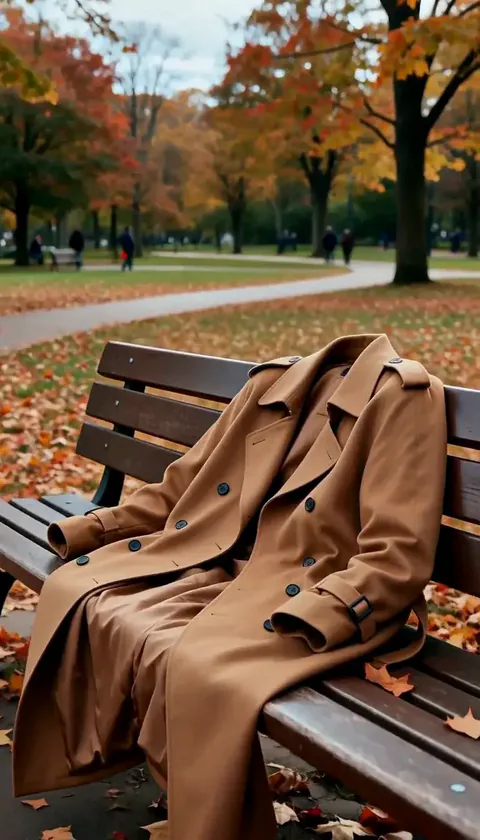 Desaparición fantasmaDesapareces en un instante, tu abrigo conserva tu forma un momento y luego cae vacío.ProbarNuevoRecrear
 Cuarto inundadoEl agua llena la habitación en segundos y flotas tranquilamente en una luz azul profunda.ProbarNuevoRecrear
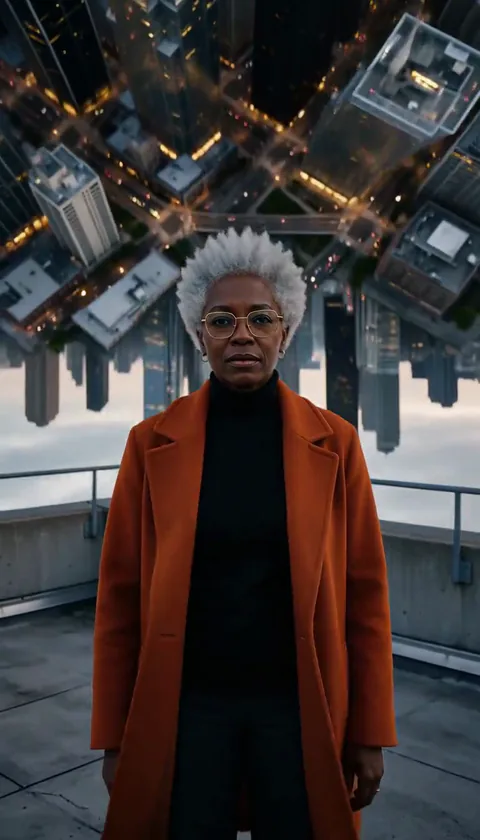 Ciudad plegadaLa ciudad detrás de ti se curva hacia arriba y se pliega sobre tu cabeza como una página.ProbarNuevoRecrear
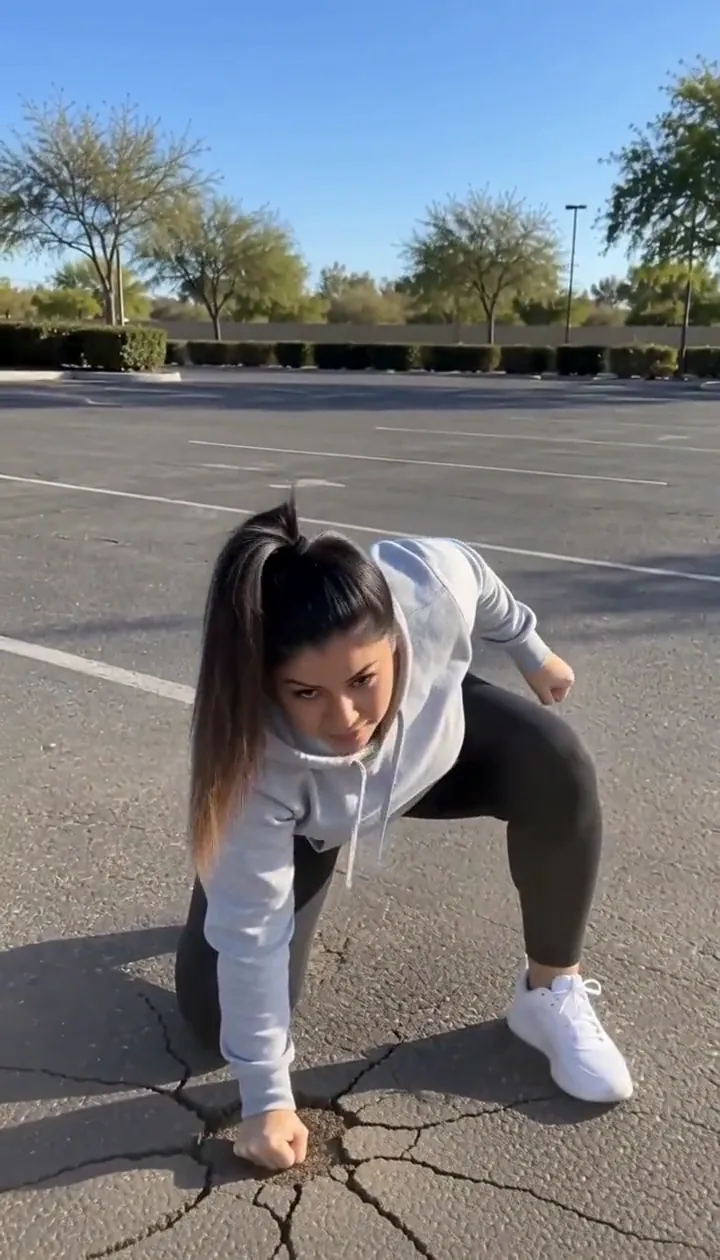 Aterrizaje de héroeSaltas fuera de cuadro y caes apoyándote en tres puntos, con fuerza para agrietar el suelo.ProbarNuevoRecrear
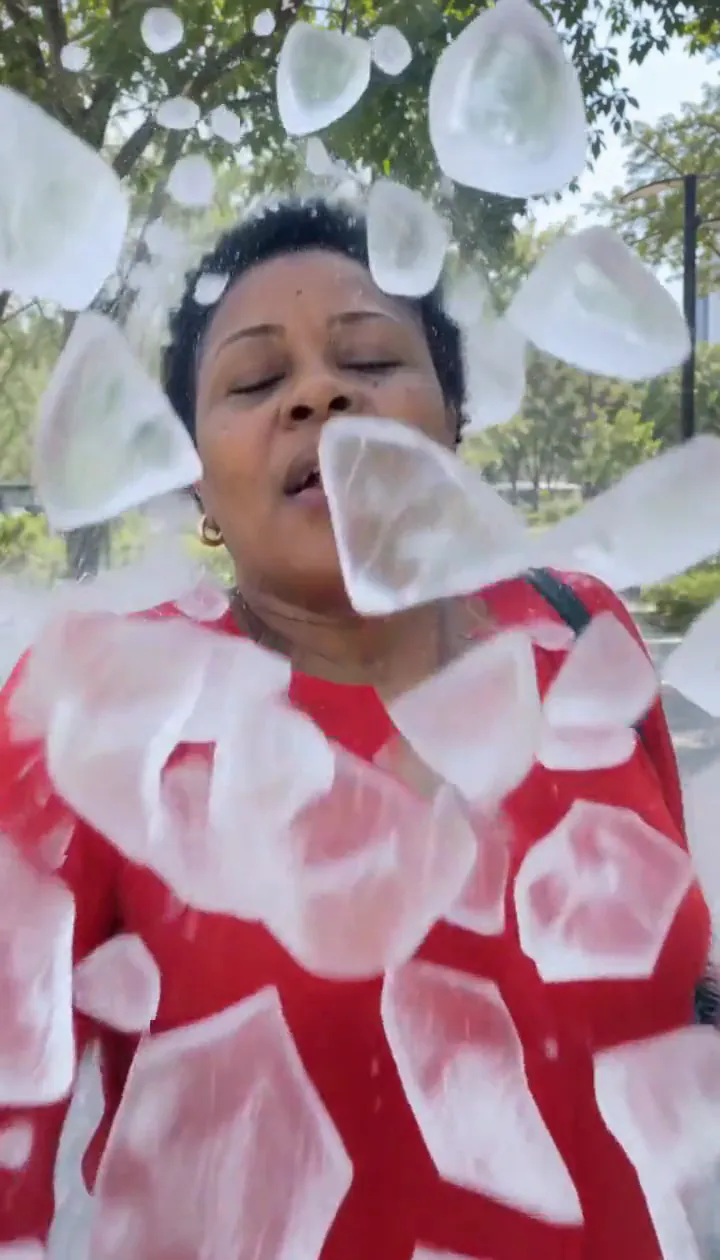 Hielo en pedazosUna capa de hielo te envuelve y estalla en fragmentos, y tú sales sonriendo.ProbarNuevoRecrear
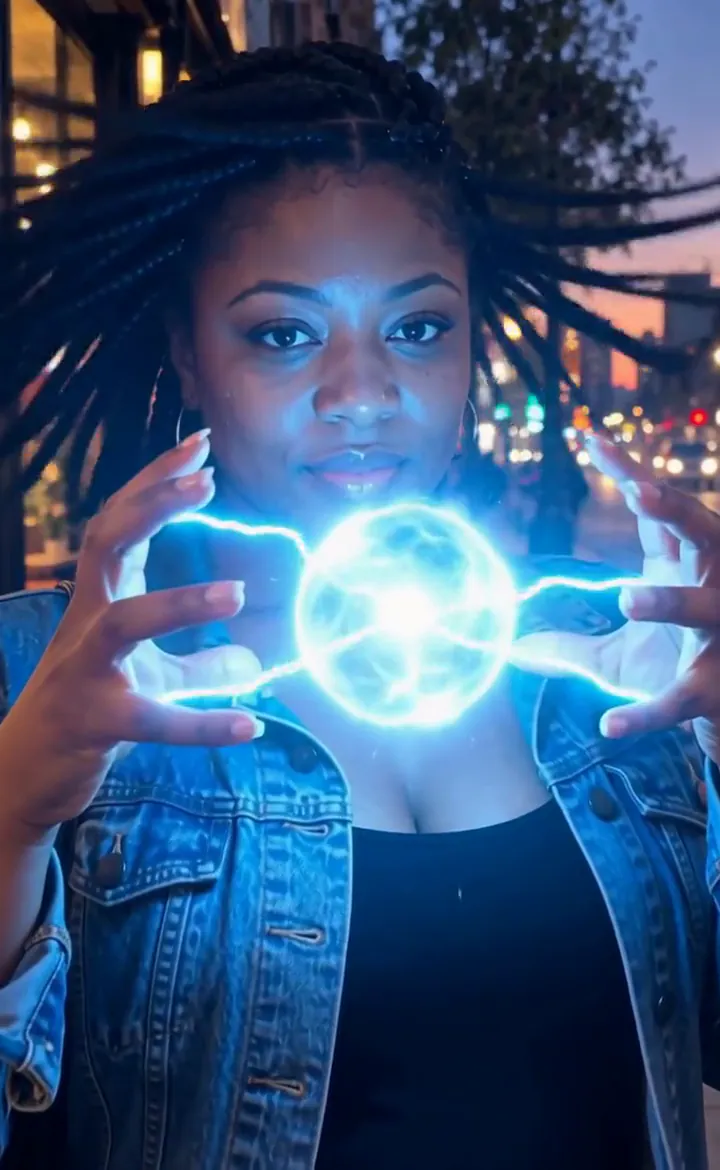 Manos de rayoLos rayos crepitan entre tus dedos y crecen hasta formar una bola de plasma brillante.ProbarNuevoRecrear

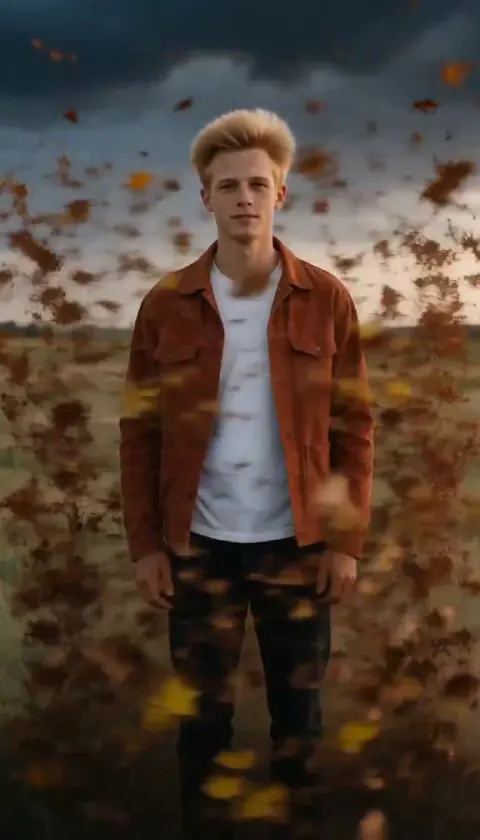
Qué hace el efecto Disolución dorada
Golden Dissolve turns a portrait into a quiet departure. Gold light breaks away from the fingertips and shoulders, travels across the figure, and streams into the space beside them. The empty background becomes the final image, so choose a place you would still enjoy looking at after the person has gone.
Think of the movement as an ending for a travel diary, a fantasy farewell, or a transition into the next scene. The drifting particles carry the action; a busy camera move would compete with that small, gradual change. This is the cinematic edition of Turn to Dust, using a six-second H3 Max render with streaming gold light instead of a plain dust breakup.
Cómo usar Disolución dorada
- Frame the departure Upload a portrait with an uncluttered area beside the person and enough background to remain interesting afterward.
- Choose the particle render Keep MiniMax H3 Max selected to match the flowing gold samples rather than assuming a budget option produces identical detail.
- Watch the last outline Review the fingertips, shoulders and final empty setting before choosing the cut point for your next scene.
Qué fotos funcionan mejor con Disolución dorada
Funciona bien
- One person with a clear outline
- A park or promenade with empty space to one side
Mejor evita
- People overlapping each other
- A face filling nearly the entire picture
Ejemplos de Disolución dorada

Lo que vimos al probar Disolución dorada
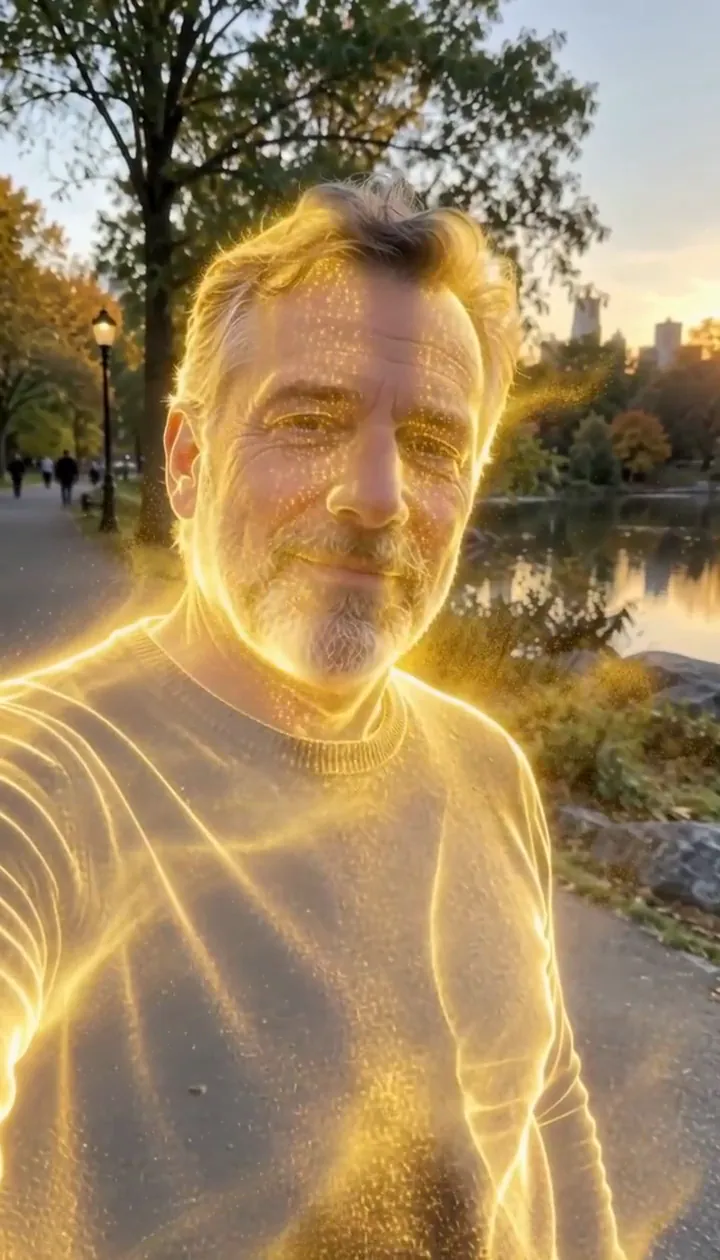
In our test runs, a man in his 50s with a trimmed grey beard and a navy sweater in a park in late-afternoon light. He dissolves into glowing gold particles until he is gone. Leave some open background on one side: the particles stream that way.
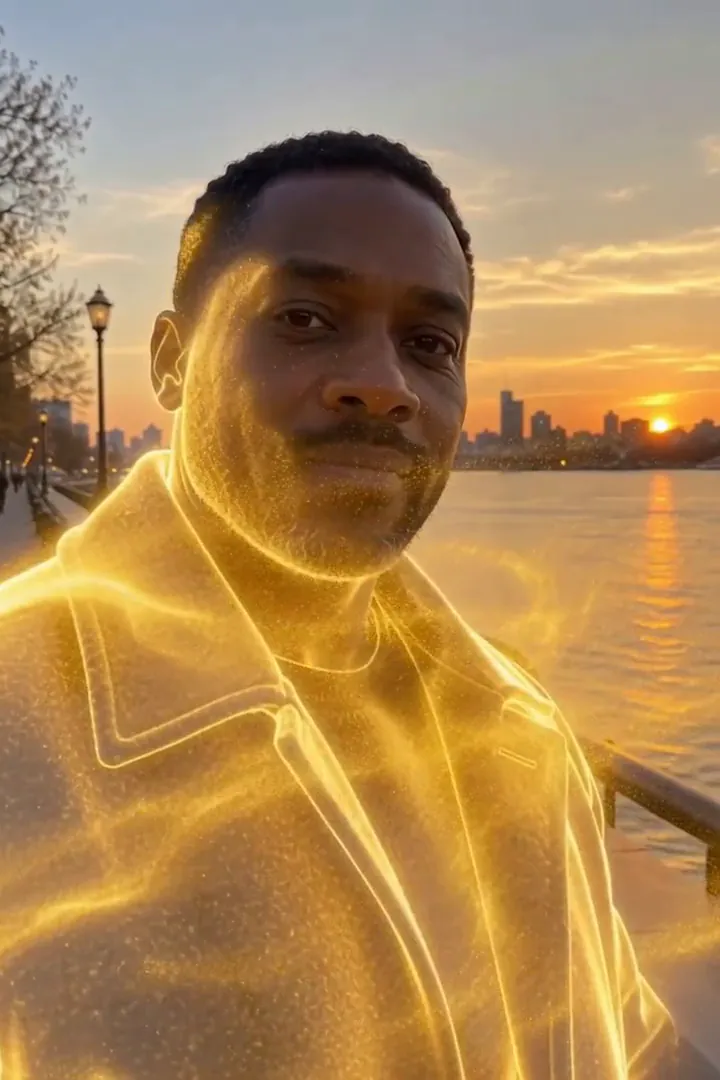
In the second run, a man in his 40s in a charcoal wool coat on a riverside promenade at golden hour. Gold sparks start at the shoulders, his whole figure turns to light, a golden outline lingers, then only the empty promenade is left. The person fully disappears by the end, so it works as an exit or a reveal shot.
Cómo queda Disolución dorada en cada modelo
- MiniMax H3 Max (480 créditos · unos 30 s) Default; MiniMax H3 Max made the samples. 480 credits, with a typical render time of 31 seconds. The Golden Dissolve render includes generated sound; its page samples play muted.
- MiniMax H3 (185 créditos · unos 55 s) MiniMax H3 costs 185 credits; cheaper and untested with this prompt, so the published effect is not a tested promise for this option.
- Seedance 2.0 Mini · 480p (124 créditos · unos 2 min)
El prompt detrás de Disolución dorada
Starting at the person's fingertips and shoulders, their body slowly dissolves into millions of glowing golden particles that peel away and stream sideways on a gentle wind, swirling through the air and catching the light, until only a shimmering golden outline remains. The background stays still. Camera holds steady with a slow push-in. Ethereal, elegant, cinematic VFX.Consejos para un mejor resultado con Disolución dorada
- Keep the original location visible around the whole torso; the scenery gives the disappearing figure a stable reference.
- Avoid a crop that clips the shoulders, where the golden breakup begins.
Disolución dorada: preguntas y respuestas
Does the gold leave a person standing at the finish?
In our test runs the figure disappeared completely, with a brief luminous outline before the background was empty.
Where should I leave room for the departing sparks?
Keep an open strip beside the shoulders and torso so the sideways stream can separate visibly from the body.
Would a crowded party picture suit this golden exit?
A solitary figure is the clearer starting point because neighboring bodies can interrupt the silhouette you want to dissolve.
Is this a solid gold statue transformation?
The intended finish is an absence made from drifting light; choose Molten Gold when you want a solid gilded figure instead.
How can I use the empty promenade ending?
Place your next shot after the last particles fade to make the disappearance serve as a gentle visual handoff.
Efectos y herramientas relacionados
- Hecho polvo · Te desmoronas en polvo brillante que se lleva el aire.
- Lluvia de pétalos · Te deshaces en un remolino de pétalos de rosa.
- Polvo de oro · Una lluvia de glitter dorado a cámara lenta cae sobre ti.
- Trim the Golden Dissolve sequence in the editor