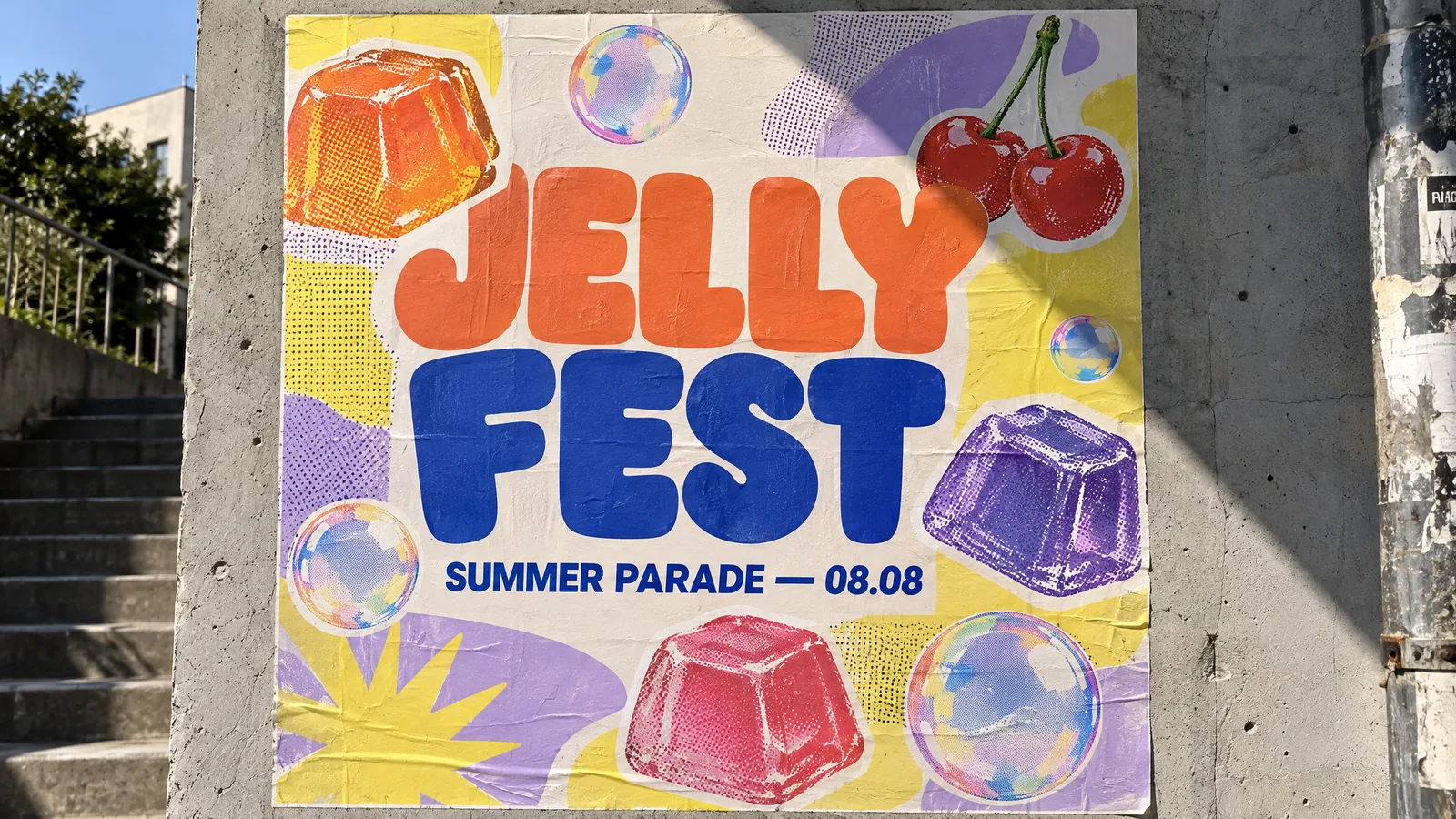
Photograph of a bold typographic event poster pasted on a sunlit concrete wall: giant chunky rounded letters "JELLY FEST" in tangerine and cobalt, a subtitle "SUMMER PARADE — 08.08" in a clean grotesk typeface, layered with cut-out stickers of wobbling jelly cubes, iridescent soap bubbles and cherries, halftone riso-print texture, lemon-yellow and lilac color blocks; harsh afternoon sun casts a diagonal shadow across the poster. Editorial graphic design, crisp legible text, no logos, no brand names.
Jelly Fest PosterGPT Image 2.5 Sunburst做同款